EasyManua.ls Logo

Casio CFX-9800G - Page 66

Casio CFX-9800G
206 pages
Print Icon
To Next Page IconTo Next Page
To Previous Page IconTo Previous Page
Loading...
Chapter
5
{|||
Statistical
Calculations
There
are
two
types
of
statistical
calculations:
sing/e-variable
statistical
calculations
per-
formed
using
standard
deviation,
and
paired-variable
statistical
calculations
periormed
using
regression.
Regression
calculations
can
be
performed
using
linear
regression,
logarithmic.
regres”
sion,
exponential
regression
and
power
regression.
-
No
matter
what
type
of
statistical
calculations
you
decide
to
perform,
you
can
tell
the
unit
to
either
store
the
statistical
data
or
not
to
store
the
data.
Choosing
storage
of
data
causes
the
data
you
input
to
be
stored
in
special
statistical
data
memory.
Choosing
non-storage
of
data
causes
the
data
you
input
to
be
processed
and
discarded
as
soon
as
yourinput
it.
If
you
choose
to
store
the
data,
be
sure
to
clear
memory
contents
before
beginning
calculations.
5.1
Single-Variable
Statistical
Calculations
...
|.
:
You
should
use
the
Standard
Deviation
Mode
to’perform
singlé-variable
statistical.
caleus
lations.
In
this
mode,
you
can
calculate
the
population
standard
deviation,
the
sample
standard
deviation,
the
mean,
the
sum
6f
squares
of
the
data,
the
sum
of
the
data,
and
the
number
of
data
items.
To
Enter
the
Standard
Deviation
Mode
without
Data
Storage
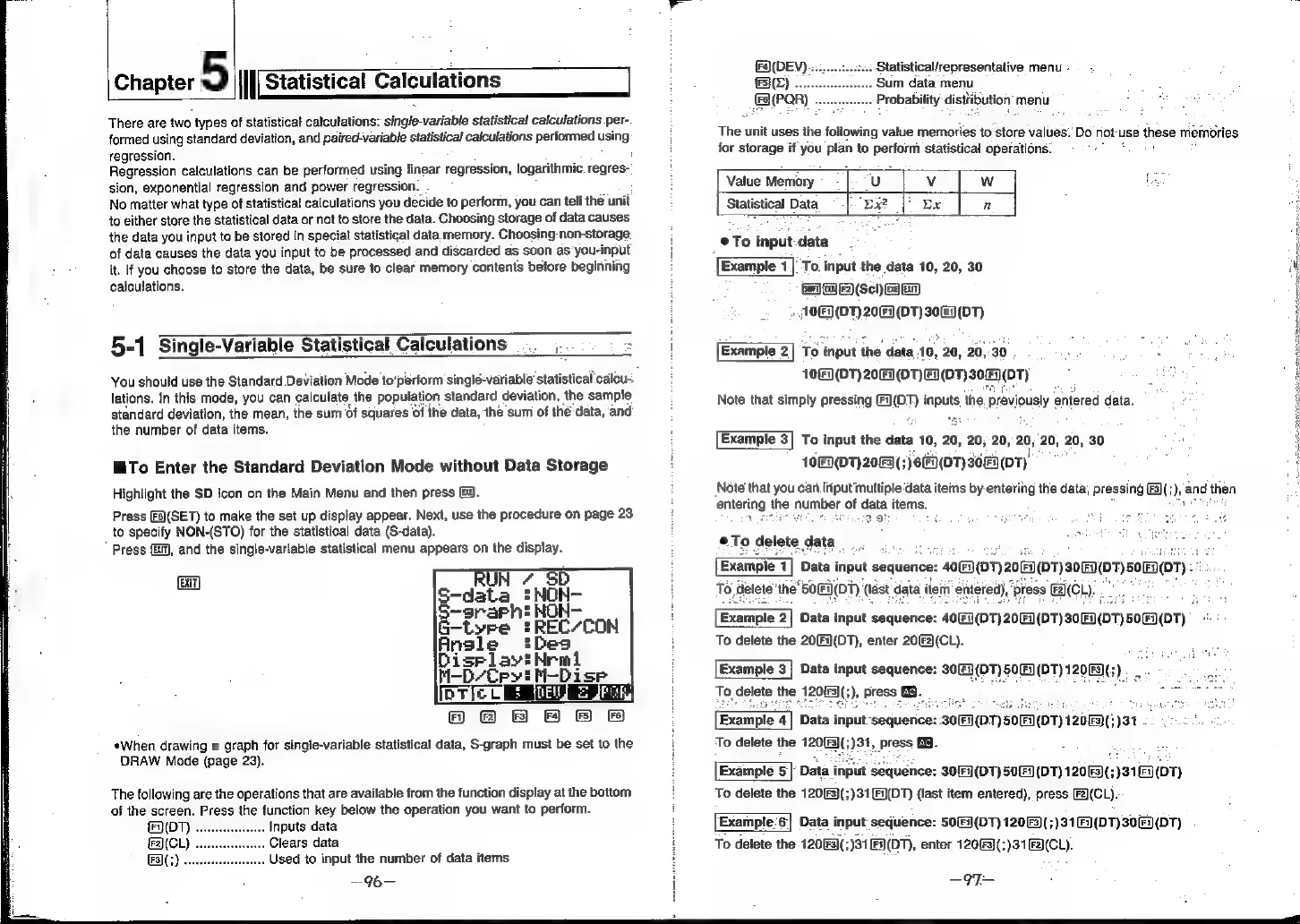
Highlight
the
$D
icon
on the
Main
Menu
and
then
press
G4).
Press
[F)(SET)
to
make
the
set
up
display
appear.
Next,
use
the
procedure
on
page
23
to
specify
NON-(STO)
for
the
statistical
data
(S-data).
*
Press
(G1),
and
the
single-variable
statistical
menu
appears
on
the
display.
EXIT]
Disrlayt
-D/Cryt
HDi
se
[oTlc
.
i
”ARMR
HB Hf
&
F&
*When
drawing
a
graph
for
single-variable
statistical
data,
S-graph
must
be
set
to
the
DRAW
Mode
(page
23).
The
following
are
the
operations
that
are
available
from
the
function
display
at
the
bottom
of
the
screen.
Press
the
function
key
below
the
operation
you
want
to
perform.
(OT)
..
Inputs
data
F2)(CL)
Clears
data
(F3](;)
....
..
Used
to
input
the
number
of
data
items
—%—
F4)(DEV)
Statistical/representative
menu
-
F5}(L)
.
Sum
data
menu
a
(PQR)
-
..
Probability
disttibution
menu
The
unit
uses
the
following
value
memories
to:store
values.’
Do
not"
use
these
memories
for
storage
if
you
plan
to
perionn
statistical
operations:
Value
Memory.
|
U
Vv
Ww
fae
Statistical
Data
Ex?
[*
Ex
n
eTo
input
data
2
:
[Example
1]
To
input
the
data
10,
20,
30
(arn)
(1A)
(F2)
(Scl)
Ge
En)
»
10)
(DT)
20)
(DT)
30F:
(DT)
Example
2]
To
input
the
data
10,
20,
20,30
103
(01)
2063(0T)E(0T)
306/07)
Note
that
simply
pressing
gen
inputs
the.
previously
entered
data.
Example
3]
To
input
the
data
10,
20,
20, 20,
20,
20, 20,
30
on
10()(DT)2083(;)
6F3(07)
30
(07),
:
Note
that
you
can
iriput
multiple‘data
items
by
entering
the
data,
pressing
F3(;),
and
then
entering
the
number
of
data
items.
tied
ot
j
cect
gta
®To
delete.
gata
Example
1
Data
input
sequence:
40]
(DT)20
Fi)
120
(0T)
u
:
To
delete
’the
S0I(DT)
(last
data
item’
entered),
‘press
FAC
ie
Example
2|
Data
input
sequence:
40(Fi](DT)20(Fi(DT)
30.
(DT)
To
delete
the
20(F1(DT),
enter
20(2)(CL).
[Example
3]
Data
input
sequence:
30(F]
(DT)
50
(DT)
12063;
To!
cele,
the
20
:
3
:
Eire.
Example
4]
Data
input-sequence:
30(F)
(DT)
50
(D7)
120833)
31
ate
fia
To
delete
the
120(3(;)31,
press
G3.
Example
5]
Data
input
sequence:
30(9
(D7)
50(DT)
12083(;)31(0T)
To
delete
the
120(F3)(;)31F)(DT)
{last
item
entered),
press
[F2)(CL).
Example.
6]
Data
input
sequence:
50(F)(DT)
120(3(;)31
(DT)
30
To
delete
the
120!
Fal(;
331
(OT),
enter
120(F3]{;)31[F2)(CL).
(DT)
—97—