10
k Special Display Formats
This calculator uses special display formats to indicate fractions, hexadecimal
values, and sexagesimal values.
uFractions
..... Indicates: 456
uHexadecimal Values
..... Indicates: ABCDEF12(16), which
equals –1412567278(10)
uSexagesimal Values
..... Indicates: 12° 34’ 56.78"
•In addition to the above, this calculator also uses other indicators or symbols,
which are described in each applicable section of this manual as they come up.
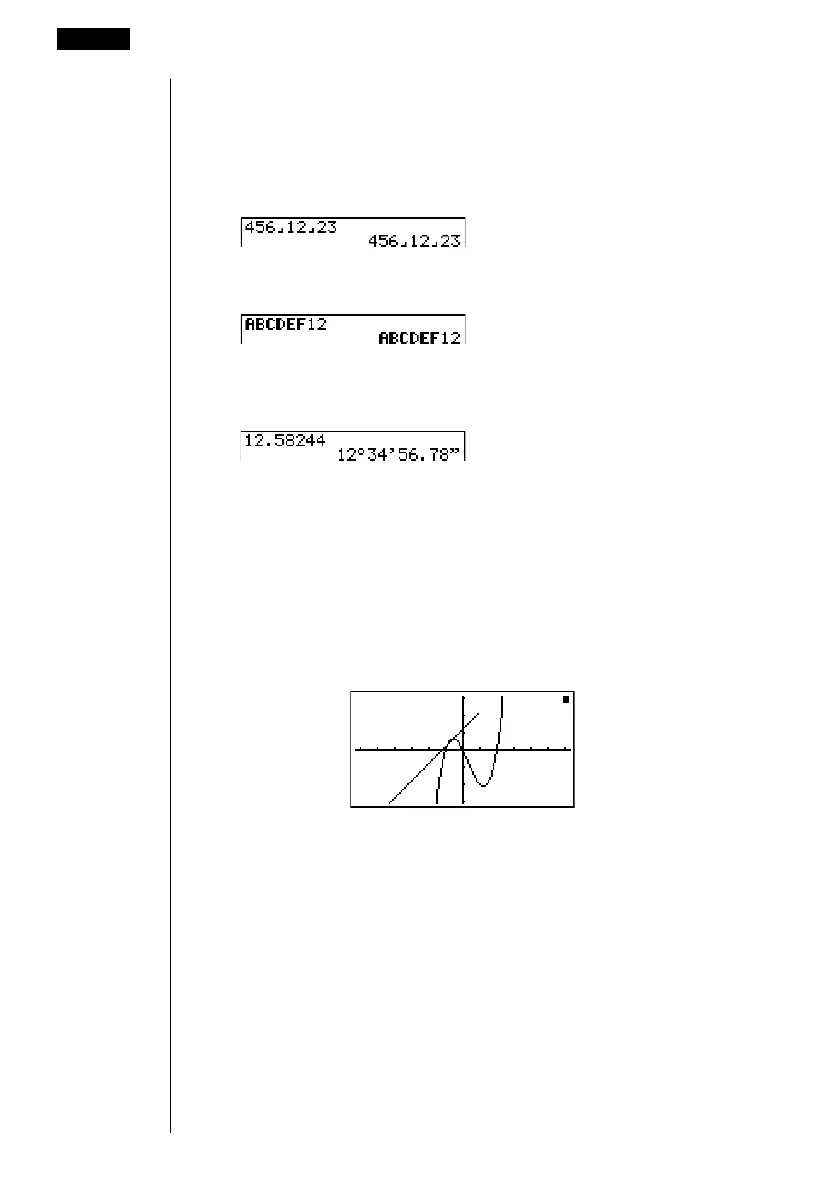
k Calculation Execution Indicator
Whenever the calculator is busy drawing a graph or executing a long, complex
calculation or program, a black box (k) flashes in the upper right corner of the
display. This black box tells you that the calculator is performing an internal
operation.
3 Display
12
––––
23















 To Next Page