117
8-3 Graph Function Operations
You can store up to 20 functions in memory. Functions in memory can be edited,
recalled, and graphed.
kk
kk
k Specifying the Graph Type
Before you can store a graph function in memory, you must first specify its graph
type.
1. While the Graph Function Menu is on the display, press 3 (TYPE) to display
the graph type menu, which contains the following items.
•{Y=}/{r=}/{Parm}/{X=c} ... {rectangular coordinate}/{polar coordinate}/
{parametric}/{X=constant} graph
•{Y>}/{Y<}/{Y
tt
tt
t}/{Y
ss
ss
s} ... {Y>f(x)}/{Y<f(x)}/{Y>f(x)}/{Y<f(x)} inequality graph
2. Press the function key that corresponds to the graph type you want to specify.
kk
kk
k Storing Graph Functions
uu
uu
uTo store a rectangular coordinate function (Y =)
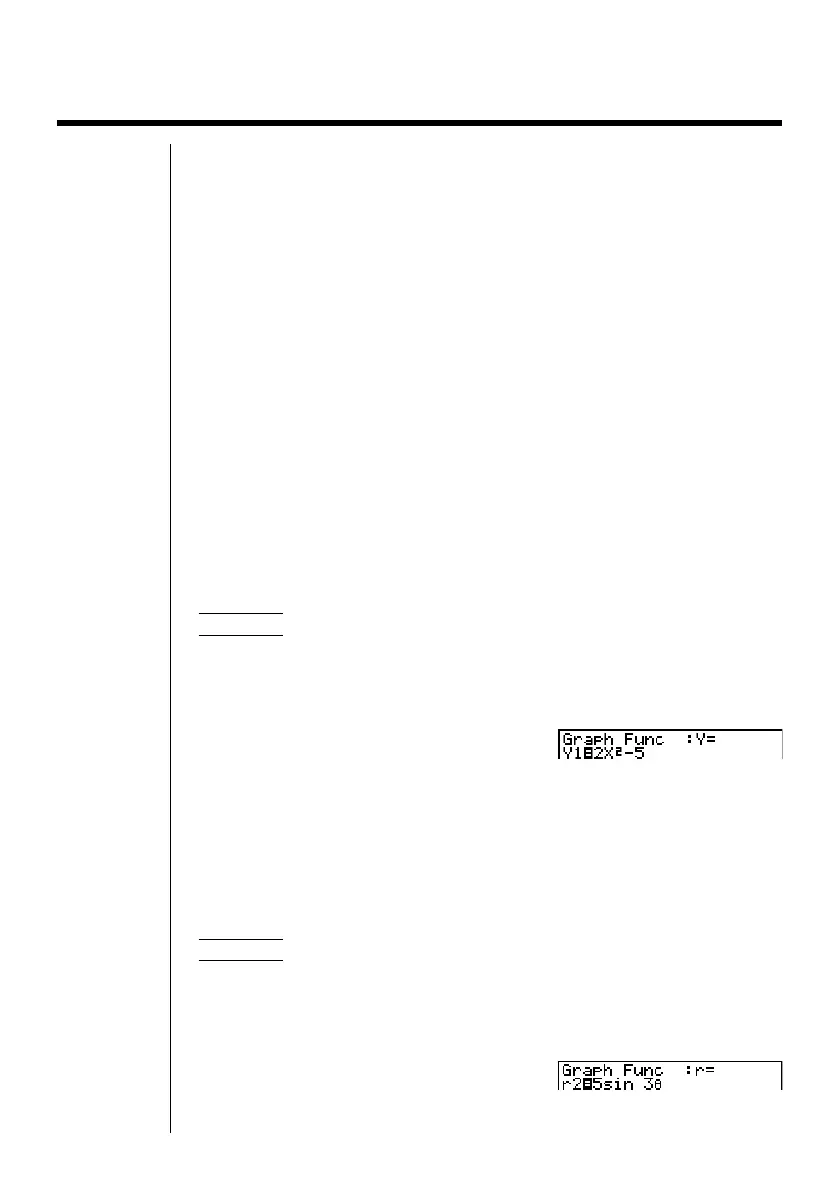
Example To store the following expression in memory area Y1 :
y = 2 x
2
– 5
3(TYPE)1(Y =) (Specifies rectangular coordinate expression.)
cvx-f(Inputs expression.)
w (Stores expression.)
•You will not be able to store the expression in an area that already contains a
parametric function. Select another area to store your expression or delete the
existing parametric function first. This also applies when storing r = expres-
sions, X = constant expressions, and ineqalities.
uu
uu
uTo store a polar coordinate function (r =)
Example To store the following expression in memory area r2 :
r = 5 sin 3
θ
3(TYPE)2(r =) (Specifies polar coordinate expression.)
fsdv(Inputs expression.)
w(Stores expression.)


 To Next Page
 Loading...












