Quick-Start
xi
FRACTION CALCULATIONS
You can use the $ key to input fractions into calculations. The symbol “ { ” is used
to separate the various parts of a fraction.
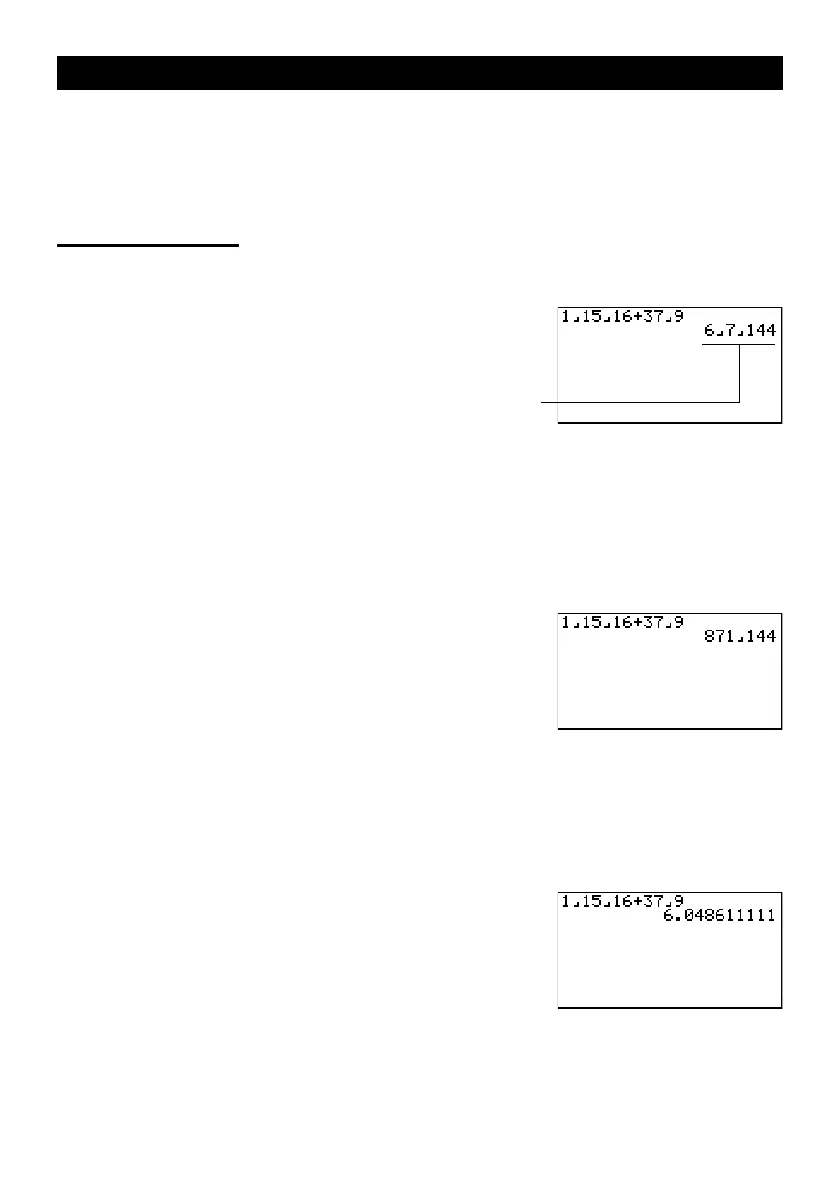
Example:
1
15
/
16
+
37
/
9
1. Press o.
2. Press b$bf$
bg+dh$
jw.
Converting a Mixed Fraction to an Improper Fraction
While a mixed fraction is shown on the display, press !
d/c
to convert it to an
improper fraction.
Press
!
d/c
again to convert back to a mixed fraction.
Converting a Fraction to Its Decimal Equivalent
While a fraction is shown on the display, press M to convert it to its decimal equiva-
lent.
Press M again to convert back to a fraction.
Indicates 6
7
/
144












 To Next Page