E-7
20031201
2 Using the ClassPad Add-In Installer
b. Though a message appears to let you know
that the software has not passed the “Windows
Logo Test”, there is no need for concern. Simply
click [Continue Anyway] and proceed with
installation.
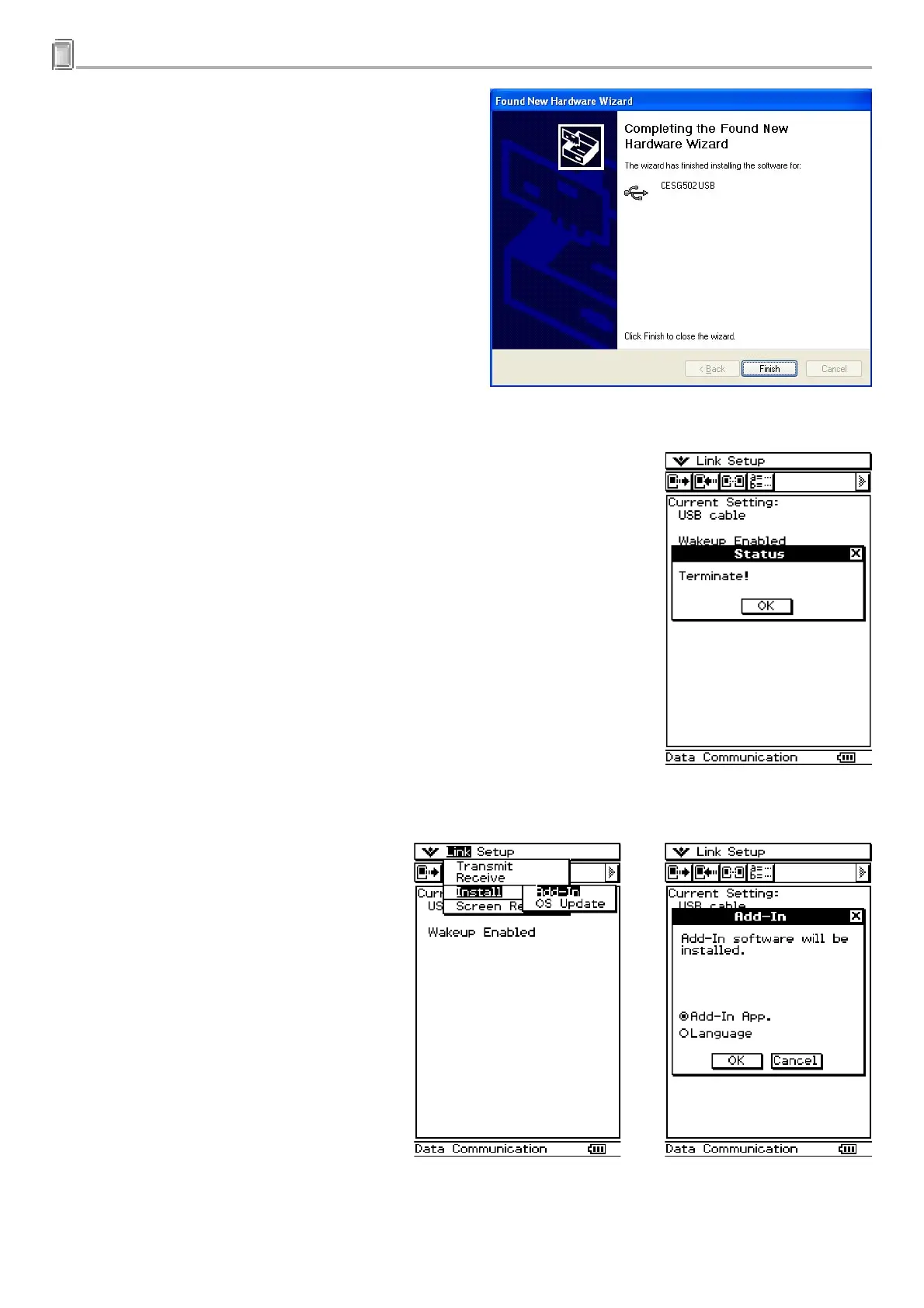
c. Click [Finish].
6
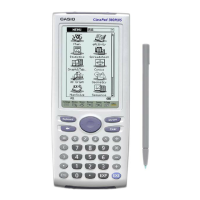
.On your ClassPad, press the c key.
7
.Tap [OK].
8
.Tap [Link], [Install], and then [Add-In].
20040201








 To Next Page