E-26
Applause Sound
Whenever you turn off the left hand or right hand part of a
Song Bank tune and play it back, an applause sound is
produced when the tune reaches the end.
To turn off the applause sound
1
Press the STOP button and the LEFT ON/OFF or
RIGHT ON/OFF button at the same time.
• Pressing the STOP button and the LEFT ON/OFF or
RIGHT ON/OFF button at the same time again turns
the applause sound back on.
Playing Back All Song Bank Tunes
in Succession
1
Use the TONE or RHYTHM button to change to
any mode other than the Song Bank Mode.
2
Press the PLAY/PAUSE button to start playback of
the Song Bank tunes starting from tune 00.
3
To stop Song Bank tune playback, press the STOP
button.
• Pausing playback automatically cancels consecutive
playback of all Song Bank tunes. Re-starting playback
causes repeat playback of the current tune only.
A
p
ls
=
Of f
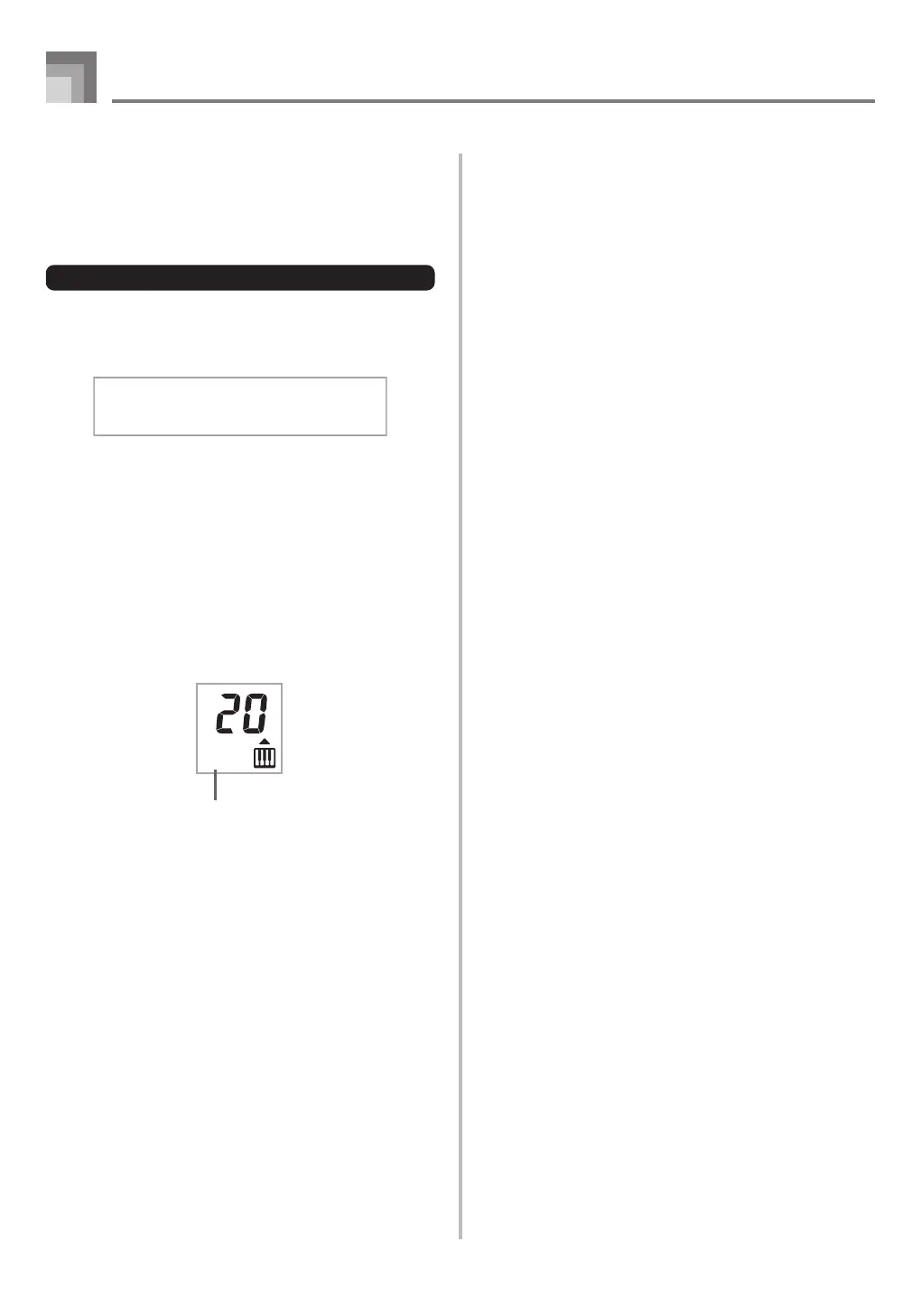
Indicator turns off.
Using the Song Bank
CTK1100_e_22-26.p65 10.3.9, 5:14 PM26


 To Next Page