4
1. Getting Started
kk
kk
k CASIO Program-Link Package
The CASIO Program-Link package includes the following items:
• Macintosh Program Disk
• PC Program Disk
• Communication cable (with Macintosh connector)
• CASIO Program-Link User’s Guide
kk
kk
k Manual Conventions
• The terms “Program-Link” and “this software” as used in this manual refer to the
Program-Link software that comes with the FA-123 Package.
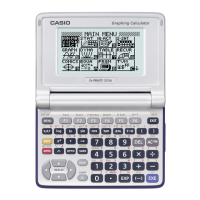
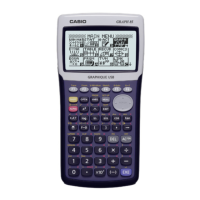
• The term “calculator” as used in this manual refers to your CASIO Graphic Scientific
Calculator.
• This manual explains only the procedures required to operate the Program-Link
application software. It assumes that you are already familiar with the following
computer operations.
• Pull-down menu operations, clicking, double-clicking, and dragging with the
mouse
• Text input using the keyboard
• Icon and window operations.
See the documentation that comes with your computer for full details on these
operations.
• All of the operations in this manual are explained using the Windows operating
system. What actually appears on the display of your computer may differ some-
what if you are using a different operating system.
• Menu operations are notated within the text of this manual as hyphenated com-
mands with the menu hierarchy progressing from left to right.
Example Selecting the Open command from the File menu would be
described as: “Select
File-Open
.”
Menu (Windows)

 Need help?

 To Next Page
 General