13
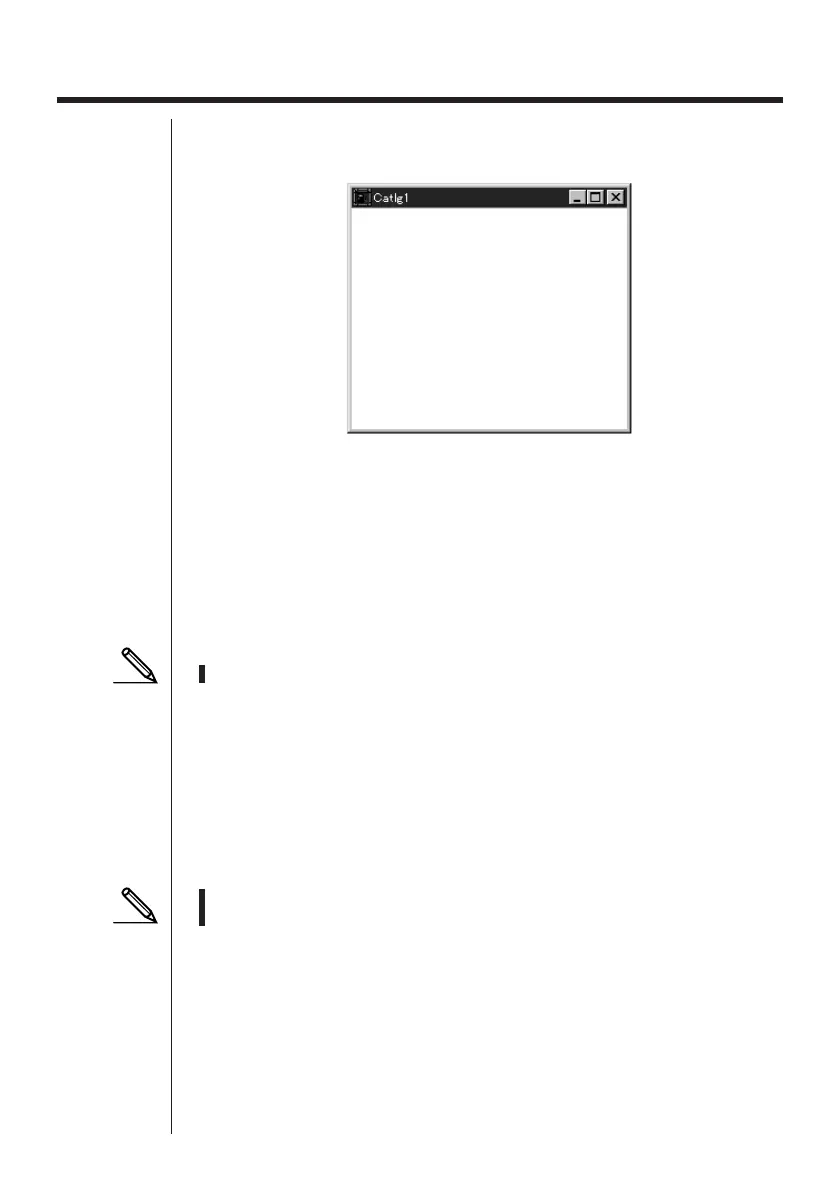
Sample screen
5. Data Editing
kk
kk
k Creating a New Catalog File
1. Select
File-New-Model Type
, and then on the sending unit select
Model Type
.
2. Input data to create a new program or copy (or move) data from another catalog
window.
• For details on creating a program, see “Creating a New Item (Program)”.
• For details on copying or moving data, see “Deleting, Copying, and Moving
Groups and Items”.
3. Select
File-Save As
to save the data.
kk
kk
k Creating a New Item (Program)
• A program is the only type of item that can be newly created.
1. While a catalog file is open, select
Item-New
.
• Input the item name (program name) in the dialog box that appears on the
screen.
• The following are the characters you can use in a file name:
A through Z, r,
θ
, spaces, [, ], {, }, ’, ”, ~, 0 through 9, ., +, –, ×, ÷
• The above operation creates a program group and creates the item inside the
program group.
• If a program group already exists, the item is created inside the existing program
group.
2. Double-click on the item to launch the program editor.
• In the case of a Macintosh, the program editor is launched automatically.
3. Input the contents of the program.
• See “Program Editor” for details on inputting program contents.
4. Select
File-Close
to quit the program editor.
5. Select
File-Save
to save the catalog file.



 To Next Page