EasyManua.ls Logo

Casio FX-795P - SAVE {ALL}

Casio FX-795P
133 pages
Print Icon
To Next Page IconTo Next Page
To Previous Page IconTo Previous Page
Loading...
CHAPTER7
.
Command
Reference
SO
Precaution:
If
the
password
is
forgotten
after
specifying,
press
the
RESET
button
under
the
power
switch
and
cancel
the
password.
Note
that
this
operation
causes
all
pro-
grams
and
variable
contents
to
be
cleared.
Example:
PASS
*
CASIO
”@
*The
same
procedure
is
used
for
specifying
and
also
cancelling
the
password.
138
7-1
Manual
Commands
[File
name”’]
@
Character
string
SAVE
(ALL)
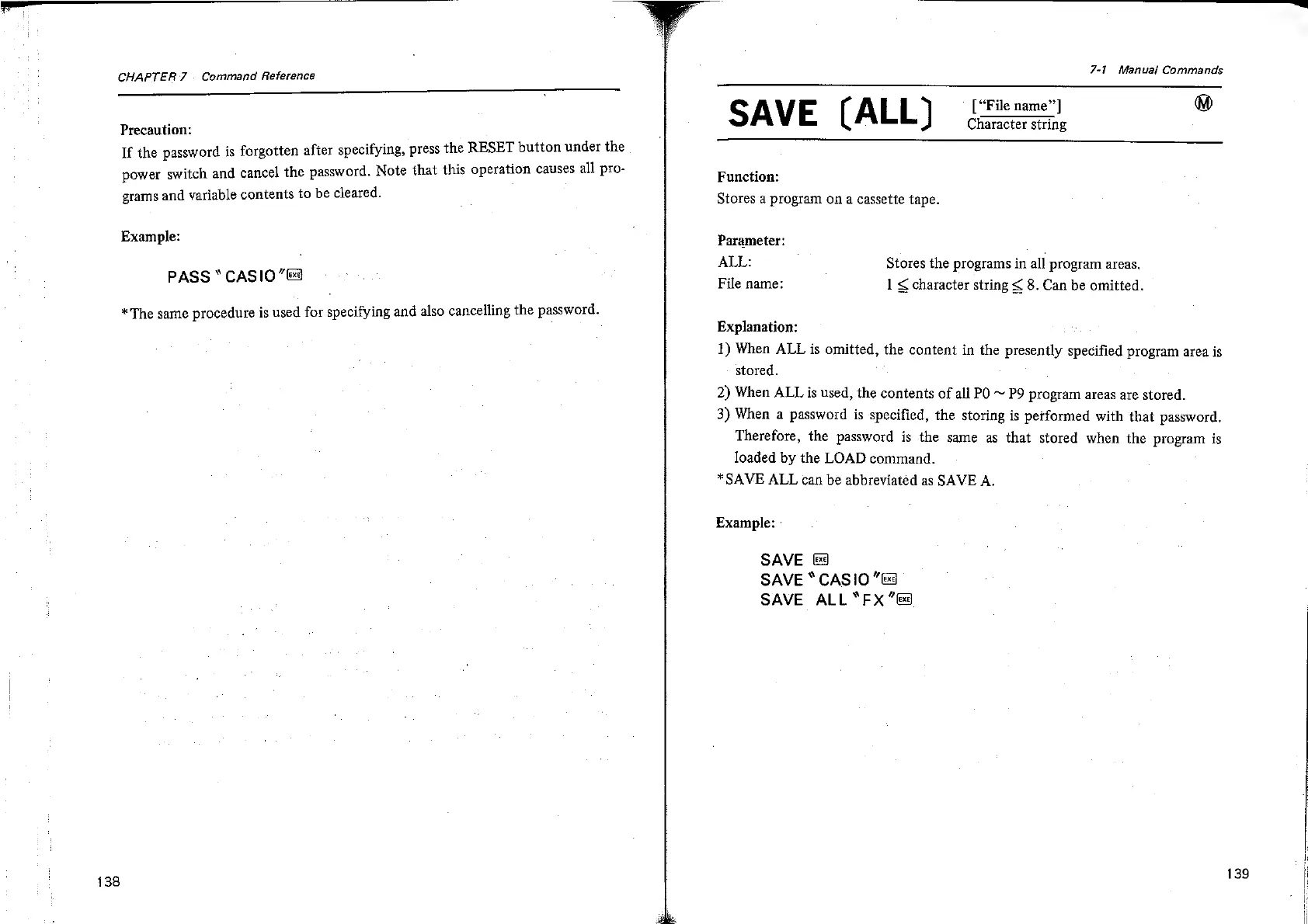
Function:
Stores
a
program
on
a
cassette
tape.
Parameter:
ALL:
Stores
the
programs
in
all
program
areas,
File
name:
1
§
character
string
¢
8.
Can
be
omitted.
Explanation:
1)
When
ALL
is
omitted,
the
content
in
the
presently
specified
program
area
is
stored.
2)
When
ALL
is
used,
the
contents
of
all
PO
~
P9
program
areas
are
stored.
3)
When
a
password
is
specified,
the
storing
is
performed
with
that
password.
Therefore,
the
password
is
the
same
as
that
stored
when
the
program
is
loaded
by
the
LOAD
command.
*SAVE
ALL
can
be
abbreviated
as
SAVE
A.
Example:
SAVE
&
SAVE
“CASIO
“&
SAVE
ALL
*FX
“fs
139

Related product manuals