EasyManua.ls Logo

Casio fx-83GT PLUS - Page 10

Casio fx-83GT PLUS
32 pages
Print Icon
To Next Page IconTo Next Page
To Previous Page IconTo Previous Page
Loading...
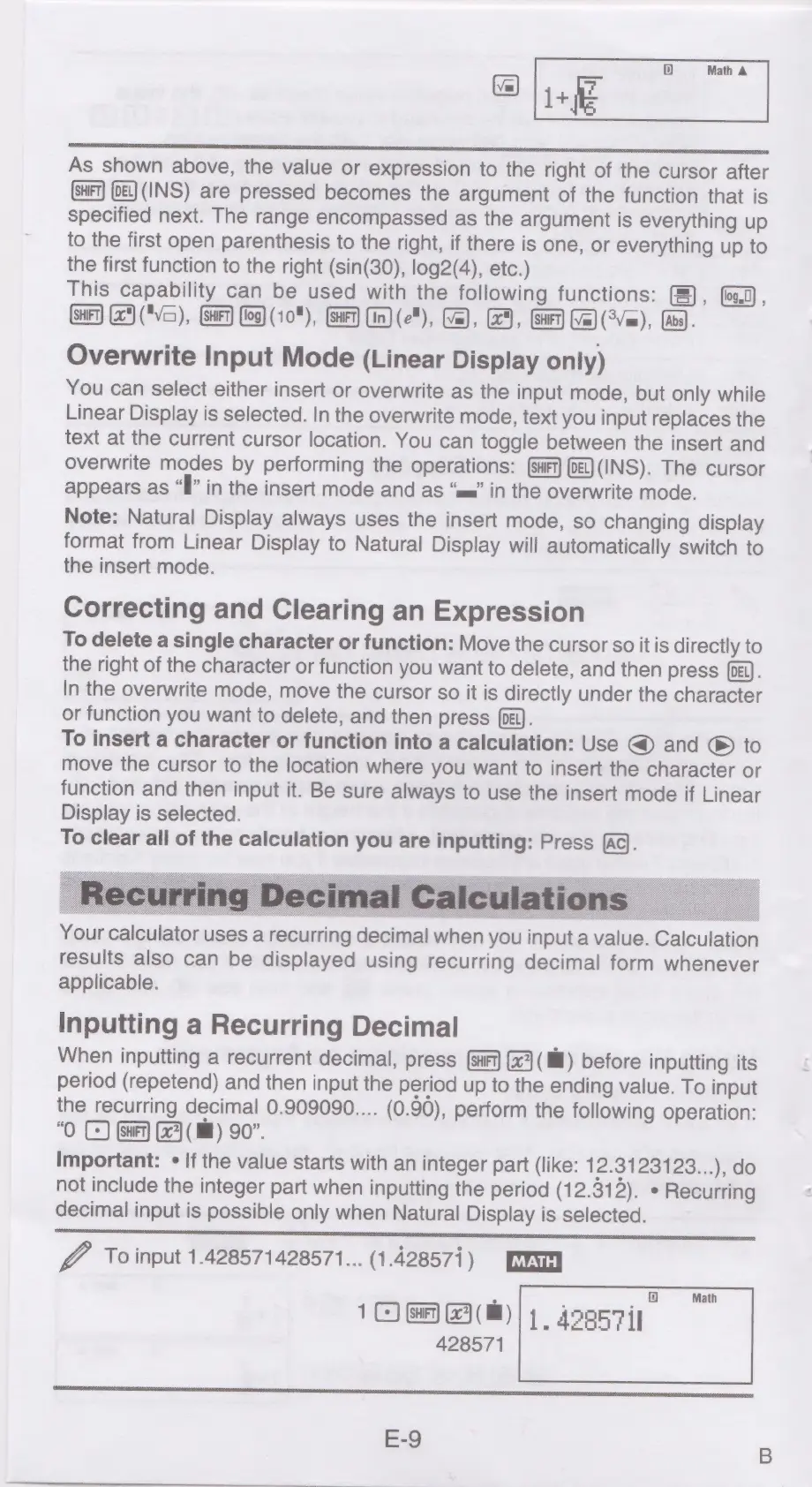
1D}
Math
A
1+fE
eens
As
shown
above,
the
value
or
expression
to
the
right
of
the
cursor
after
oe)
(INS)
are
pressed
becomes
the
argument
of
the
function
that
is
specified
next.
The
range
encompassed
as
the
argument
is
everything
up
to
the
first
open
parenthesis
to
the
right,
if
there
is
one,
or
everything
up
to
the
first
function
to
the
right
(sin(30),
log2(4),
etc.)
This
capability
can
be
used
with
the
following
functions:
(),
(log.0)
,
(SH
(25)
("Vc=),
HET)
log)
(108),
(HET)
(Un)
(e"),
(Ze),
(GE),
(SHEN)
(7m)
(Vem),
(Bs).
Overwrite
Input
Mode
(Linear
Display
only)
You
can
select
either
insert
or
overwrite
as
the
input
mode,
but
only
while
Linear
Display
is
selected.
In
the
overwrite
mode,
text
you
input
replaces
the
text
at
the
current
cursor
location.
You
can
toggle
between
the
insert
and
overwrite
modes
by
performing
the
operations:
(ot)
(INS).
The
cursor
appears
as
“Il”
in
the
insert
mode
and
as
“mm”
in
the
overwrite
mode.
Note:
Natural
Display
always
uses
the
insert
mode,
so
changing
display
format
from
Linear
Display
to
Natural
Display
will
automatically
switch
to
the
insert
mode.
Correcting
and
Clearing
an
Expression
To
delete
a
single
character
or
function:
Move
the
cursor
so
it
is
directly
to
the
right
of
the
character
or
function
you
want
to
delete,
and
then
press
(pe).
In
the
overwrite
mode,
move
the
cursor
so
it
is
directly
under
the
character
or
function
you
want
to
delete,
and
then
press
(oi).
To
insert
a
character
or
function
into
a
calculation:
Use
@
and
®
to
move
the
cursor
to
the
location
where
you
want
to
insert
the
character
or
function
and
then
input
it.
Be
sure
always
to
use
the
insert
mode
if
Linear
Display
is
selected.
To
clear
all
of
the
calculation
you
are
inputting:
Press
(aq.
Your
calculator
uses
a
recurring
decimal
when
you
input
a
value.
Calculation
results
also
can
be
displayed
using
recurring
decimal
form
whenever
applicable.
Inputting
a
Recurring
Decimal
When
inputting
a
recurrent
decimal,
press
(HF)
(2)
(ll)
before
inputting
its
period
(repetend)
and
then
input
the
period
up
to
the
ending
value.
To
input
the
recurring
decimal
0.909090....
(0.90),
perform
the
following
operation:
“O
C)
Gary
(Ml)
90”.
Important:
¢
If
the
value
starts
with
an
integer
part
(like:
12.3123123...),
do
not
include
the
integer
part
when
inputting
the
period
(12.312).
*
Recurring
decimal
input
is
possible
only
when
Natural
Display
is
selected.
@
To
input
1.428571428571...
(1.428571)
1
©
Gary
G3
(i)
428571
1D)
1.
428571

Related product manuals