EasyManua.ls Logo

Casio fx-83GT PLUS - Page 4

Casio fx-83GT PLUS
32 pages
Print Icon
To Next Page IconTo Next Page
To Previous Page IconTo Previous Page
Loading...
*
Do
not
subject
the
calculator
to
excessive
impact,
pressure,
or
bending.
¢
Never
try
to
take
the
calculator
apart.
¢
Use
a
soft,
dry
cloth
to
clean
the
exterior
of
the
calculator.
¢
Whenever
discarding
the
calculator
or
batteries,
be
sure
to
do
so
in
accordance
with
the
laws
and
regulations
in
your
particular
area.
*
Company
and
product
names
used
in
this
manual
may
be
registered
trademarks
or
trademarks
of
their
respective
owners.
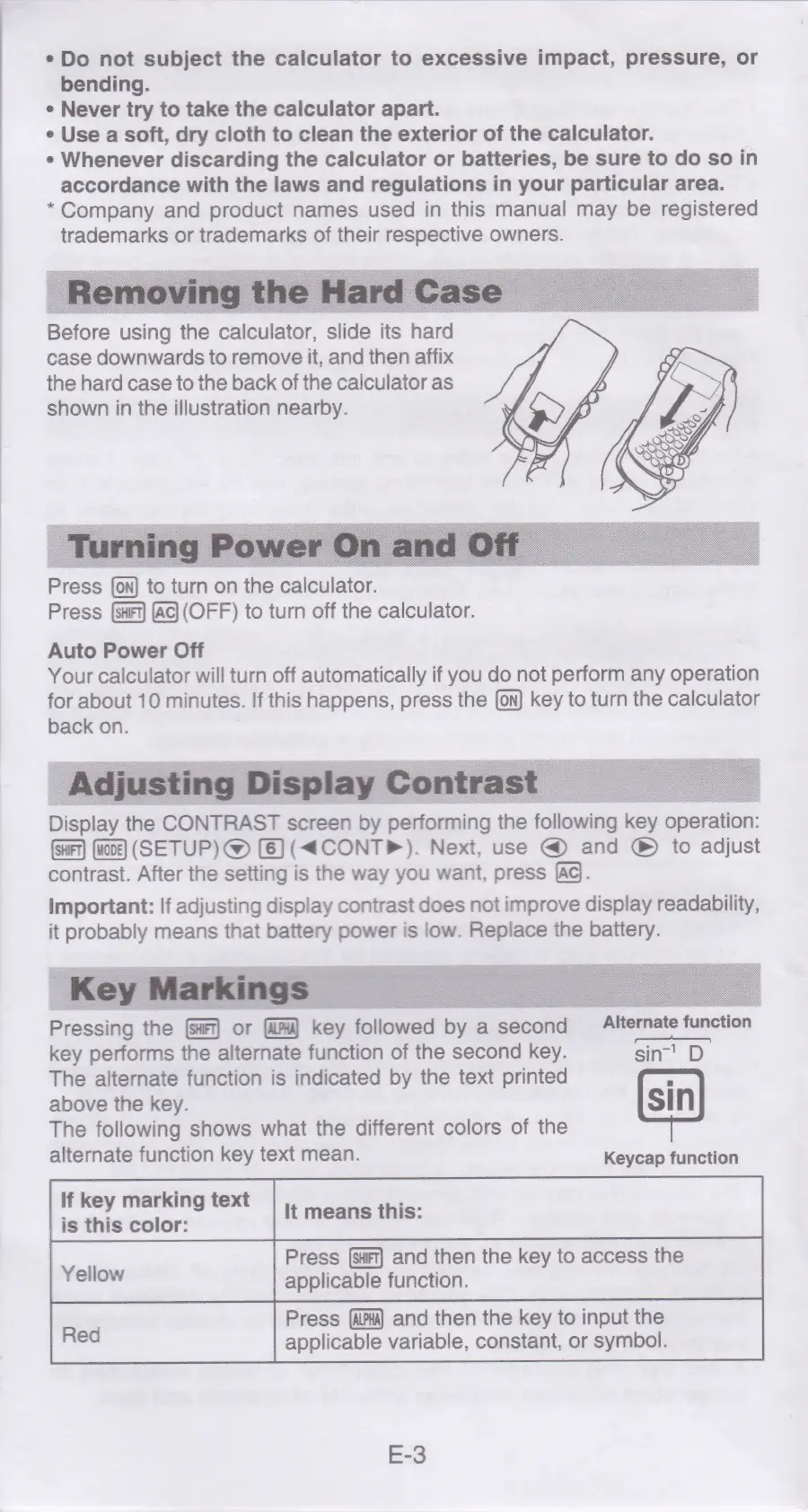
Before
using
the
calculator,
slide
its
hard
case
downwards
to
remove
it,
and
then
affix
the
hard
case
to
the
back
of
the
calculator
as
shown
in
the
illustration
nearby.
Press
to
turn
on
the
calculator.
Press
(ac)
(OFF)
to
turn
off
the
calculator.
Auto
Power
Off
Your
calculator
will
turn
off
automatically
if
you
do
not
perform
any
operation
for
about
10
minutes.
If
this
happens,
press
the
key
to
turn
the
calculator
back
on.
Display
the
CONTRAST
screen
by
performing
the
following
key
operation:
(SETUP)
@
(6)
(<CONTP).
Next,
use
and
®
to
adjust
contrast.
After
the
setting
is
the
way
you
want,
press
[Ad.
important:
If
adjusting
display
contrast
does
not
improve
display
readability,
it
probably
means
that
battery
power
is
low.
Replace
the
battery.
Pressing
the
or
key
followed
by
a
second
Alternate
function
key
performs
the
alternate
function
of
the
second
key.
sin’
D
The
alternate
function
is
indicated
by
the
text
printed
above
the
key.
The
following
shows
what
the
different
colors
of
the
alternate
function
key
text
mean.
Keycap
function
If
key
marking
text
is
this
color:
Press
and
then
the
key
to
access
the
Yellow
applicable
function.
Press
and
then
the
key
to
input
the
applicable
variable,
constant,
or
symbol.
E-3

Related product manuals