(Y=) 2
(Z=) 3
Example 3: x
2
+ x +
3
4
= 0 (MthIO-MathO)
(EQN) (aX
2
+ bX + c = 0)
1 1 3 4
(X
1
=) -
1
2
+
√2
2
i
(X
2
=) -
1
2
-
√2
2
i
Example 4: x
2
- 2√2x + 2 = 0 (MthIO-MathO)
(EQN) (aX
2
+ bX + c = 0)
1 2 2 2 (X=) √2
Example 5: x
3
- 2x
2
- x + 2 = 0
(EQN) (aX
3
+ bX
2
+ cX + d = 0)
1 2 1 2
(X
1
=) -1
(X
2
=) 2
(X
3
=) 1
Creating a Numerical Table from a
Function (T
ABLE)
TABLE generates a numerical table for x and f(x) using an input f(x)
function.
Perform the following steps to generate a numerical table.
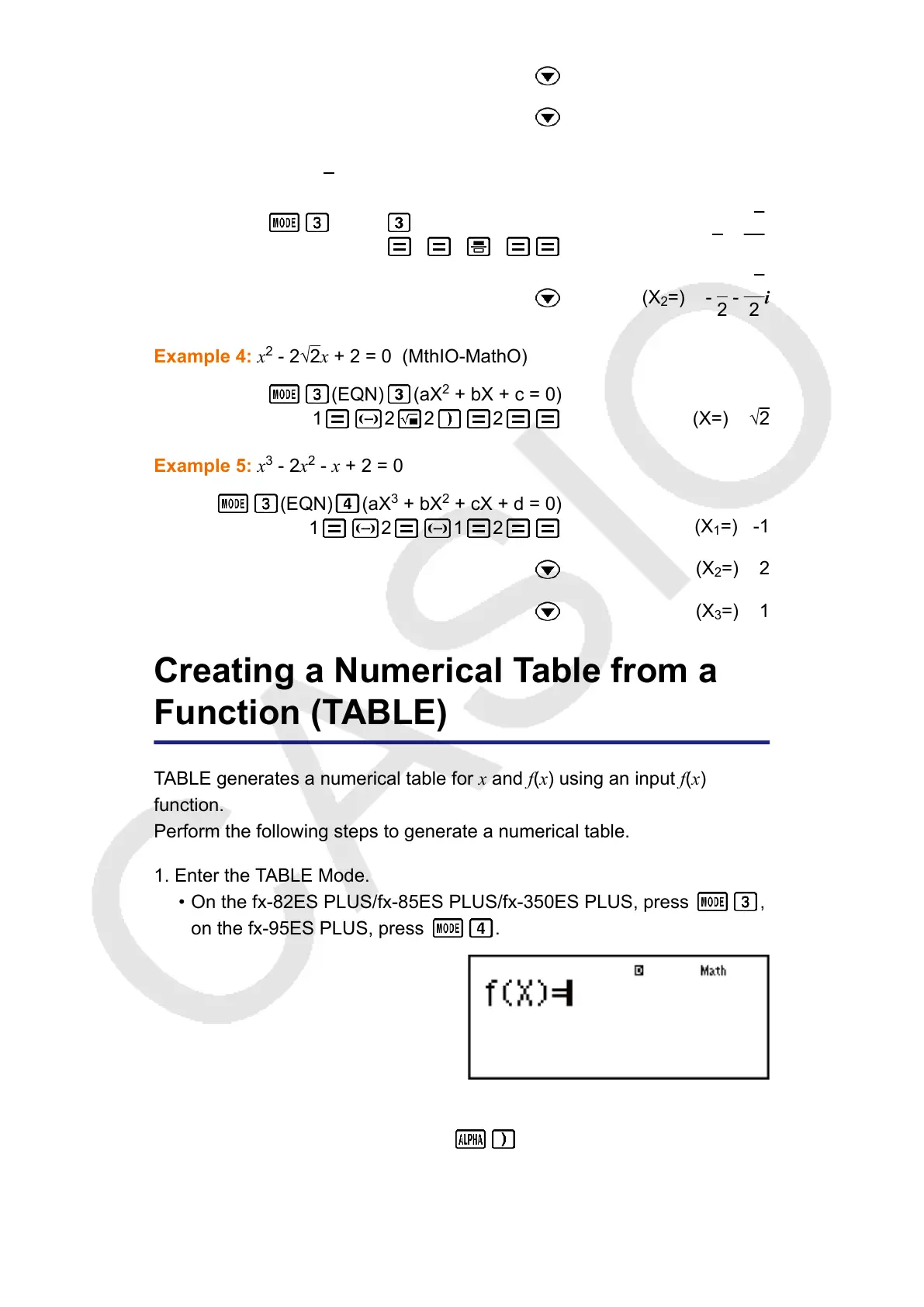
1. Enter the TABLE Mode.
• On the fx-82ES PLUS/fx-85ES PLUS/fx-350ES PLUS, press
,
on the fx-95ES PLUS, press .
2. Input a function in the format f(x), using the X variable.
• Be sure to input the X variable (
(X)) when generating a
numerical table. Any variable other than X is handled as a constant.
• The following cannot be used in the function: Pol, Rec.
46



 To Next Page