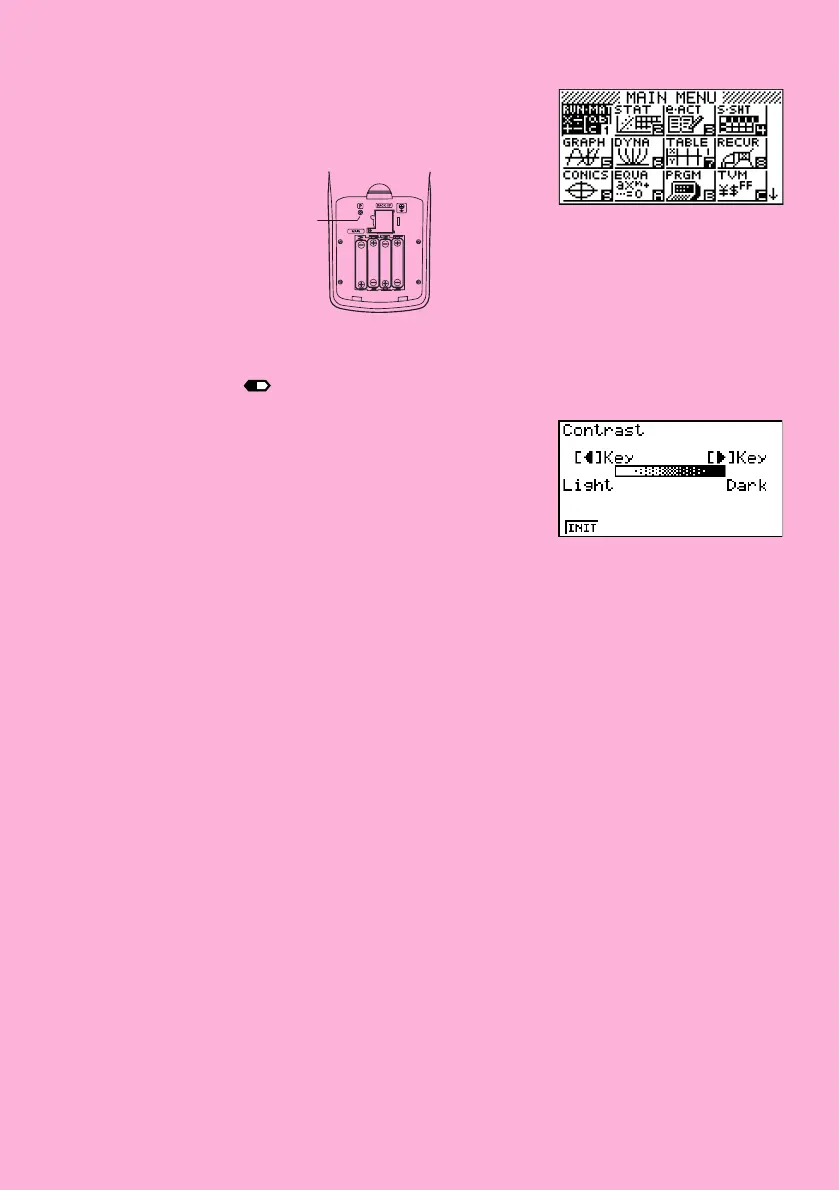
P button
• If the Main Menu shown to the right is not on the display,
open the back cover and press the P button located
inside of the battery compartment.
5. Use the cursor keys (f, c, d, e) to select the SYSTEM icon and press
w, then press 1(
) to display the contrast adjustment screen.
6. Adjust the contrast.
• The e cursor key makes display contrast darker.
• The d cursor key makes display contrast lighter.
• 1(INIT) returns display contrast to its initial default.
7. To exit display contrast adjustment, press m.
20060601














 To Next Page