10
Part-1 QUICK START OPERATION
E
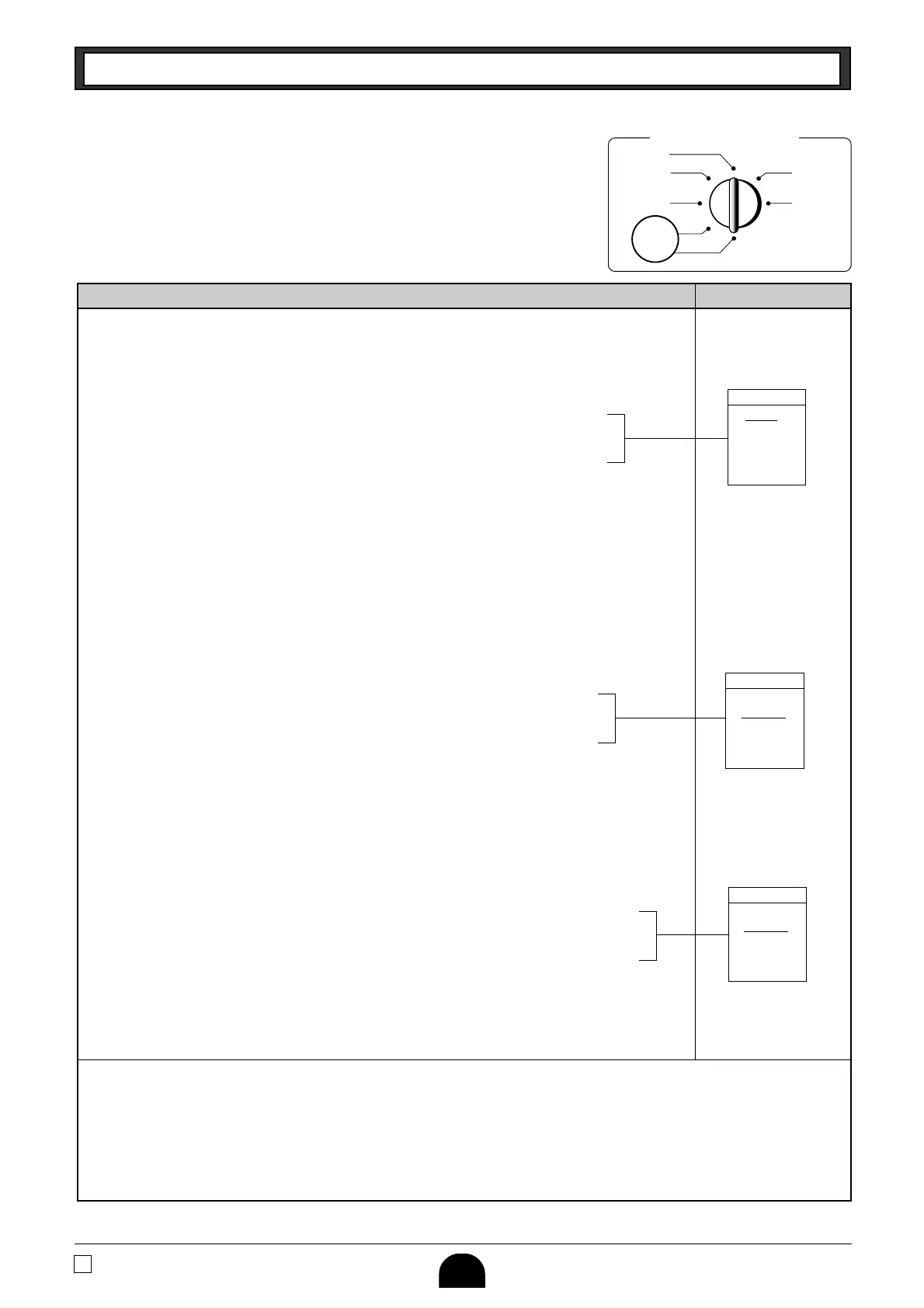
Mode Switch
PGM
Setting the Tax table
2
P3 appears in mode display
Program set code No. for Tax table 2
5.25% tax
50 for Round off and 02 for Add On
(to end the setting)
Setting the Tax table
1
Procedure Purpose
COLORADO
5.25%
5.25
5002
P3 appears in mode display
Program set code No. for tax table 1
(to end the setting)
9% tax
90 for round up and 02 for Add On.
CANADA
QUEBEC
9%
9
9002
(to end the setting)
50 for Round off and 04 for tax on tax code
10% tax rate
Program set code No. for tax table 2
P3 appears in mode display
CANADA
ONTARIO
10%
10
5004
Setting the Tax table
2
Example 2: Set Colorado state tax 5.25%.
• Tax table 2 programming can set only tax rate, but not for a tax break point.
4. For CANADA
Find the tax table for your province on page 14 of this manual.
Press the following keys to set the tax tables 1 and 2.
Example 1: Set Quebec tax 9%.
• Tax table 1 programming is used for the tax table includes break points and tax rate.
Example 2: Set Ontario tax 10%.
• Tax table 2 programming can set tax rate and the tax table includes Tax-on Tax code (5004) as above
example, but not for a tax break point.
Tax status for the Departments are fixed as follows:
Departments 1~5: Taxable status 1 and 2.
Departments 6~10: Non-Taxable status.
• See page 20 to change the fixed tax status.
Ck
?XXBk
B"XBp
B??Xp
k
Ck
?ZXBk
>p
>??Xp
k
Ck
?XXBk
Z?p
B??Vp
k





 To Next Page