EasyManua.ls Logo

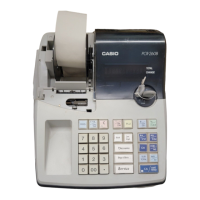
Casio PCR-260B - User Manual

Casio PCR-260B
40 pages
Print Icon
To Next Page IconTo Next Page
Loading...
START-UP is QUICK and EASY!
Simple to use!
10 departments and 100 PLUs
Automatic Tax Calculations
Calculator function
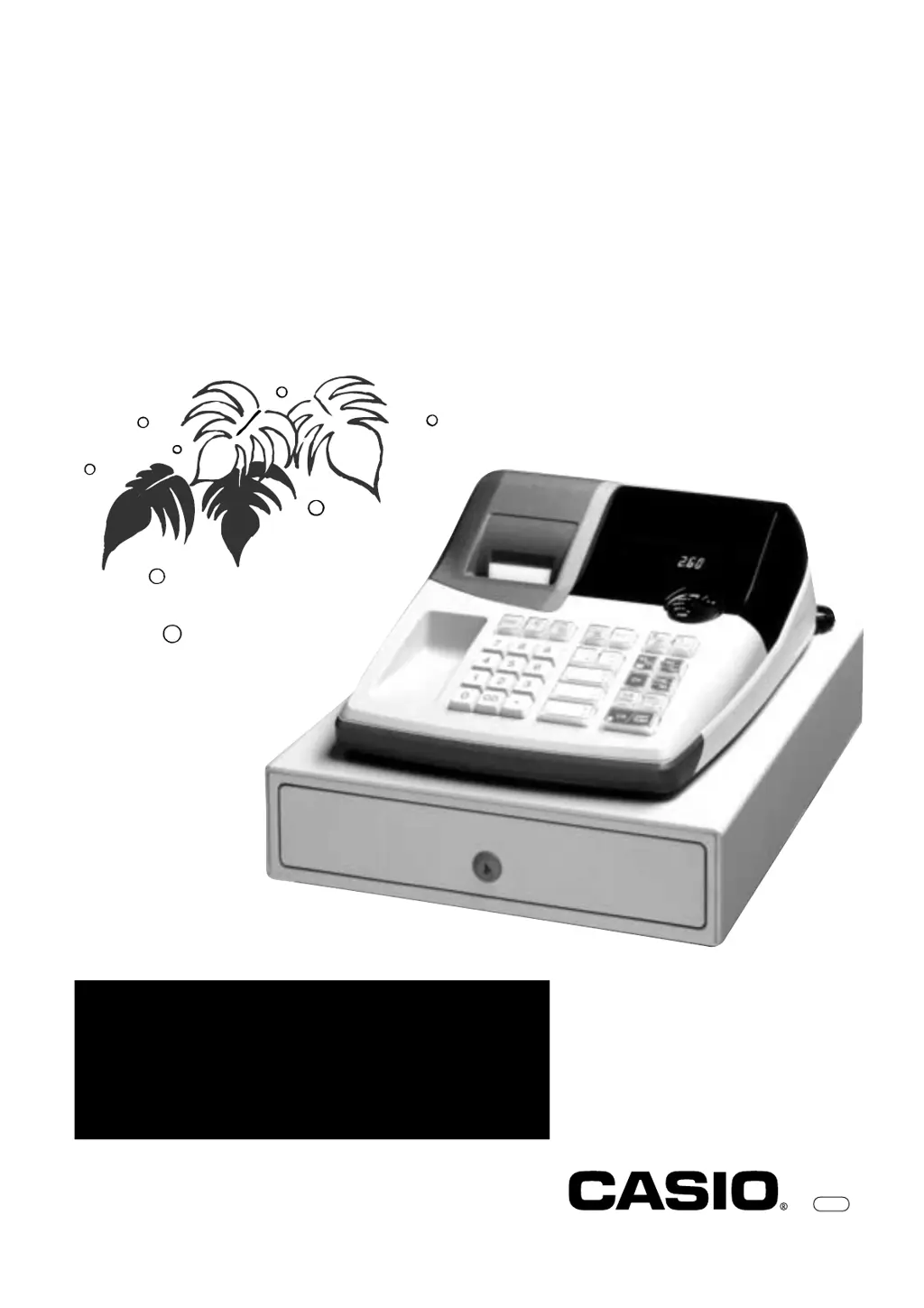
User's Manual
CI
PCR-260B
Electronic Cash Register
CASIO COMPUTER CO., LTD.
6-2, Hon-machi 1-chome
Shibuya-ku, Tokyo 151-8543, Japan

Other manuals for Casio PCR-260B

Questions and Answers

  • W
    websterjacquelineAug 14, 2025
    What to do if E01 appears on my Casio Cash Register?
    • R
      Ronald LopezAug 14, 2025
      If E01 appears on the display of your Casio Cash Register, it means you were changing modes without completing a transaction. To fix this, return the key to where it stops buzzing and press p.
  • E
    Emily GutierrezAug 18, 2025
    How to clear totals on Casio Cash Register after taking report?
    • S
      Sara MooreAug 18, 2025
      If you're not clearing totals at the end of the day after taking a report on your Casio Cash Register, it might be because you're using X mode to take out reports. Use Z mode instead.
  • D
    Dr. Michelle Zamora DVMAug 21, 2025
    What to do if my Casio Cash Register is inoperative and I can’t get money out of the drawer?
    • T
      Timothy WoodsAug 21, 2025
      If the Casio Cash Register is inoperative and you can’t get money out of the drawer, the cause may be no power. To solve this, pull the lever underneath the register at the rear.
  • G
    gibbskatelynAug 25, 2025
    Why is programming lost on my Casio Cash Register when unplugged?
    • T
      teresa46Aug 25, 2025
      If programming is lost whenever the Casio Cash Register is unplugged or there is a power outage, the cause may be bad or no batteries. To solve this, put in new batteries.
  • E
    Emily GreenAug 27, 2025
    What to do if E94 appears on my Casio Cash Register?
    • G
      greenekarlaAug 27, 2025
      If E94 appears on the display of your Casio Cash Register, it indicates that the printer paper is jammed. To resolve this, remove the jammed paper. Then, turn the Mode switch to OFF and then to ON, or turn the power OFF and then turn the power ON.
  • A
    Alexis HallAug 31, 2025
    Why does the drawer open after only one transaction on my Casio PCR-260B Cash Register?
    • D
      Dustin TateAug 31, 2025
      If the drawer opens up after ringing up only one time on your Casio Cash Register, it means the department is programmed as a single item department. To fix this, program the department as a normal department.
  • K
    Kimberly ThompsonSep 3, 2025
    What to do if key won’t turn to Z, X, PGM and RF modes on Casio Cash Register?
    • V
      Vincent LewisSep 3, 2025
      If the key won’t turn to Z, X, PGM, and RF modes on your Casio Cash Register, you may be using the OP key. Use the PGM key instead.
  • K
    Kent TaylorSep 6, 2025
    Why is there no date on my Casio PCR-260B Cash Register receipt?
    • A
      Amanda MurphySep 6, 2025
      If there is no date or time on the receipt and the paper is not advancing enough on your Casio Cash Register, it means the printer is programmed as a journal. To resolve this, program the printer to print receipts.
  • B
    bgilbertSep 10, 2025
    What to do if E08 appears on my Casio PCR-260B Cash Register?
    • J
      Jessica MontoyaSep 12, 2025
      If E08 appears on the display of your Casio Cash Register, it means the sign-on operation was not performed. Prior to starting registration of any other operation, press Z~< and then :.

Summary

Getting to Know Your Cash Register

Mode Switch Operation

Explains the function of the Mode Switch in controlling different operational modes of the cash register.

Keyboard Layout and Functions

Details the cash register's keyboard layout and the functions of specific keys in Register and Calculator modes.

Daily Job Flow

Part-1 QUICK START OPERATION

Initialization and Battery Loading

Guides users through initializing the cash register and installing memory protection batteries.

Paper Roll and Ink Roll Replacement

Instructions for loading paper rolls and replacing the printer's ink roll.

Basic Programming: Time, Date, and Tax

Covers setting the current time, date, and programming tax tables for basic operation.

Basic Operation Procedures

Explains fundamental operations after initial programming, including basic sales and multiple item registrations.

Charge Sales and Basic Corrections

Details charge sales, split cash/charge sales, and correcting entry errors before a department key.

Error Corrections After Department Entry

Explains how to correct entry errors after a department key has been pressed.

Part-2 CONVENIENT OPERATION

Programming Unit Prices and Percent Rates

Guides on setting unit prices for departments and programming the percent key.

Part-3 CALCULATOR FUNCTION

Calculator Mode and Examples

Explains how to enter calculator mode and provides examples of basic calculations.

Part-4 USEFUL INFORMATION

Troubleshooting Common Problems

Lists common symptoms, their causes, and solutions for operational issues.

Casio PCR-260B Specifications

General IconGeneral
BrandCasio
ModelPCR-260B
CategoryCash Register
LanguageEnglish

Related product manuals