22
Part-2 CONVENIENT OPERATION
E
Ck
ZZ:
k
Zk
mg
k
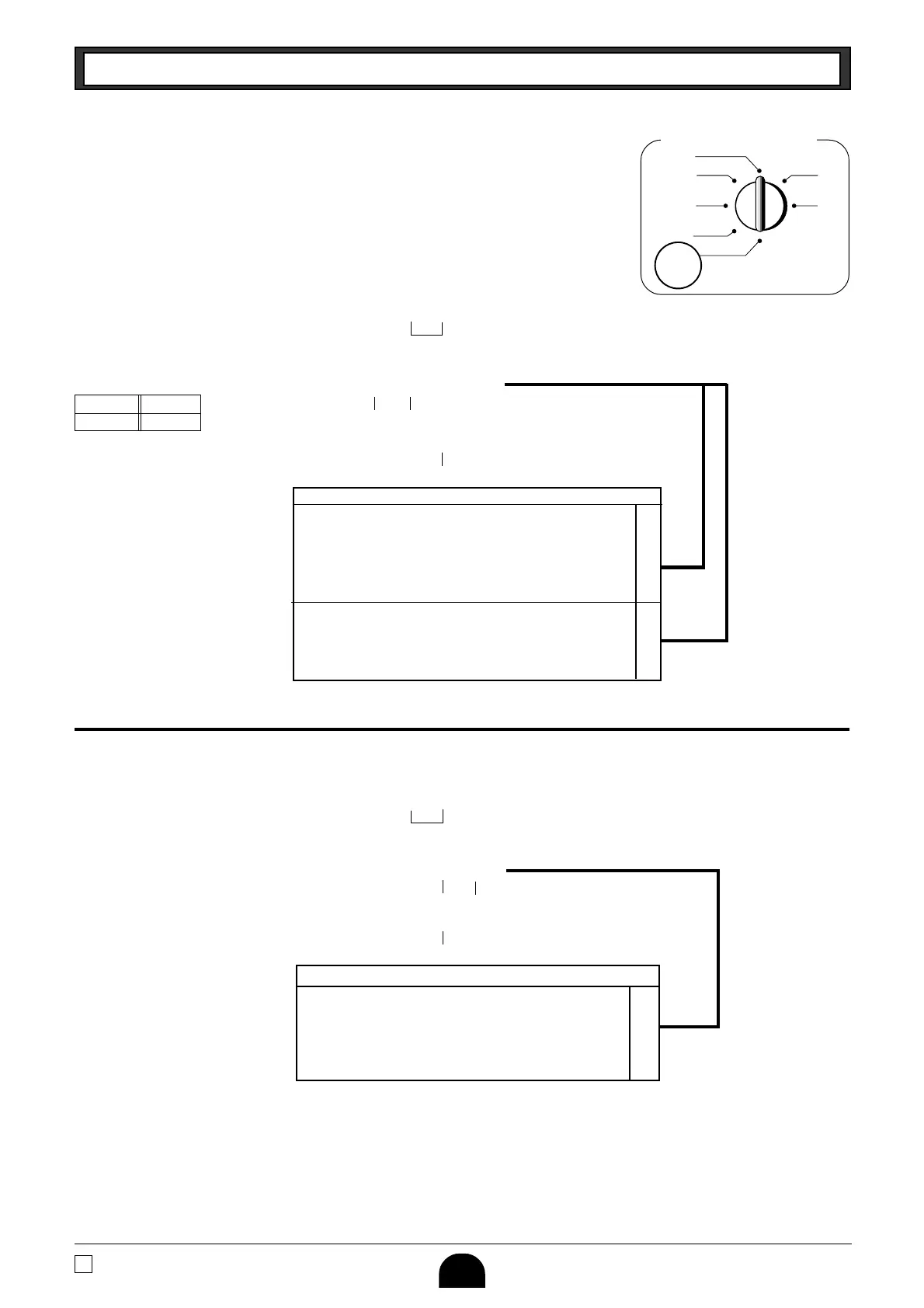
Mode Switch
CAL
REG
OFF
RF
PGM
X
Z
PGM
Example
1-5-2 Status for
percent key
Selections
Round up Premiums (%+)
P3 appears in
mode display
(To end the setting)
A
▲
B
Taxable status 1 and 2 are fixed for the minus key.
Selections
A
1-6 Taxable Status for
minus key
Round Up
Percent %+
P appears in
mode display
Minus key
(To end the setting)
▲
Non-taxable status
Rounding of results produced by Percent Key operation.
Round off (1.544=1.54; 1.545=1.55)
?
Round up (1.544=1.55; 1.545=1.55) Z
Cut off (1.544=1.54; 1.545=1.54) X
Program Percent Key to register discounts (%–). ?
Program Percent Key to register premiums (%+). Z
Program Percent Key to function as a Manual Tax key. X
Taxable status 1 c
Taxable status 2 v
Taxable status 1 and status 2 cv
Non-taxable status m
Example
Change minus key registrations
Non-taxable status.





 To Next Page