Part-2
19
E
Part-2 CONVENIENT OPERATION
C
?VZ
?BZ
Z
~
m:
1-4 Status for
Department
1-5 Status for percent key
1-5-1 To change tax-
able status for the
percent key
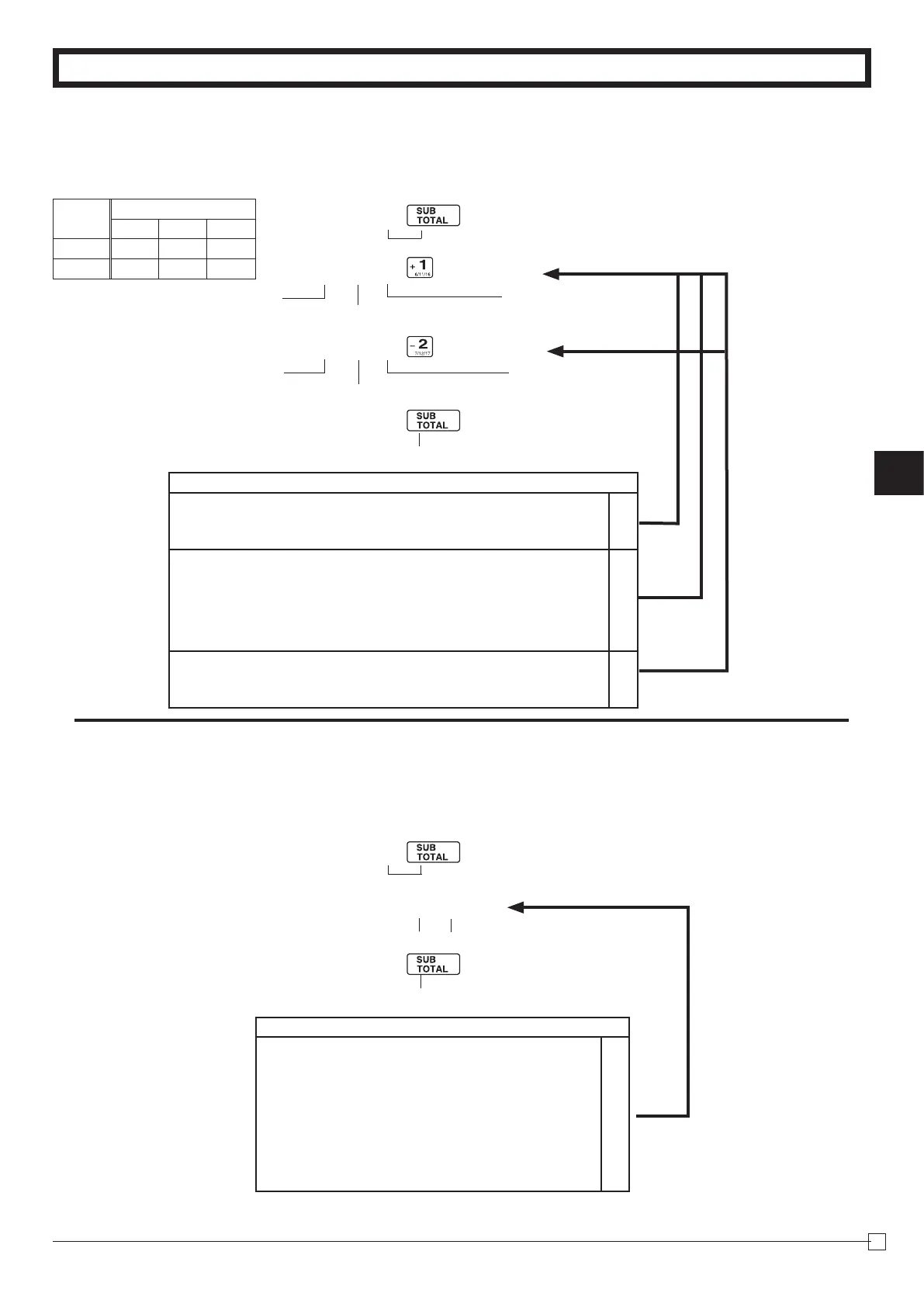
ThepercentkeyisinitializedasTaxablestatus1.
Example
ChangePercentkey
registrationasaNon-
taxable.
P3appearsinmodedisplay
Selectanumber
fromlistA
SelectanumberfromlistB
Normaldepartment
MaximumNo.ofdigitstobe5
ForDept.1
Selectanumber
fromlistC
ForDept.2
Singleitemsale
department
P appears in mode display
(Toendthesetting)
(Toendthesetting)
SelectkeyfromlistA
(Forpercentkey)
Selections
Normaldepartment
?
A
Minusdepartment
Z
Nolimitationformanuallyenteredprice.(7digits)
?
B
Maximumnumberofdigitsformanuallyenteredprice.
(1~7digits)
Z
~
M
Toprohibitmanualpriceentries.
<
or
>
Normalsales(notasingle-itemsale)department
?
C
Setasasingle-itemsaledepartment
Z
Example
Depts.
Selections
A B C
1 0 4 1
2 0 5 1
Selections
Taxablestatus1
c
A
Taxablestatus2
v
Taxablestatus1and2
c
v
Taxablestatus3
h
Taxablestatus4
u
All-taxable
c
v
hu
Non-taxablestatus
m







 To Next Page