EasyManua.ls Logo

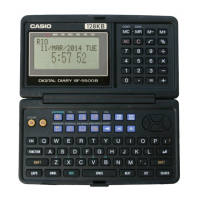
Casio SF-5500B - Using the Expense Mode

Casio SF-5500B
26 pages
Print Icon
To Next Page IconTo Next Page
To Previous Page IconTo Previous Page
Loading...
21
MC MR M– M+
AC , ... % 7 , ...
÷
4 , ... x 1 , ... –
0 , ... + ON OFF
EXPENSE , ... DISP CHNG
REMINDER , ... DEL
← ↑ ↓ → ESC , ... ( )
FUNCTION , ... SHIFT , ...
SHIFT CAPS , ... SET
Operation Display Note
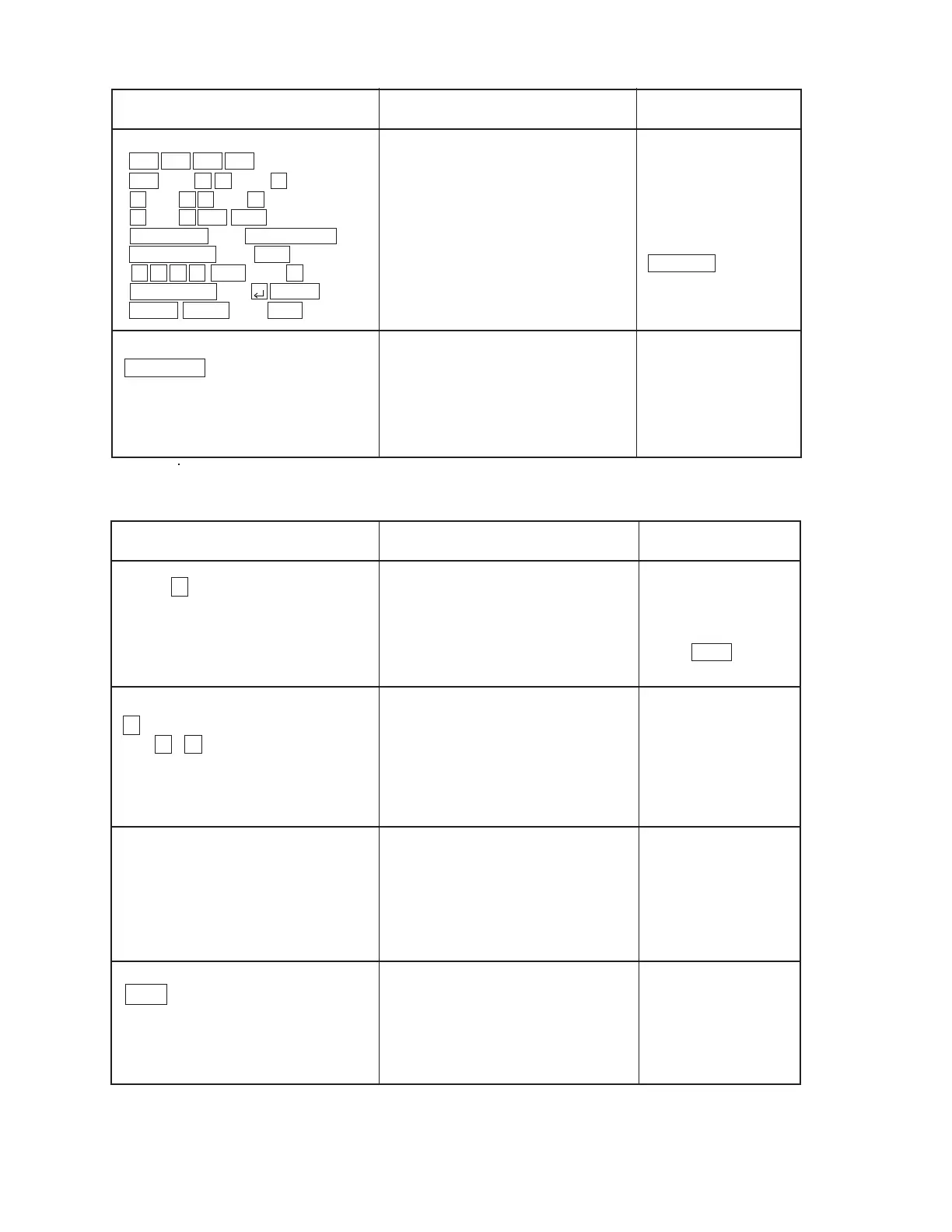
Buzzer Check
00 01 02 03 04 ...............
............... 56 57
TEST 2 MEMORY
MENU 3 KEY
4 BUZZER
1 DISP 5 EXT
SEARCH
BUZZER 1 BEEP
2 ALARM1
3 ALARM2
Buzzer check
To return to the
TEST MENU,
press .
Check the sound.
To return to the
BUZZER menu,
press any key.
Press 4 on the TEST MENU.
BUZZER 1 BEEP
2 ALARM1
3 ALARM2
EXECUTING!!
ESC
1
( or 2 , 3 )
TEST 2 MEMORY
MENU 3 KEY
4 BUZZER
1 DISP 5 EXT
ESC
Check that the key
number appears on
the display.
To return to the TEST
MENU, enter
SEARCH .

Other manuals for Casio SF-5500B

Related product manuals