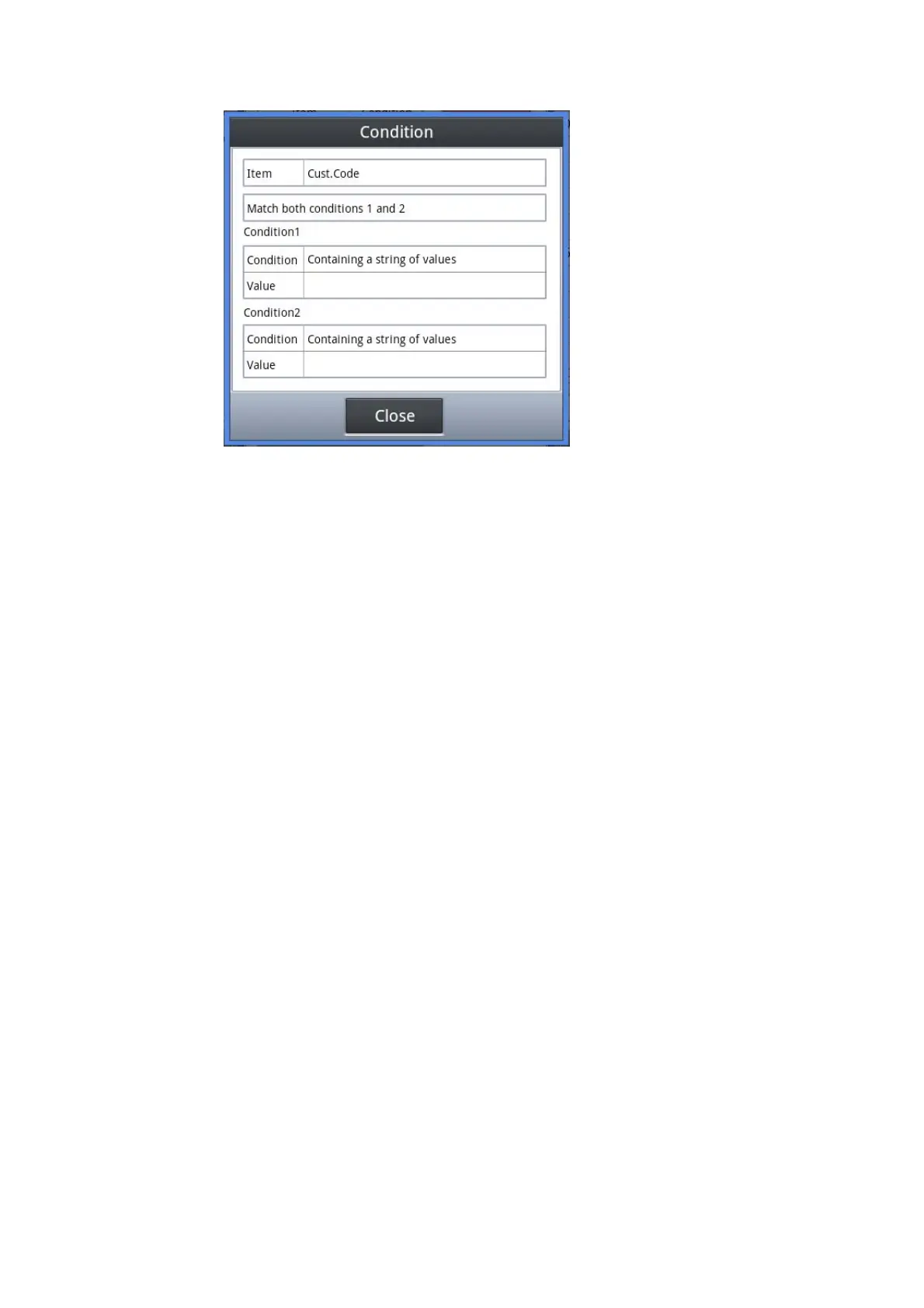
Example of a search condition input
The sorting method can be specified by carrying out the tap of the sorting item.
After inputting a search condition and sorting conditions, if the tap of <Enter> button is
carried out, it will search, and display a result on a list display region.
When you have stopped searching, please carry out the tap of <close>.
21


 To Next Page
 Loading...