EasyManua.ls Logo

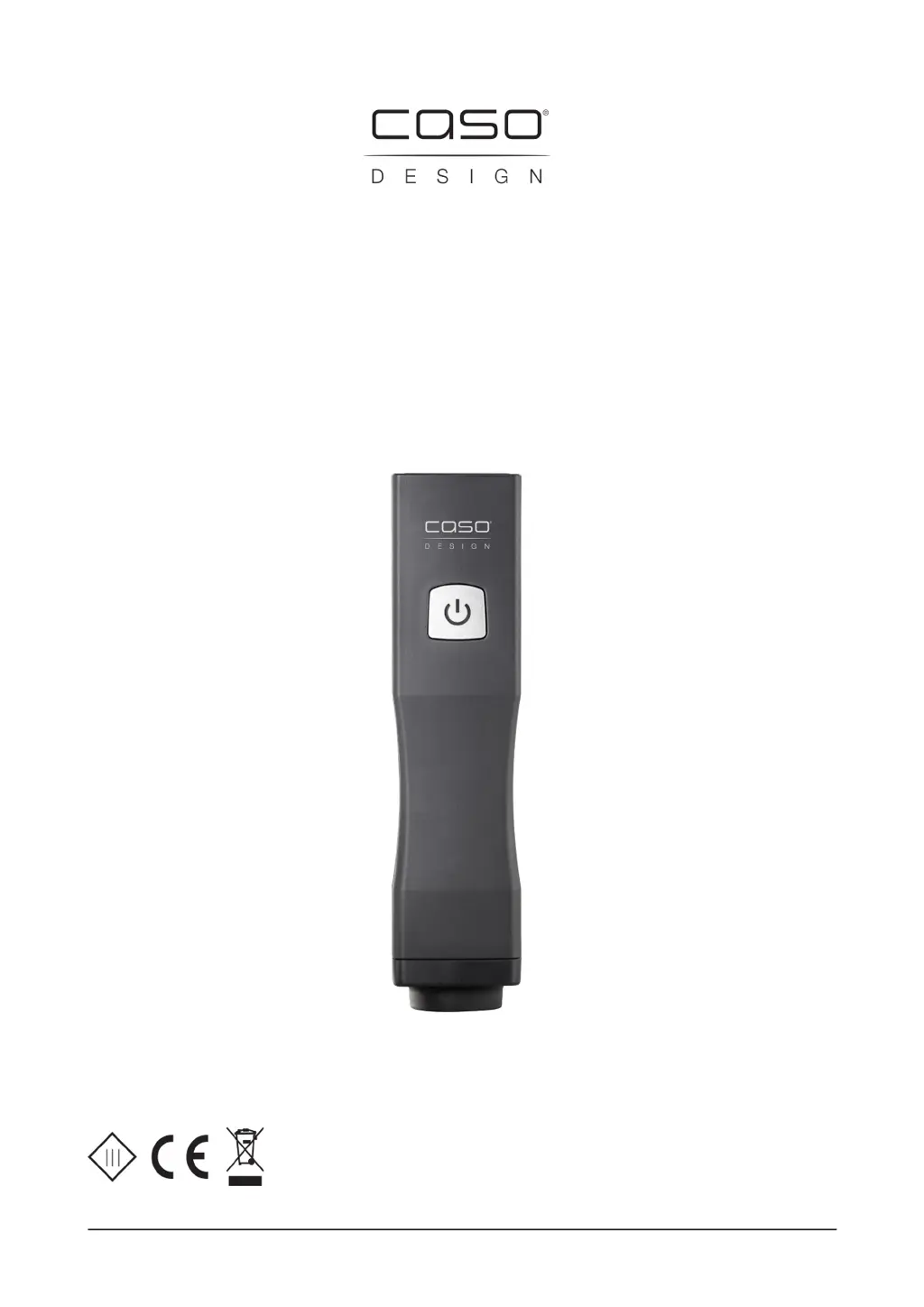
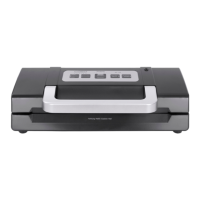
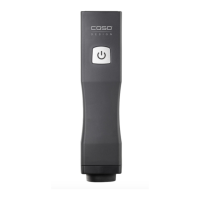
CASO DESIGN Vacu OneTouch - User Manual

CASO DESIGN Vacu OneTouch
69 pages
Go to English
Print Icon
To Next Page IconTo Next Page
Loading...
1
Original-Bedienungsanleitung
Vacu OneTouch (1301)
Vacu OneTouch Eco-Set (1169)

Table of Contents

Questions and Answers

  • P
    Paul JohnsonJul 29, 2025
    What to do if my CASO DESIGN Vacu OneTouch stops during vacuum operation?
    • J
      Jamie LeeJul 30, 2025
      If your CASO DESIGN Kitchen Appliance stops during vacuum operation and doesn't switch on, it might have sucked in liquid or powder. Avoid turning the device over. Gently shake it to remove any powder or liquids, and ensure it's completely dry. Then, press the ON/OFF button. If it stops again, repeat this process. Additional liquids may drip out.
  • G
    Gregory HillAug 7, 2025
    Why CASO DESIGN Kitchen Appliances does not create vacuum?
    • H
      hroseAug 7, 2025
      If your CASO DESIGN Kitchen Appliance isn't creating a vacuum or the vacuum doesn't last, check the following: * Ensure the lid, silicon gasket, and valve are positioned correctly and the lid is properly closed. * Clean and dry the silicon gasket and the valve of the canister if they are dirty or wet. * During vacuum operation, press the device slightly on the valve to prevent air from escaping.
  • J
    Jennifer HawkinsAug 18, 2025
    How to fix CASO DESIGN Kitchen Appliances when it does not respond to the ON/OFF button?
    • C
      clarkecarlosAug 18, 2025
      If your CASO DESIGN Kitchen Appliance isn't responding to the ON/OFF button, the battery may be low or not charged. Please charge the battery.

CASO DESIGN Vacu OneTouch Specifications

General IconGeneral
BrandCASO DESIGN
ModelVacu OneTouch
CategoryKitchen Appliances
LanguageEnglish

Related product manuals