caso MCG30 Chef / MCG25 Chef 28
3 130 °C 8 180 °C
4 140 °C 9 190 °C
5 150 °C 10 200 °C
5.13.1 “Preheating and Convection cooking” mode
The device can be programmed for combination preheating and convection cooking.
Setting the temperature
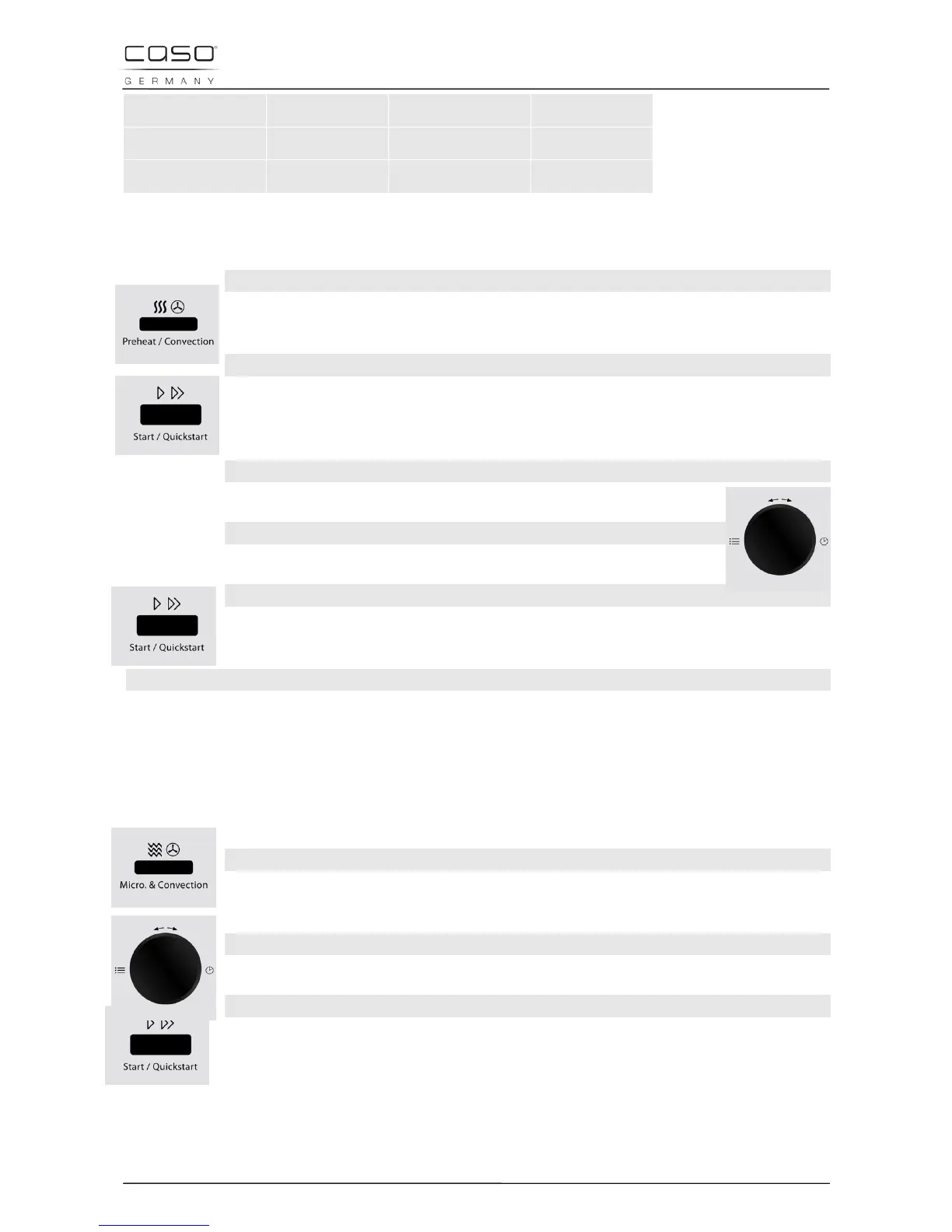
Select the temperature you require by pressing the Pre-heat/Convection
button until you reach the level you require.
To start heating the oven
After selecting the temperature, press the button Start /Quick start. A signal
ton is emitted and the PREH display blinks until the oven has reached the
programmed temperature.
Food setting
Set the food you wish to cook in the device.
Setting the cooking time
Set the cooking time by turning the Time/Menu control dial.
Starting the cooking programme
After selecting the program, press the button Start /Quick start, to start the
preset cooking programme.
End of the cooking programme
Once the end of the cooking time is reached, four signal tones will be emitted and END will
appear in the display.
5.14 “Microwave and Convection” mode
The device offers four pre-programmed settings, which facilitate combination
cooking using hot air (convection) and microwaves.
Setting the temperature
Select the temperature you require by pressing the Micro + Convection
button until you reach the level you require (see following table).
Setting the cooking time
Set the cooking time by turning the Time/Menu control dial.
Starting the cooking programme
After selecting the program, press the button Start /Quick start, to start the
preset cooking programme.


 To Next Page