caso MCG30 Chef / MCG25 Chef 30
Selecting „Grill“ Mode
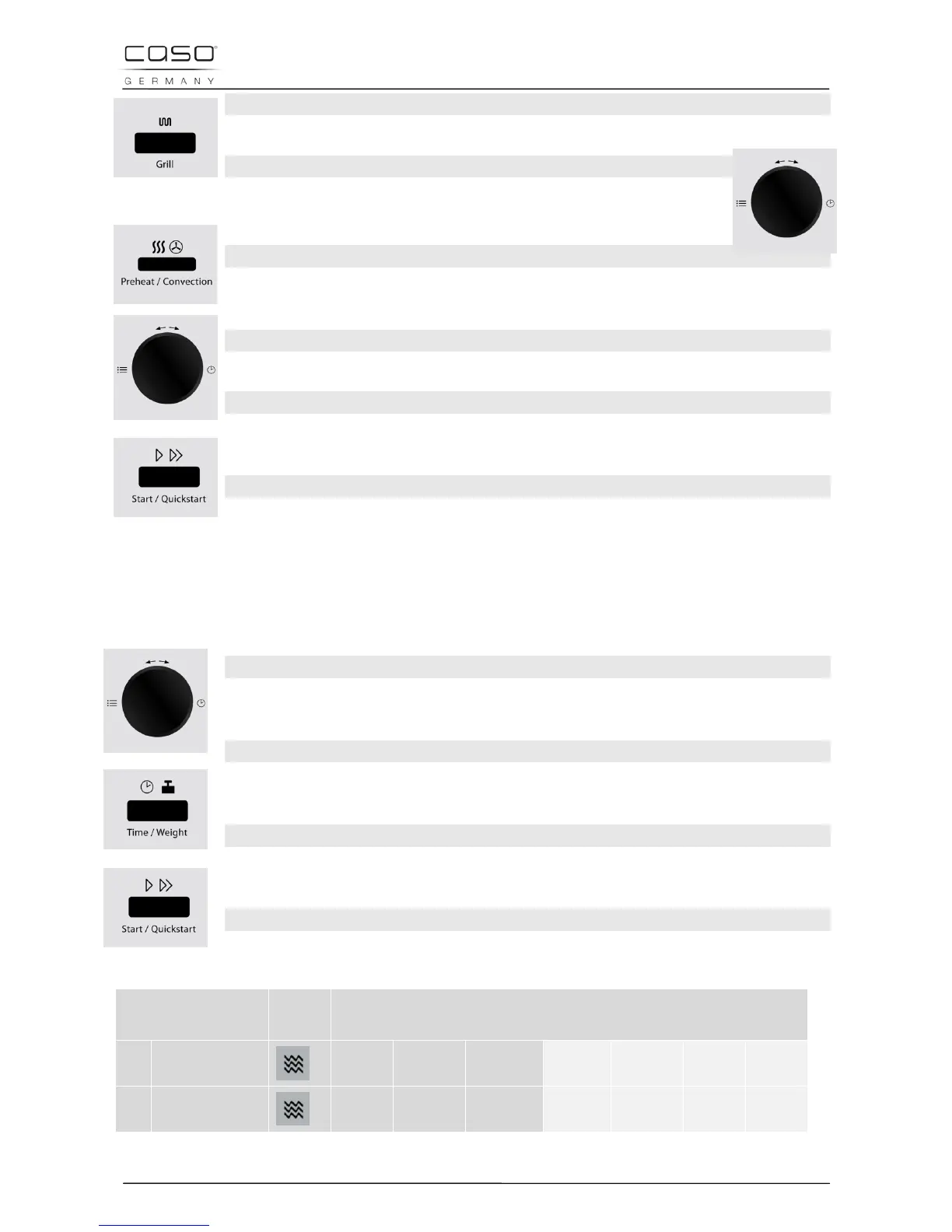
Select the „Grill“ cooking program by pressing the Grill button once.
Adjusting the Grilling Time
Set the grilling time by turning the Time/Menu knob.
or
Adjusting the Power Setting for Hot-Air Cooking
Select the desired temperature by pressing the Pre-heat/Convection button
as often as necessary until the desired temperature is displayed.
Setting the Cooking Time for Hot-Air Cooking
Set the cooking time by turning the Time/Menu knob.
Starting the multi-level cooking programme
After selecting the program, press the button Start /Quick start, to start the
preset the multi-level cooking programme.
End of the cooking programme
Once the end of the cooking time is reached, four signal tones will be emitted
and END will appear in the display.
5.16 “Cooking Program” Mode
In this operating mode, the cooking programme can be selected from 9 different menus.
Please refer to the table on the next page for more detailed information.
Selecting the Program
First turn the Time/Menu knob briefly anticlockwise and then clockwise to
select the desired program.
Setting the quantity / weight
Select the quantity/weight you require by pressing the Time/Weight button
until you reach the level you require (see following table).
Starting the cooking programme
After selecting the program, press the button Start /Quick start, to start the
preset cooking programme.
End of the cooking programme
Once the end of the cooking time is reached, four signal tones will be emitted
and END will appear in the display.
Cooking Program Func-
tion
Button presses Time/Weight
01
Potatoes
(each 230 g)
1 2 3 - - - -
02
Hot drink
(200 ml/cup)
1 2 3 - - - -


 To Next Page