EasyManua.ls Logo

Catler ES 721 PORTO B - User Manual

Catler ES 721 PORTO B
19 pages
Print Icon
To Next Page IconTo Next Page
Loading...
ES 700 | ES 701 | ES 702 | ES 703 | ES 720 | ES 721
Instructions for use
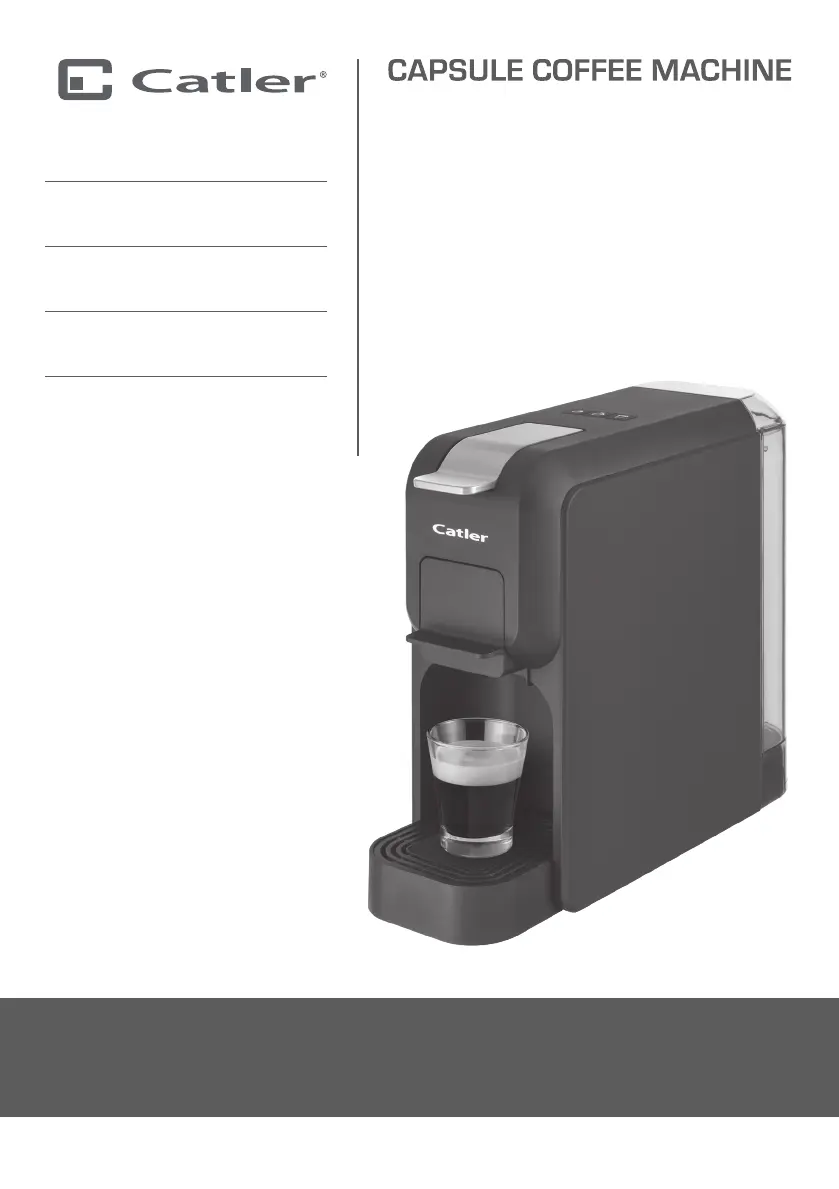
CAPSULE COFFEE MACHINE
Návod kobsluze
KÁVOVAR NA KAPSLE
Návod na obsluhu
KÁVOVAR NA KAPSULY
Használati útmutató
KAPSZULÁS KÁVÉFŐZŐ
Instrukcja obsługi
EKSPRES DO KAWY
NA KAPSUŁKI
ES 700 PORTO BG
ES 701 PORTO BH
ES 702 PORTO W
ES 703 PORTO B
ES 720 PORTO W
ES 721 PORTO B

Questions and Answers

  • S
    Suzanne HenryAug 10, 2025
    What to do if my Catler ES 721 PORTO B's indicator light flashes red?
    • R
      Reginald RhodesAug 10, 2025
      If the indicator light on your Catler Coffee Maker is flashing red, it could be due to several reasons: the tank might be empty, so refill it. There might be no water in the machine, in this case, pull out the capsule holder for the ground coffee. It could also happen after a factory reset, so insert the holder back into the coffee machine.
  • M
    Mr. Bryan SimmonsAug 15, 2025
    Why is my Catler Coffee Maker not dispensing coffee?
    • L
      Linda CopelandAug 15, 2025
      If your Catler Coffee Maker isn't dispensing coffee, it's likely because there's no water in the tank. Refill the water tank to resolve this issue.
  • M
    Michelle MurphyAug 21, 2025
    Why is my Catler ES 721 PORTO B coffee not hot enough?
    • M
      Mrs. Tiffany EspinozaAug 21, 2025
      If the coffee from your Catler Coffee Maker isn't hot enough, several factors could be the cause. The coffee cup might have been cold, so preheat it before making coffee. The machine could be clogged with limescale, so perform the decalcification process. Alternatively, the machine itself might be cold; wait for it to preheat and switch it on without the capsule to allow the hot water to heat the internal components.
  • M
    Maria HamiltonAug 27, 2025
    What to do if there is water on the plate around my Catler ES 721 PORTO B?
    • R
      Robert HickmanAug 28, 2025
      If there's water on the plate around your Catler Coffee Maker, it could be because water is leaking from the tank. Check that the tank is installed correctly. Alternatively, the drip tray might be full, so pour the water out of it.
  • K
    Kelsey SnyderSep 2, 2025
    How to close the cover of my Catler ES 721 PORTO B?
    • S
      Samuel AriasSep 3, 2025
      If the cover of your Catler Coffee Maker cannot be closed, it's likely because the holder is not correctly positioned in the coffee machine. Push the holder into the coffee machine to resolve this.

Summary

Catler Recommends Safety First

Know Your Coffee Machine

Description of the Coffee Machine

Details the various parts and components of the coffee machine, with labeled diagrams.

Control Buttons

Explains the function of each control button on the coffee machine's interface.

Supplied Holders

Describes the different holders provided for various coffee capsules and ground coffee.

Using Your Coffee Machine

Before First Use

Instructions for initial setup and preparation before operating the coffee machine.

Filling the Tank

Guidance on how to correctly fill the water tank with clean, cold drinking water.

Rinsing the Coffee Machine

Procedure for rinsing the machine's internal pipes and components before first use.

Use

Instructions on how to operate the coffee machine with different capsule holders.

Advanced Coffee Machine Settings

How to adjust coffee volume settings to personal preferences for each coffee type.

Restoring the Initial Coffee Volume

Steps to restore the coffee machine to its default coffee volume settings.

Restoring Factory Defaults

Procedure to reset all user-made settings and configurations back to factory defaults.

Care and Cleaning

Holder and Strainer

Instructions for cleaning the capsule holder and strainer after use.

Drip Tray and Grate

Guide on how to remove and clean the drip tray and its grid.

Water Tank

Steps for removing, emptying, and rinsing the water tank.

Coffee Maker

How to clean the exterior surfaces of the coffee maker with a damp sponge.

Decalcification

Explains the importance and process of decalcifying the machine to remove mineral deposits.

Storage

Advice on storing the coffee machine properly in a clean, dry, well-ventilated place.

Troubleshooting

Indicator Light Flashing Red

Explains the meaning of a flashing red indicator light and the steps to resolve the issue.

Disposing of Used Electrical and Electronic Equipment

Notes

Catler ES 721 PORTO B Specifications

General IconGeneral
TypeEspresso Machine
Water Tank Capacity1.2 liters
Pump Pressure15 bar
Power1350 W
MaterialStainless Steel
ColorSilver

Related product manuals