(Troubleshooting)
Trouble
Unit stops working in Auto mode
Solution
Calibration
Steps
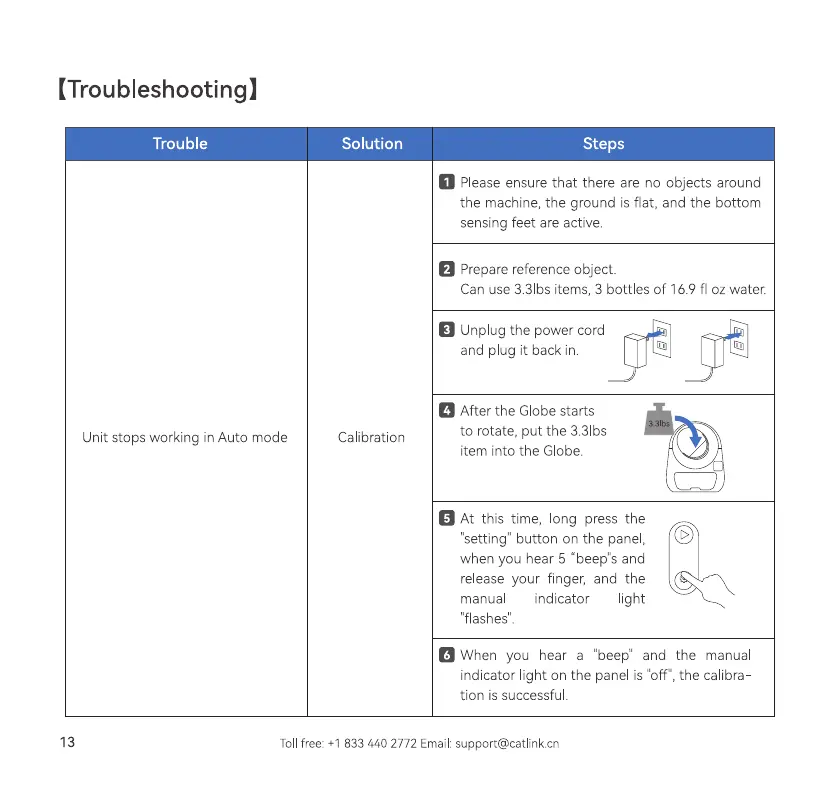
Please ensure that there are no objects around
the machlne, the ground is flat, and the bottom
sensing feet are active
Prepare reference object.
Can use 3.31bs items, 3 bottles of 169 fl oz water.
Unplug the power cord
and p ug it back in.
a After the Globestarts
to rotate, put the 3.31bs
item into the Globe.
At this time, ong press the
'setting" button on the panel,
when you hear 5 "beep"s and
release your finger, and the
indicator
light
manua
'flashes".
When you hear a "beep" and the manua
indicator light on the panel is "off", the calibra
tion is successfu
13
Tollfree: +1 833 440 2772 Email:support@catlinkcn



 To Next Page