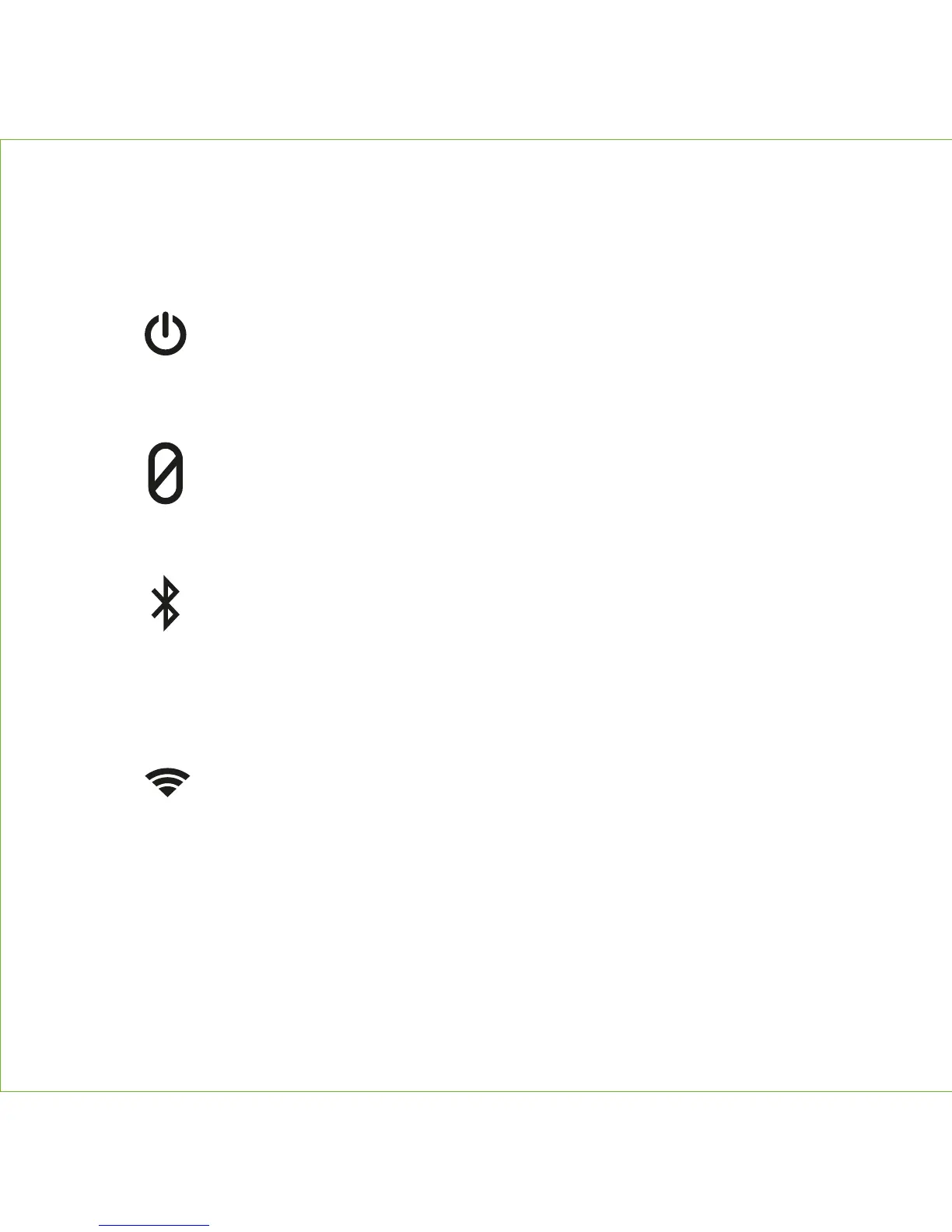
REAR CONTROLS
5
Power Button
Mute Button
• Press and hold for more than 2 seconds to power The Maverick ON.
Press and hold for more than 4 seconds to power OFF.
• Press and release to view battery level
• Press to mute and unmute microphones (enables privacy for both
Alexa and Speakerphone)
Wi-Fi Button
• Press for Wi-Fi mode
• Press and hold for 5 seconds for Wi-Fi setup mode
• Press and hold for 15 seconds to clear/reset Wi-Fi and Alexa
Bluetooth Button
• Press to enter Bluetooth Mode
• Press and hold for 2 seconds to enter Bluetooth Pairing Mode
• Select 'Cavalier Maverick' to pair
• Press and hold for 10 seconds to clear/reset Bluetooth


 To Next Page