6
Description
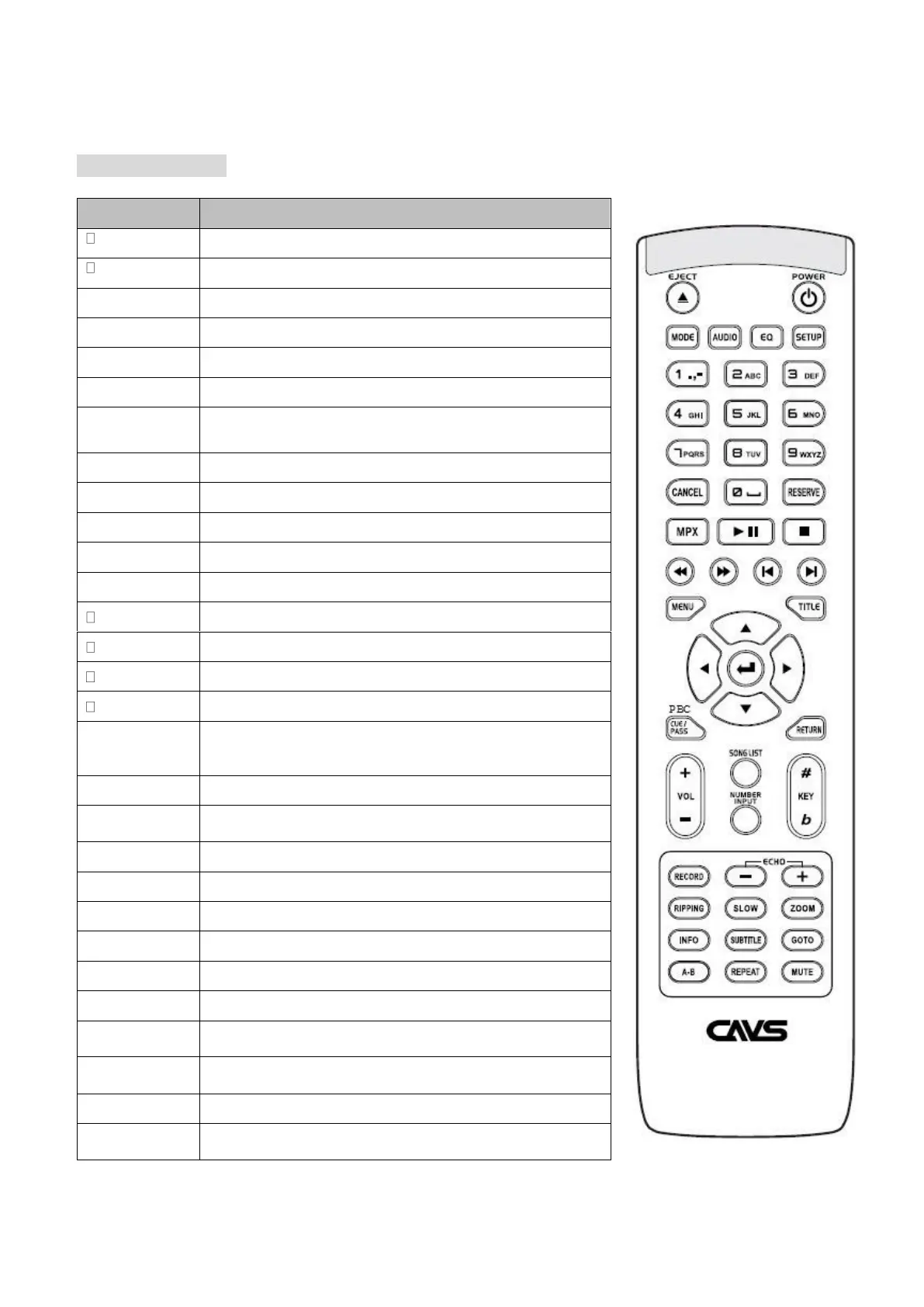
Remote Controller
Switch between DISC, USB or CARD mode
Select different audio layer of Disc or AVI files
Change EQ settings for Audio
-Input Song or Track Numbers at Number Input mode
-Input Letter of Title or Singer Name on the SONG LIST
Cancel the wrong number or letter input
Reserve Song or Track in the Program List
Vocal On/Off for multiplex files
Play a file or track, Pause the playback
Fast reverse at 2X, 4X, 8X, 20X, Normal Speed.
Fast forward at 2X, 4X, 8X, 20X, Normal Speed.
Skip to the Previous Song or Track
Skip to the Next Song or Track
-Create the song list of SCDG or MP3G files to USB or CARD
as SONGLIST.TXT file
-Move to the disc menu mode
Enter the TITLE mode of Disc
-Playback Control for Video CD
-Jump to the beginning of the Video
Return to the previous step on the file list
Navigate between files or folders
Open/Close the Song Search Menu
Song Number Input mode to input number.
Record your singing with SCD+G, MP3+G or CD+G into USB
or CARD. The recorded file is saved in MP3+G format.
Rip any CD+G or MP3+G Disc to USB or CARD. The ripped
file is stored at MP3+G format



 To Next Page