EasyManua.ls Logo

CC-ISOBUS CCI 100 - User Manual

CC-ISOBUS CCI 100
412 pages
Print Icon
To Next Page IconTo Next Page
Loading...
Operating Instructions (EN)
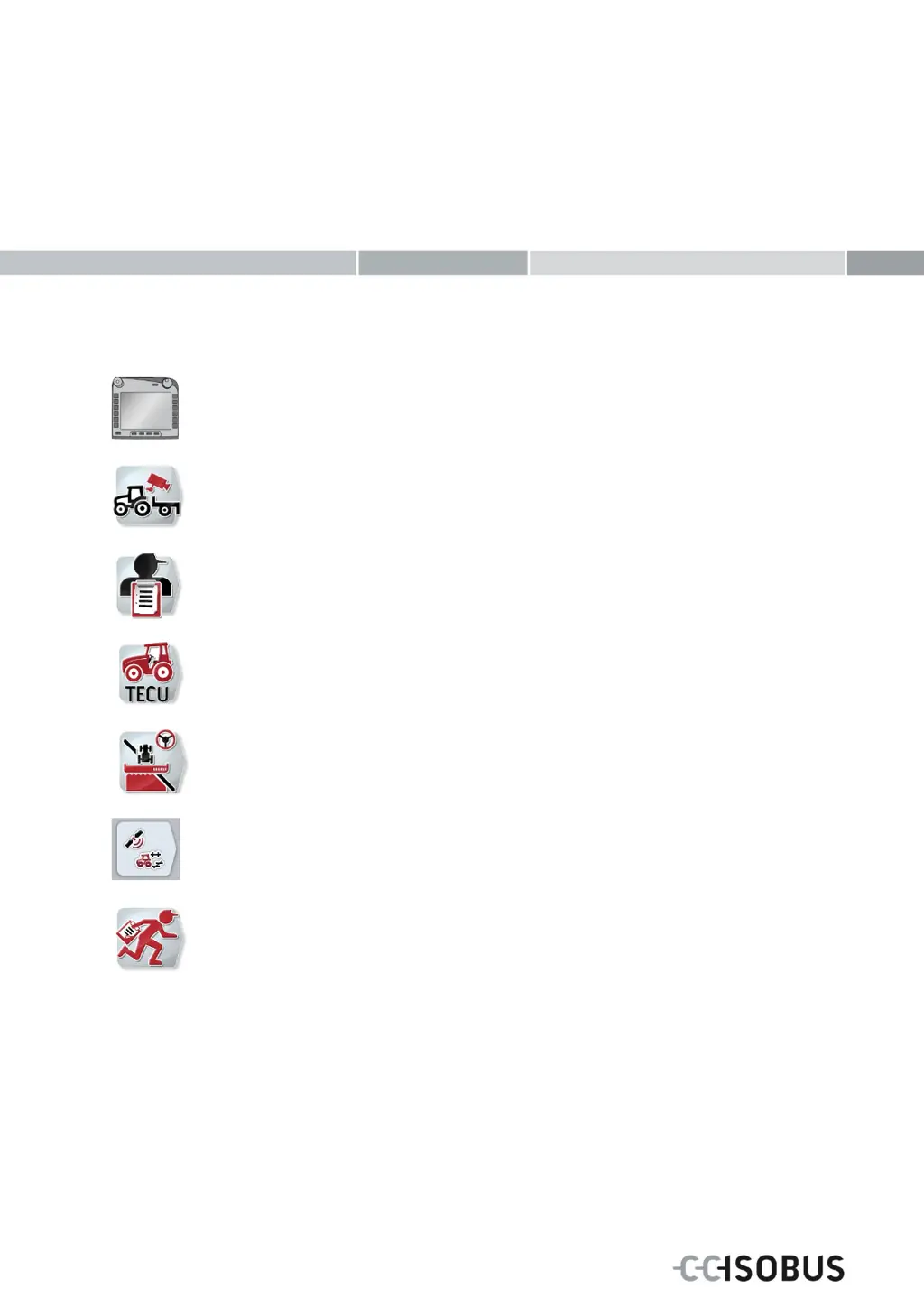
ISOBUS-Terminal CCI 100/200
ISOBUS implement control
CCI.Cam
Visual implement monitoring
CCI.Control
Documentation and task management
CCI.Tecu
Tractor data
CCI.Command
GPS track guiding and section control
CCI.GPS
GPS settings and tractor geometry
CCI.Courier
Task data exchange between farm PC and terminal

Table of Contents

Questions and Answers

  • G
    gharveyAug 17, 2025
    How to fix a CC-ISOBUS Touch terminal that does not switch on?
    • W
      warnerglennAug 17, 2025
      If your CC-ISOBUS Touch terminal isn't switching on, there are a couple of things you can check: * First, make sure the ISOBUS connection is correctly connected. * Second, ensure the ignition is switched on by starting the tractor.
  • S
    Shane HutchinsonAug 20, 2025
    What to do if the software of the connected implement is not displayed on my CC-ISOBUS Touch terminal?
    • M
      Michelle EspinozaAug 20, 2025
      If the software of the connected implement isn't showing up on your CC-ISOBUS Touch terminal, here's what you can do: * Check if the bus terminator is missing and verify the resistance. * If the software is loaded but not displayed, see if you can manually start it from the terminal's main menu. * If there was a connection error during software upload, double-check the physical connection.
  • D
    David SmithAug 23, 2025
    Why can't my CC-ISOBUS Touch terminal program find a suitable update file?
    • M
      michelle02Aug 23, 2025
      If your CC-ISOBUS Touch terminal program can't find an update file, it might be due to these reasons: 1. The flash drive might not be inserted. Ensure it is properly inserted. 2. The update file might not be available on the flash drive. Copy the update file to the flash drive.
  • D
    dmartinezAug 25, 2025
    Why is the auxiliary operating unit (AUX Control) not shown on my CC-ISOBUS Touch terminal?
    • H
      hannahbuchananAug 26, 2025
      If the auxiliary operating unit (AUX Control) is not showing on your CC-ISOBUS Touch terminal, it could be because the terminal is not configured as the primary terminal on the bus. To resolve this, configure the terminal as the primary terminal.
  • S
    Sandra WheelerAug 28, 2025
    What to do if a screenshot could not be created on CC-ISOBUS CCI 100 Touch terminals?
    • J
      Joshua TorresAug 28, 2025
      If you're unable to create a screenshot on your CC-ISOBUS Touch terminal, ensure that the flash drive is inserted.
  • S
    sarah54Aug 30, 2025
    What does it mean when another VT #0 has been identified in the network of my CC-ISOBUS Touch terminal?
    • J
      Jose TurnerAug 31, 2025
      If your CC-ISOBUS Touch terminal displays that another VT #0 has been identified in the network, it means the terminal is set as the primary terminal. To fix this, register the terminal as a secondary terminal by removing the check next to "Primary terminal" in the CAN settings.
  • W
    William NormanSep 2, 2025
    How to activate new settings on CC-ISOBUS CCI 100 Touch terminals?
    • R
      Rodney OwensSep 2, 2025
      To activate new settings on your CC-ISOBUS Touch terminal, switch off the terminal and then switch it on again.
  • K
    Katie HigginsSep 5, 2025
    How to fix a CC-ISOBUS Touch terminal that won't turn on?
    • J
      Jason VillaSep 5, 2025
      If your CC-ISOBUS Touch terminal isn't switching on, here's what you can check: * **ISOBUS connection:** Ensure the terminal is correctly connected. * **Ignition:** Make sure the tractor ignition is switched on. Start the tractor if it's off.
  • I
    igraySep 8, 2025
    What to do if the connected implement software is not displayed on my CC-ISOBUS Touch terminals?
    • A
      Angela McdowellSep 8, 2025
      If the connected implement software is not displayed on your CC-ISOBUS Touch terminals, consider the following: * **Bus terminator:** Check the resistance, as a missing bus terminator could be the cause. * **Manual start:** Verify whether the software can be manually started from the terminal start menu. * **Physical connection:** If there was a connection error during software upload, check the physical connection. * **Implement manufacturer:** If the above steps don't resolve the issue, contact the implement manufacturer's customer service.
  • R
    rebecca13Sep 12, 2025
    Why can't my CC-ISOBUS Touch terminal tool find an updater file?
    • S
      Sheila MurphySep 12, 2025
      If your CC-ISOBUS Touch terminal tool cannot find a suitable updater file, check these possible causes: * **USB stick:** Ensure that the USB stick is properly inserted. * **Update file:** Verify that the update file is available on the USB stick; if not, copy the update file to the USB stick.

CC-ISOBUS CCI 100 Specifications

General IconGeneral
Display Size10.1 inches
Resolution1280 x 800 pixels
Operating Temperature-20°C to +60°C
Protection RatingIP65
Memory2 GB RAM
Display TypeTFT LCD
ConnectivityUSB
Operating SystemLinux
Power Supply12V to 24V DC
ISOBUS CompatibilityYes

Related product manuals