PHENIX
Technical Manual
v2.0
CCEI
page 5
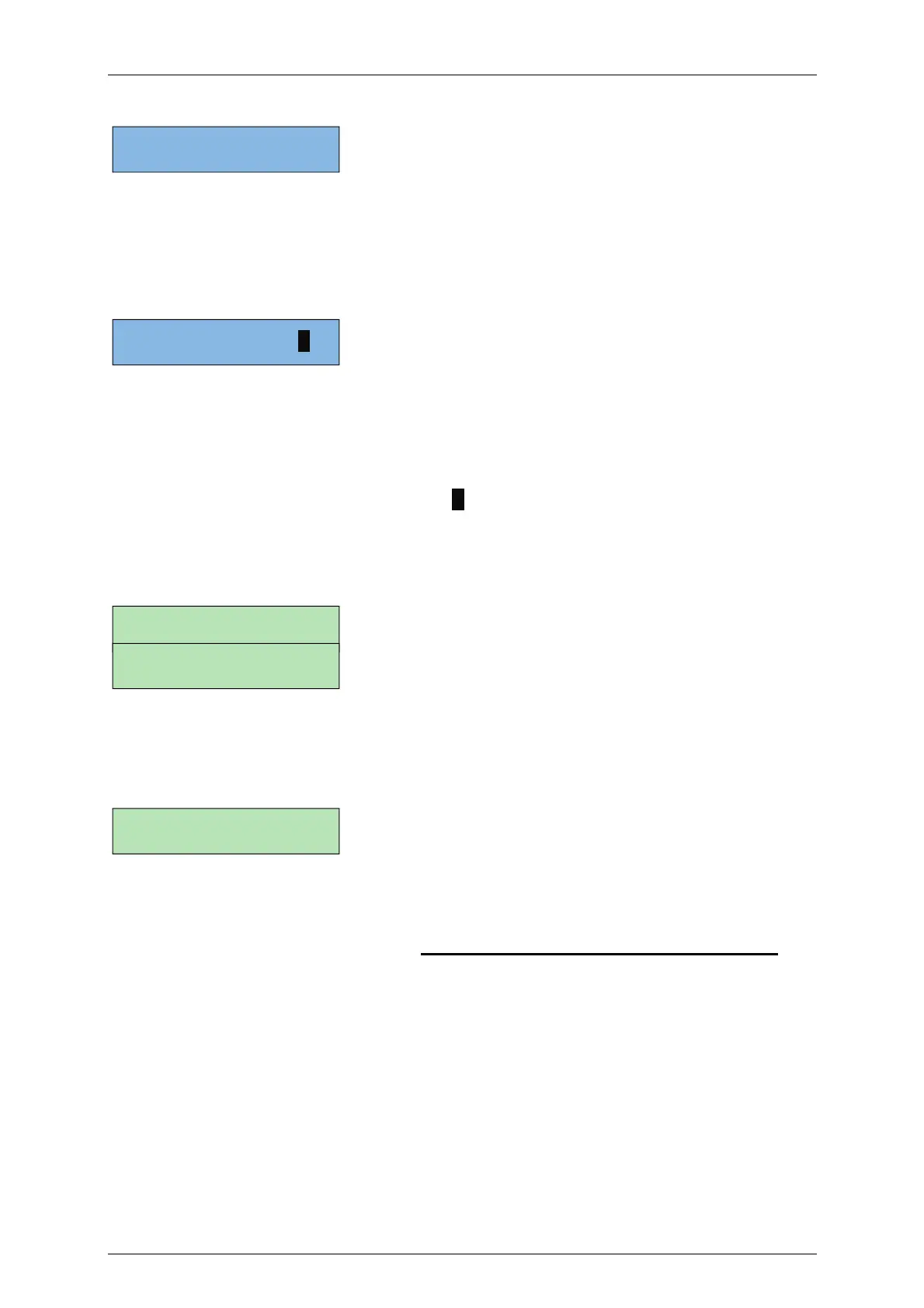
A second screen shows the pH function status
The left of the screen shows the pH dosing mode (pH+/pH-/ON/OFF) (cf. pH Menu).
Then the pH value measured by the sensor is displayed, followed by the programmed
set point. An arrow is displayed when the dosing pump is operating. On the right of the
screen, the volume of pH corrector injected over the past 24 hours is displayed.
A third screen shows thee ORP function status
The ORP operating mode is displayed on the left (ON/OFF/PRG/REG) (cf. Oxidant
Menu).
In PRG mode, the programmed duration is displayed alternately with the mode.
Then the actual duration of daily production is displayed followed by the time that
has elapsed since the start of the 24-hour period.
When chlorine production is activated, a “P” is displayed on the right of the screen.
The following three screens are only visible in “Installer” mode. They allow access to
the device’s internal meters and an estimate of the active chlorine concentration.
Displays the total volume of pH corrector injected since the device was put into
operation.
Displays the total chlorine production since the device was put into operation.
The hypochlorous acid concentration (Active chlorine) is calculated based on the ORP
and pH. The result is expressed in ppm, equivalent to mg/l. This values is calculated
according to the parameters measured by the PHENIX and a theoretical formula
combining pH, ORP and temperature but is provided merely as an indication and
should not be a substitute for a chemical analysis.
pH+ 7.6/7.2 >> 1.5L
REG 04:13/08:30 P
pH: 00.00L
Cl Prod: 00h00m
HClO = 1.3 ppm


 To Next Page