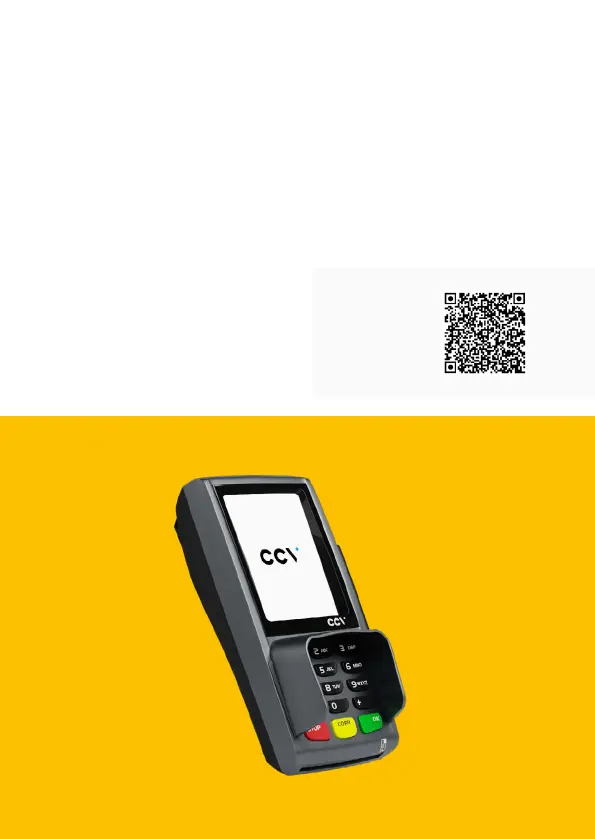
26 CCV Pad - First steps
Scan for
information
Introduction
If there is limited space at the checkout counter, the CCV Pad - with all the
necessary functionalities - cuts a slim gure. Small and attractive, it can be easily
placed at any cash desk. The loudspeakers can additionally support the customer’s
input or card withdrawal with acoustic signals (optional). Large retail branches in
particular benet from the sophisticated functionality and the interface to the CCV
Payment as a Service solution.



 To Next Page