23
11. Secure the middle fixing bracket:
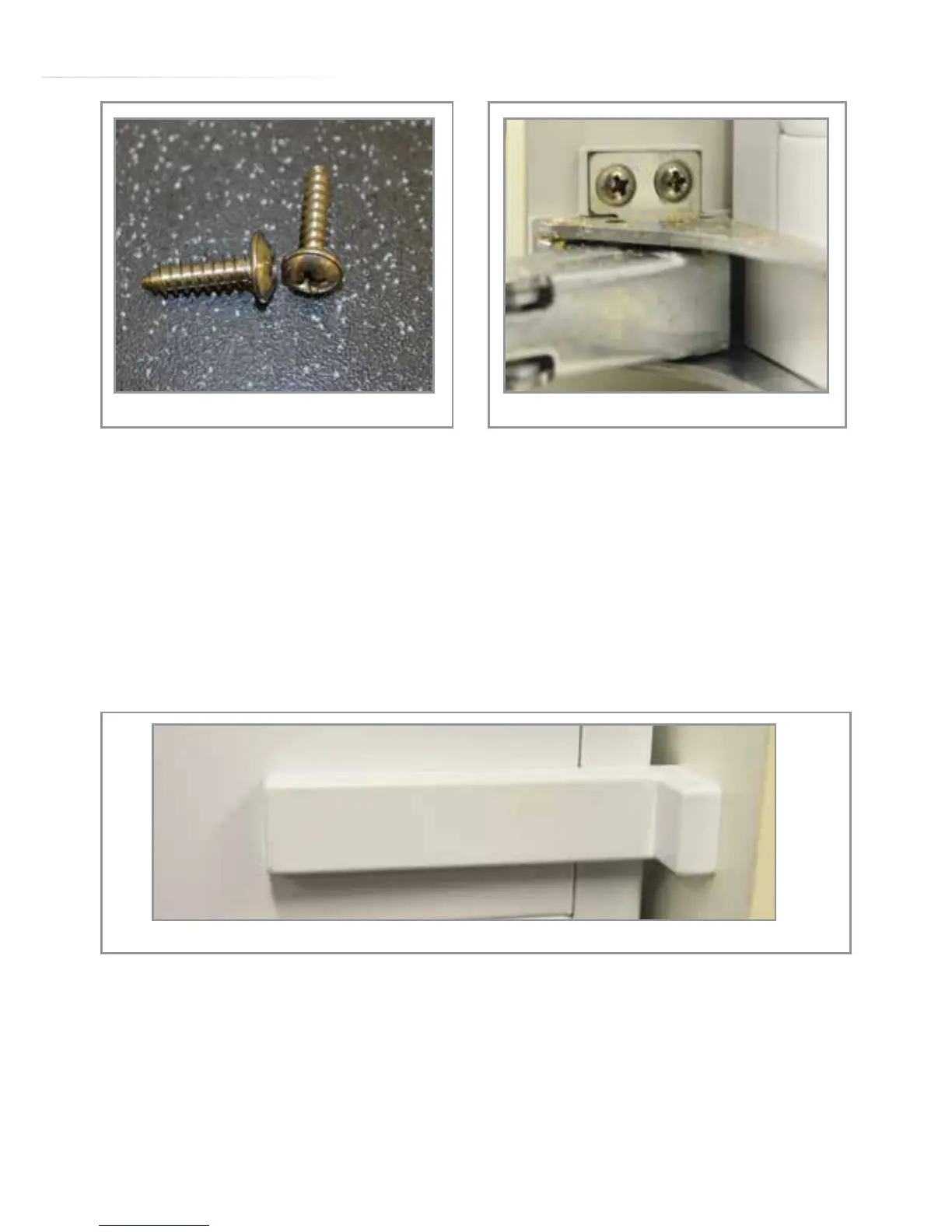
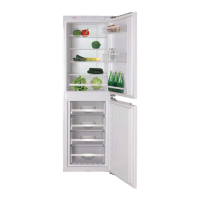
With the guide piece in place slide the lower bracket against the
housing unit and tighten the two screws to lock the bracket in
position (use a good quality screwdriver of the correct size for
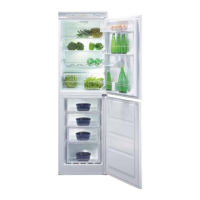
this). When done, secure the bracket to the cabinet side wall with
a single screw, then snap o the lipped part of the guide piece and
fit the bracket cover trim (Fig. 13).
12. Secure the product to the top shelf:
Finally, secure the product to the top of the cabinet or support
shelf using the fixing brackets (‘A’ fitted in step 2). When done,
push the front trim cover (pictured on page 16) into position to
cover the top fixing brackets and any gaps.
Fig. 11 Fig. 12
Fig. 13


 To Next Page