10
To turn the oven on
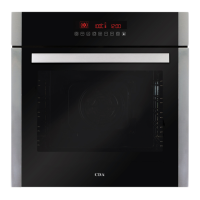
Touch the “On/O” key
briefly, it gives one short beep followed
immediately by a long one, the word ”ON” appears on the display for
approximately one minute.
To turn the oven o
Touch the “On/O” key
briefly, it gives one long beep, the word
”OFF” appears briey on the display.
While the word “ON” is showing on the display, any of the cooking
functions can be selected by touching one of the function keys.
If a cooking function is not selected within one minute the oven
will switch itself o and the word “OFF” will show briey on the
display.
The cooking functions available when the oven is on are:
Conventional oven
First touch the “On/O” key (as above), then touch the “Conventional
oven” key. The cooking temperature defaults to 190°C and can be set
between 50-250 (MAX) °C in 5˚C increments.
The temperature can be changed at any time by touching the
keys. During heating the “°C” symbol flashes and the display shows
the actual temperature in the oven.



 To Next Page