5
Your microwave
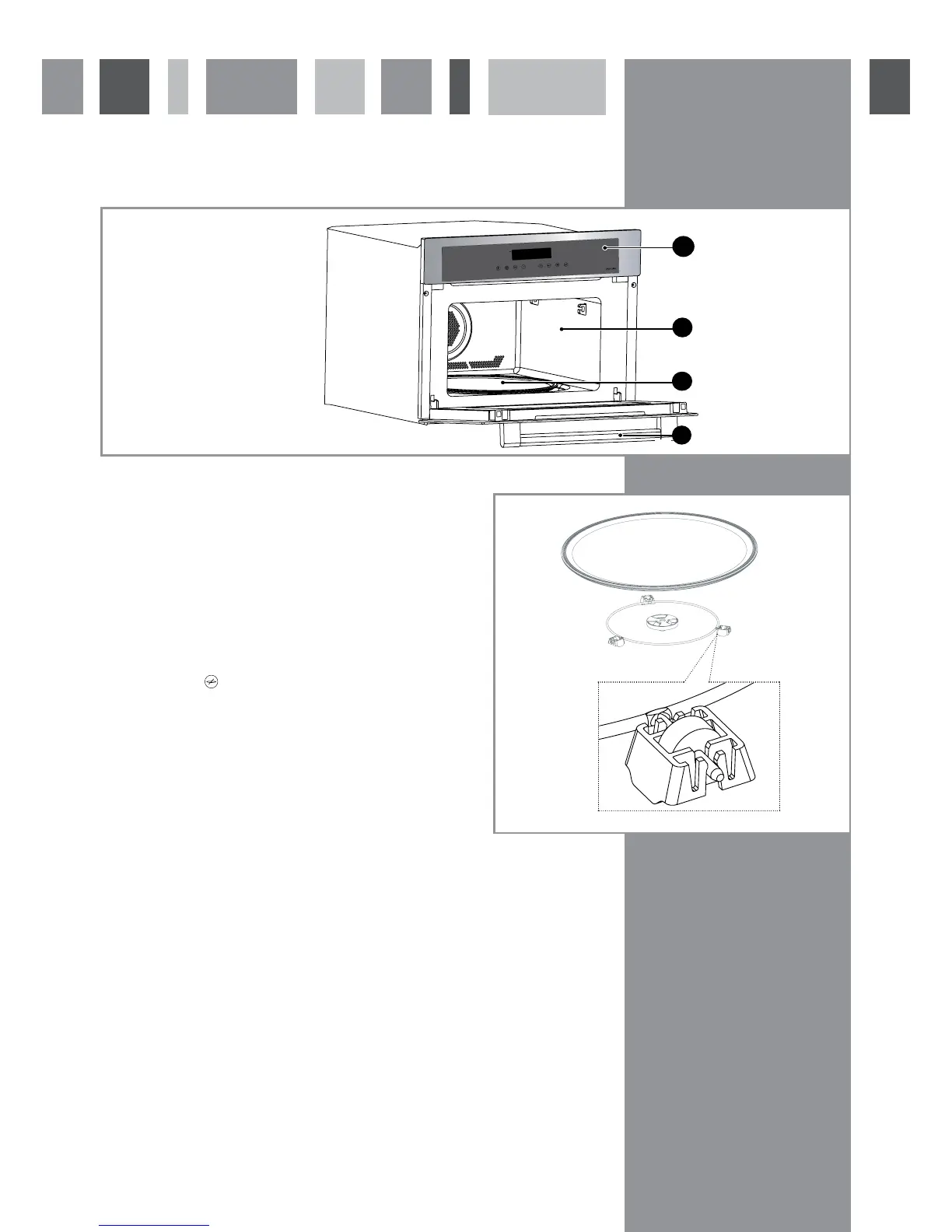
Control Panel
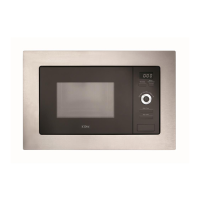
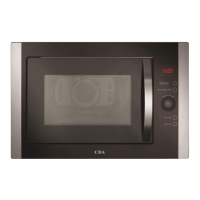
A - Control panel
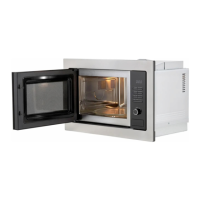
B - Microwave cavity
C - Turntable
D - Door handle
Turntable Operation
The turntable (A in figure 4) rotates to allow food to be
cooked evenly without needing to stop the programme and
turn the food by hand. It rotates in either direction. The
turntable can also be used as a cooking dish. To remove it
after use, lift it using the access areas provided in the base
of the cavity.
If the turntable does not turn, first check that it has not been
turned off (touch
- only on microwave and combination
programmes), then ensure all parts of the turntable and
mechanism are correctly in position. Never try to rotate the
turntable by hand. This can damage the drive mechanism (B
in figure 4) and may invalidate your warranty.
You should also check there is nothing obstructing the guide
wheels (C in figure 4).
Fig. 3


 To Next Page