4 cdvigroup.com
When powered
- Green LED illuminates for 1 second
- Red LED illuminates for 1 second
- Buzzer sounds for 1 second
Operating mode
- Buzzer activated with 0V input
- LEDs activated with 0V input
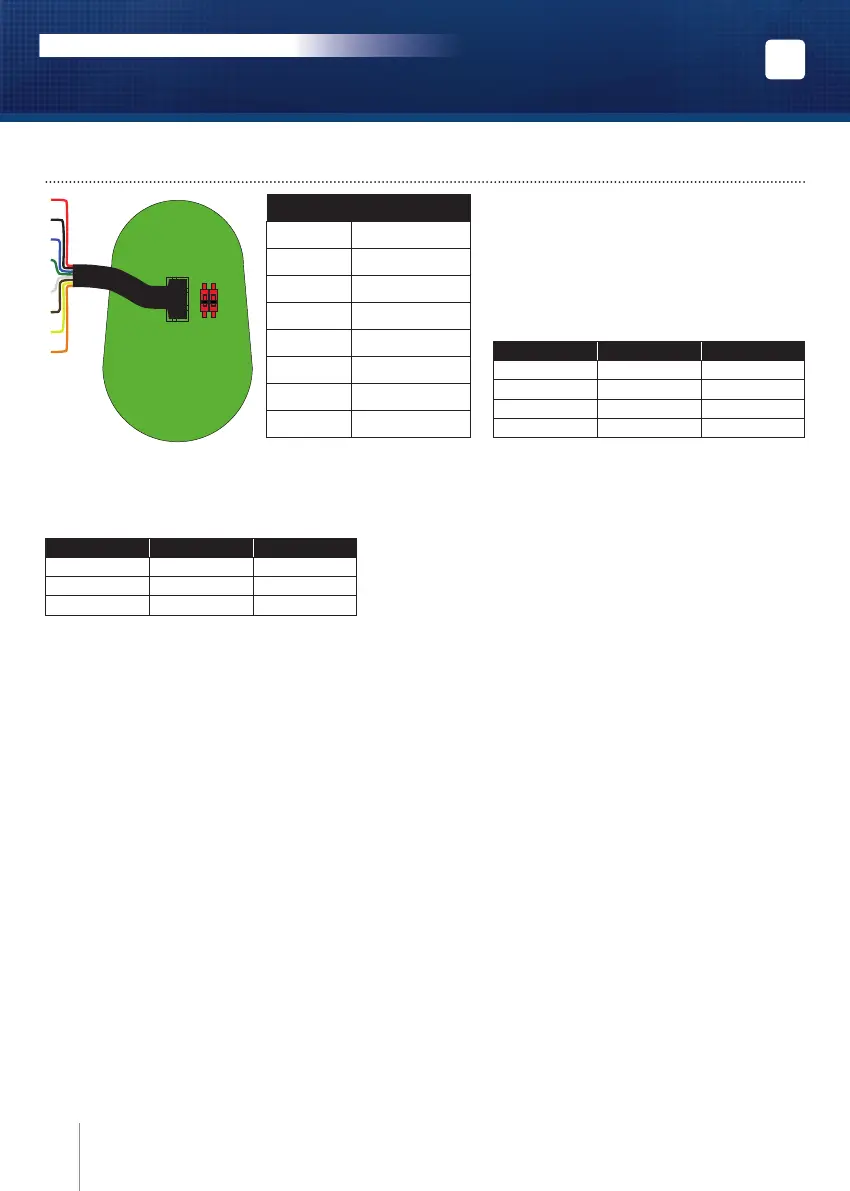
Cable
Red Input voltage 12V dc
Black 0V
Blue Clock
Green Data 0
White Data 1
Brown Buzzer
Yellow Green LED
Orange Red LED
Green LED Red LED Status
OFF OFF OFF
OFF ON red
ON OFF green
ON ON blue
Wiegand output formats
DIP1 DIP2 BITS
OFF OFF 26
ON OFF 30
OFF ON 44
5] WIRING DIAGRAM
Card Swiped
- Badge recognized: the orange LED illuminates and the buzzer activates for 150 milliseconds.
1
ON
OFF
2
EN
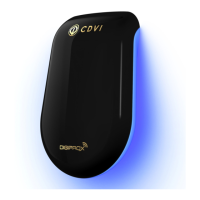
NANOPW - NANOPB
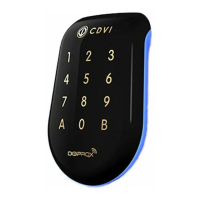
Wiegand 125 Khz proximity reader
INSTALLATION MANUAL
Buzzer activated or not after badge recognised :
By default the buzzer is activated in standard mode.
To inhibite the buzzer :
- Power Off the NANO
- Connect the brown wire with the black wire
- Power On the NANO
- As soon as the buzzer beep, disconnect the brown wire
Now the buzzer is not activated after badge recognised.
The brown wire can be connected to the output of the access unit and be activated or not.
To enable the buzzer :
- Power Off the NANO
- Connect the brown wire with the black wire
- Power On the NANO
- As soon as the buzzer beep, disconnect the brown wire
Now the buzzer is activated after badge recognised.
The brown wire can be connected to the output of the access unit and be activated or not.



 To Next Page