Fabricant de Contrôle d’Accès depuis 1985
Manufacturing Access Control since 1985
The installer’s choice
Manufactured by : CDVI WIreless SPA - Via Piave, 23 - 31020 S.Pietro di Feletto (TV) - Italy
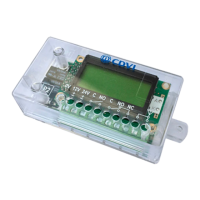
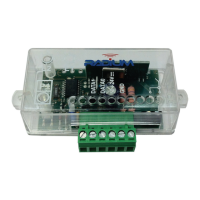
Before starting transmitter memorization make sure the receiver
module is x to ATRIUM reader port and system is ON (power).
Green LED will lit on RX module.
When disabling facility code verication, the receiver will
accept any facility code and maintains the check on the key
button.
Do the following to disable facility code verication:
1) Press the Receiver Button button until the Red LED
turns on and then release it.
2) Within 1 sec. press Receiver Button again. At this
point the Red LED starts to ash quickly. Facility code
verication is now disable.
(To restore facility code verication, repeat the procedure)
WARRANTY
The warranty period for this product is 24 months, beginning from the
manufacturer date. During this period, if the product does not work
correctly, due to a defective component, the product will be repaired or
substituted at our discretion. The guarantee does not cover the plastic
container integrity. After-sale service is supplied at the factory.
!
IMPORTANT
Receiver location is crucial for optimal system
performance. Place the receiver far from
interference sources such as magnetic elds or
radio emissions (neon ballasts, electric motors,
etc.). Ensure quality signal reception by doing
range tests before permanently mounting the
receiver.
TRANSMITTER BUTTON PROGRAMMING
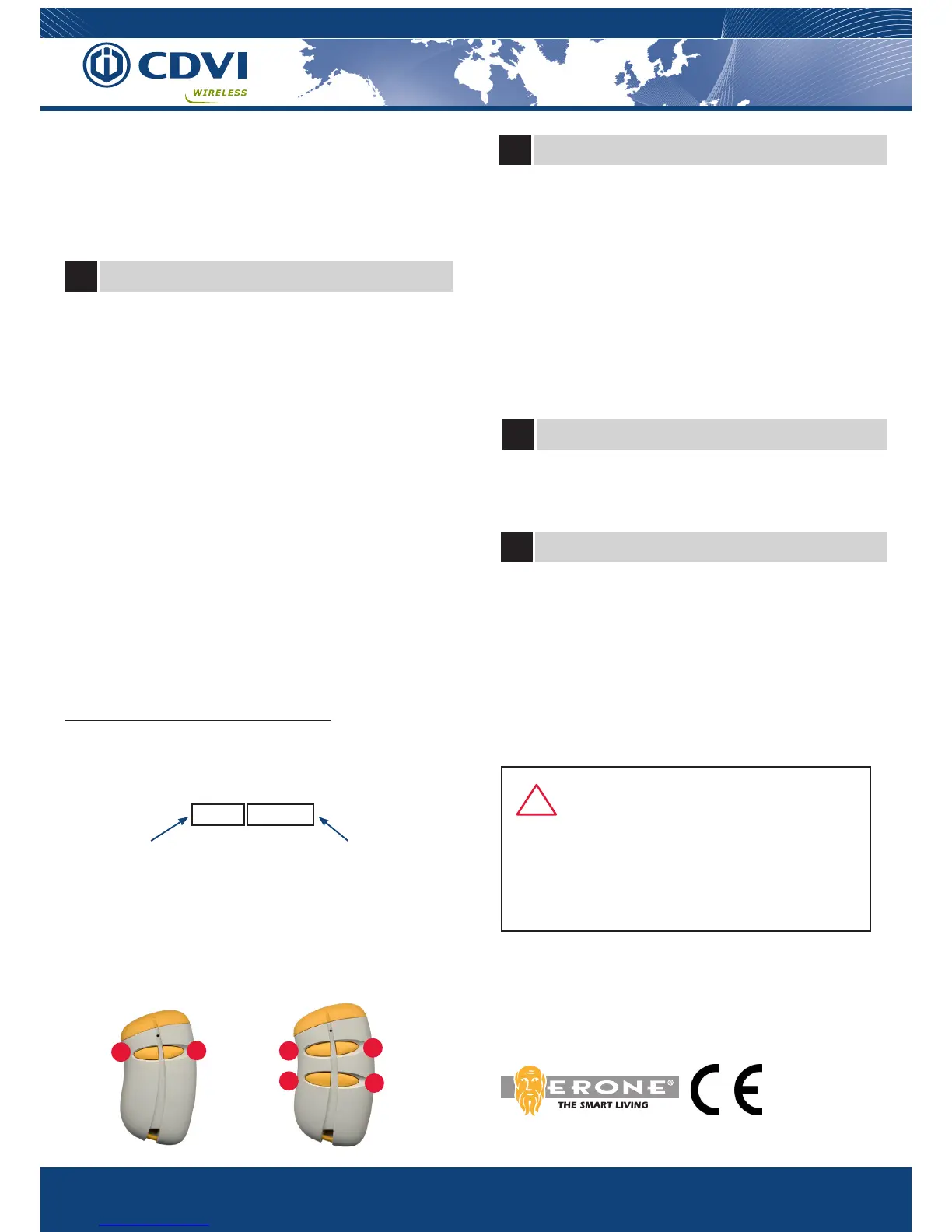
1) Press Receiver Button P1 until the Red LED turns on, then
release it.
2) Press a transmitter button ( A, B, C or D)
3) The Red LED turns off and then make a short ash.
Any operation not allowed ( memorization with full memory,
memorization of already stored codes ) will cause 2 quick ashes
of Red LED.
4) Repeat step 2 for all each button needed.
All transmitters with the Facility code and the button which you have
just enrolled will now be detected by the receiver.
NOTE : The receiver memory doesn’t store the SERIAL NUMBER of
the transmitter but only the combination: “Facility code - Button ”.
The combinations can be, for example: 001-A, 001-B, 002-B, 003- B,
010-D, where 002 is the Facility code, B is the transmitter button and
so on.
Combinations as A+B or C+D are not allowed.
The receiver has a memory for 50 different combinations
You must add the serial number of the remote into the ATRIUM
access control system to benet access rights.
Application:
You have 2 garage doors in the same range (location): use one
RX module per garage door. The ‘‘A’’ button for garage entry
door (RX #1) and the ‘‘B’’ button for garage exit door (RX #2).
Facility code (FC)= 001 Serial Number (SN)=
12345 (card number)
FC001 SN12345
Facility code and serial number are located on the back of the
transmitter
A
B
A
B
C
D
IS-SATERUK Rev. 2 on 12/9/2016
7
Transmitter memorization
8
Disabling Facility code verication
A 1 second ash of Red LED indicates a valid signal.
A quick ash of Red LED indicates an invalid signal.
This procedure allows to erase receiver memory.
1) Press Receiver Button until Red LED turns on.
2) Release Receiver Button and then press it again until
Red LED starts to ash 3 times.
At this point all settings are erased, and the receiver is reset
to factory default : no signal on wiegand output will occur
anymore.
9 Led Indicators
10
Memory Reset ( Factory defaults )
NOTE : The information contained in the transmitter signal is com-
posed by 4 main parameters: MANUFACTURER KEY, FACILITY
CODE, SERIAL NUMBER and BUTTON TYPE.
The receiver accepts only transmitters with the right Manufacturer
Key ( ERONE ) and sends out, on the wiegand bus, their SERIAL
NUMBER.
The receiver doesn’t output any signal unless a transmitter
programming is performed.



 To Previous Page
 Loading...