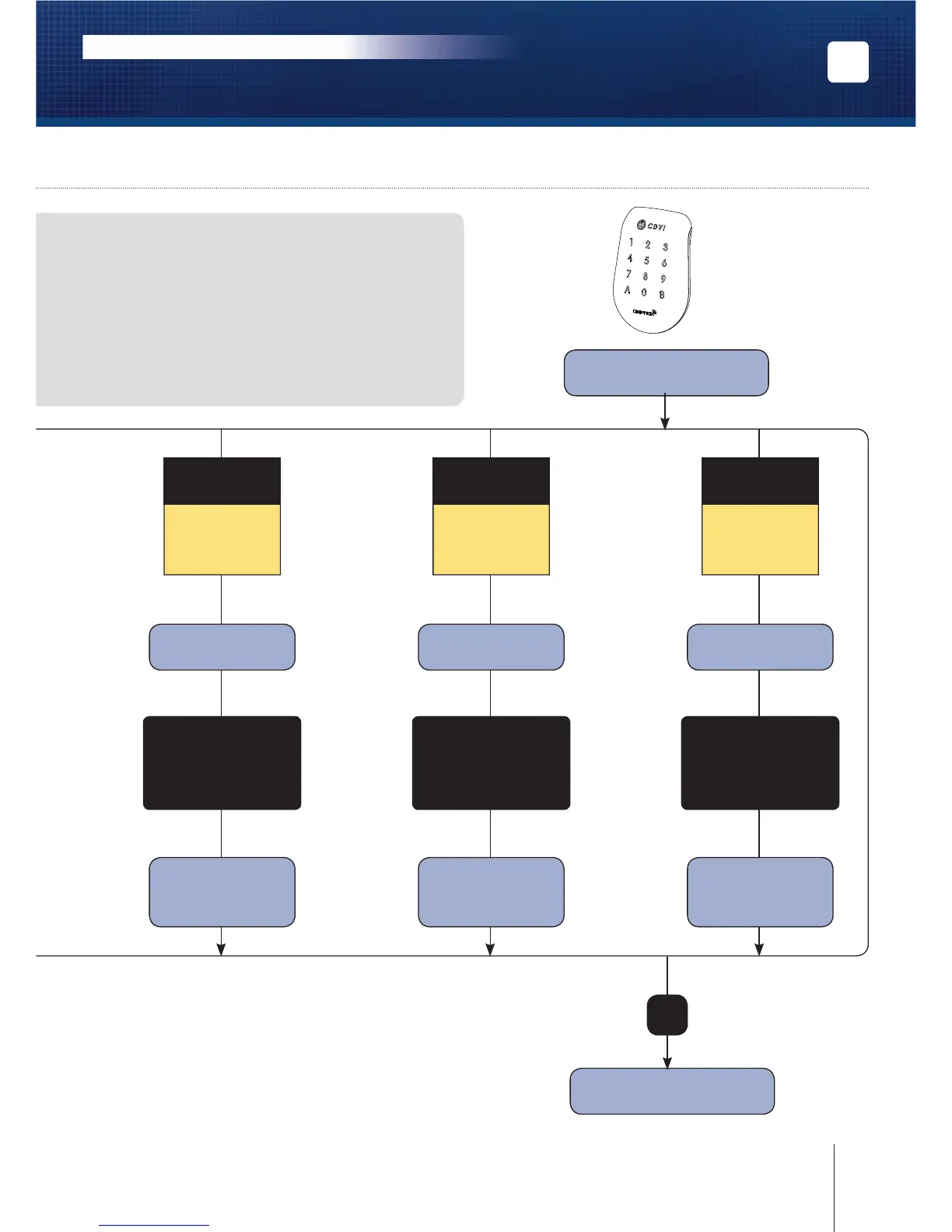
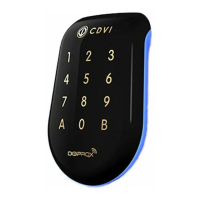
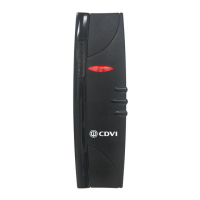
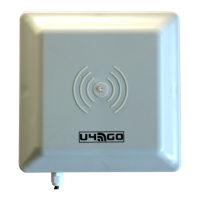
Enter the master code
twice (12345, default
value)
Code Length
- The user code must be in 4, 5, 6, 7 or 8 digits,
- In direct mode, all the keypad keys can be
used to program a user code except the B key,
- In hexadecimal mode, all the keypad keys
can be used to program a user code
except the A and B key,
- Enter the user code and then B to validate
the code.
2 beeps are emitted
Red LED ON
2 beeps are emitted
1 beep = OK
Green LED ON
4 beeps = Error
1 beep
Green LED ON
A5
Programming
the audible signal
Enter:
- 0 = disable the
keypad beeps
- 1 = Enable the
keypad beeps
1 beep = OK
Green LED ON
4 beeps = Error
1 beep
Green LED ON
A6
Programming
Master code
Enter:
Enter the new master
code (5 digits)
1 beep = OK
Green LED ON
4 beeps = Error
1 beep
Green LED ON
A7
Programming
reading mode
Enter:
- 0 = Permanent
- 1 = Sleep mode
B
Press on B
twice to exit from
programming
9cdvigroup.com
EN
SOLARKPW-SOLARKPB
Dual Technology Digicode
®
/Proximity reader - Wiegand
INSTALLATION MANUAL



 To Next Page