9
SYSTEM SETUP
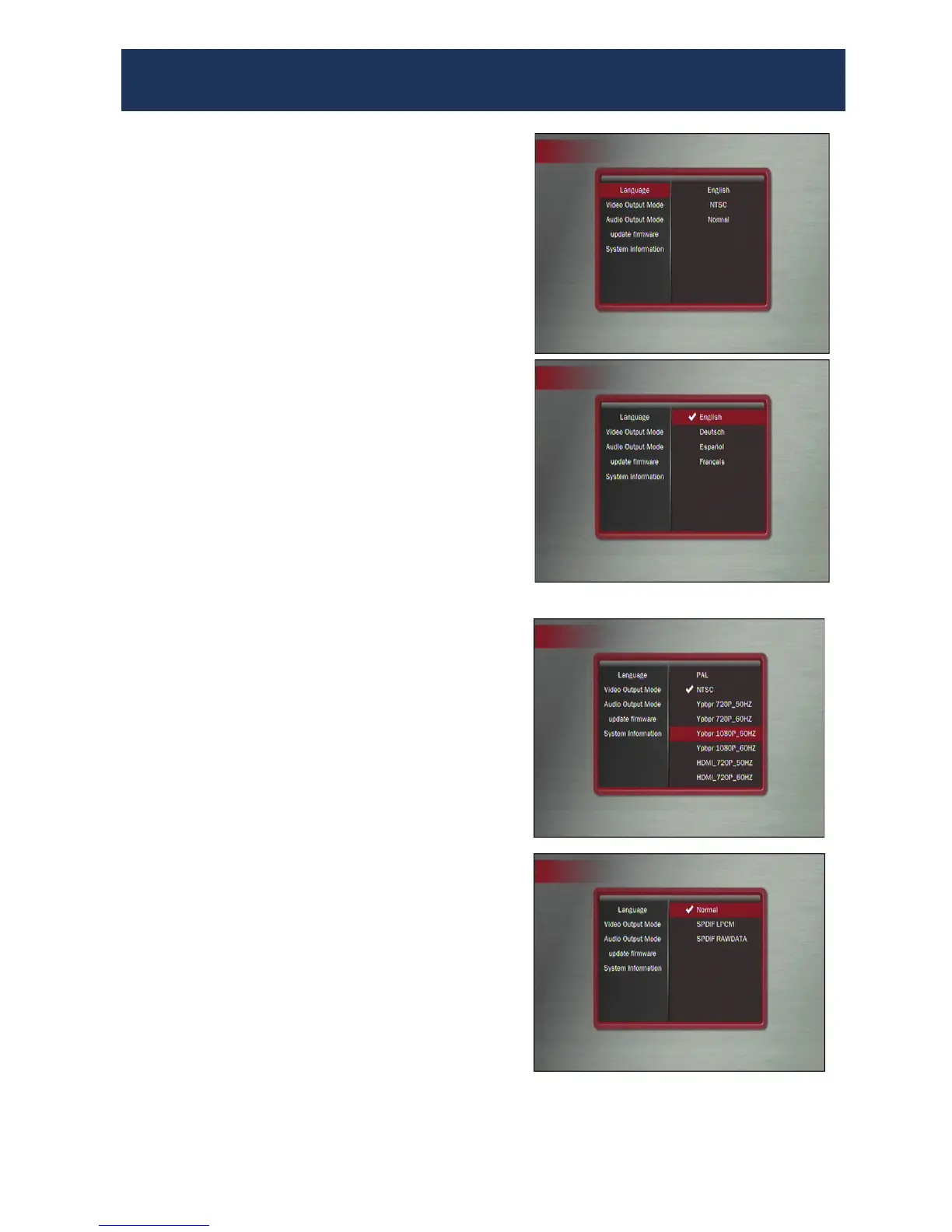
Press the SETUP button on the remote. The
screen shown here will appear.
1.To press ▲ or ▼ to select item to
change
2.Press ENTER to change the setup. Press
HOME to return to previous menu.
3.Keep pressing HOME to exit from the
SETUP screen.
Setup Menu Options
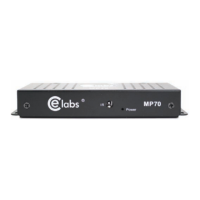
• Language: English, Deutsch, Spanish, and
French
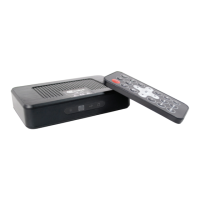
• Video Output Mode: NTSC and PAL or
Video resolutions
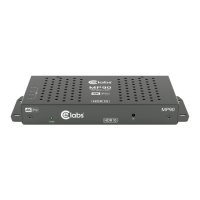
• Audio Output Mode: Normal, SPDIF
LCPM, SPDIF RAW
• Update firmware: This is used when
supplied with a firmware update file on the
Storage Device
• System Information: Current Firmware
Note: When Audio NORMAL is selected, this
means the NTSC output will have audio on the
R/L RCAs and the HDMI will have audio
imbedded in the HDMI signal. When SPDIF is
enabled, this disables the normal audio output
path.


 To Next Page