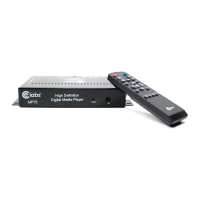
UNIT AND ACCESSORIES
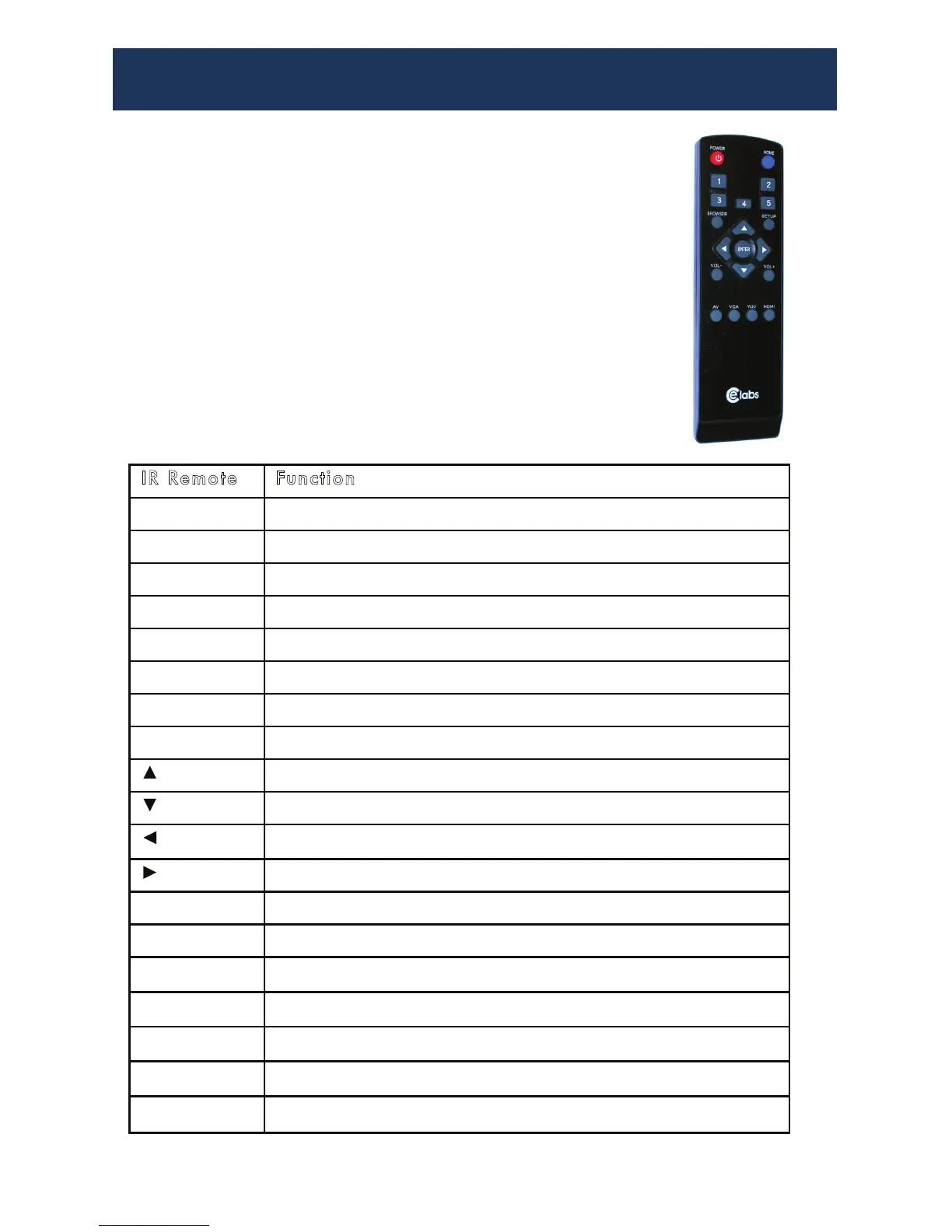
Remote Control Functions:
Power: On or Off
Home: Go to Home Menu Page
Numbers: Press to emulate GPIO pushbuttons
Browser: Navigate the attached memory device
Setup: Change MP75 Parameters
Arrows: Navigate Menu Options
Vol: Volume Up or Down
Output: AV, VGA, YUV, HDMI
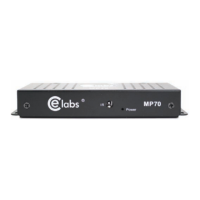
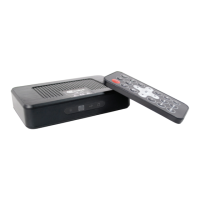
Media Player 1
AC Power Adapater 1
Remote Control 1
User’s Manual 1
Optional Cables, Memory, Push Buttons
Note: You must remove Memory Card to switch VIDEO Output Format
IR Remote Function
Power To switch on and off / UNIT LED, Red = Off, Blue= On
Home Go to the main menu
1
Press to play file(s) in folder number one on the Storage Device
2
Press to play file(s) in folder number two on the Storage Device
3
Press to play file(s) in folder number three on the Storage Device
4
Press to play file(s) in folder number four on the Storage Device
5
Press to play file(s) in folder number five on the Storage Device
Enter Choose the currently highlighted selection
Move cursor upward
Move cursor downward
Move to left selection
Move to right selection
VOL- Decrease the volume while playing Movie/Music.
VOL+ Increase the volume while playing Movie/Music.
Setup Go to the setup menu
AV Press to set unit output to Composite Video
VGA Press to set unit output to VGA Video
YUV Press to set unit output to Component Video
HDMI Press to set unit output to HDMI Video


 To Next Page