31
GB
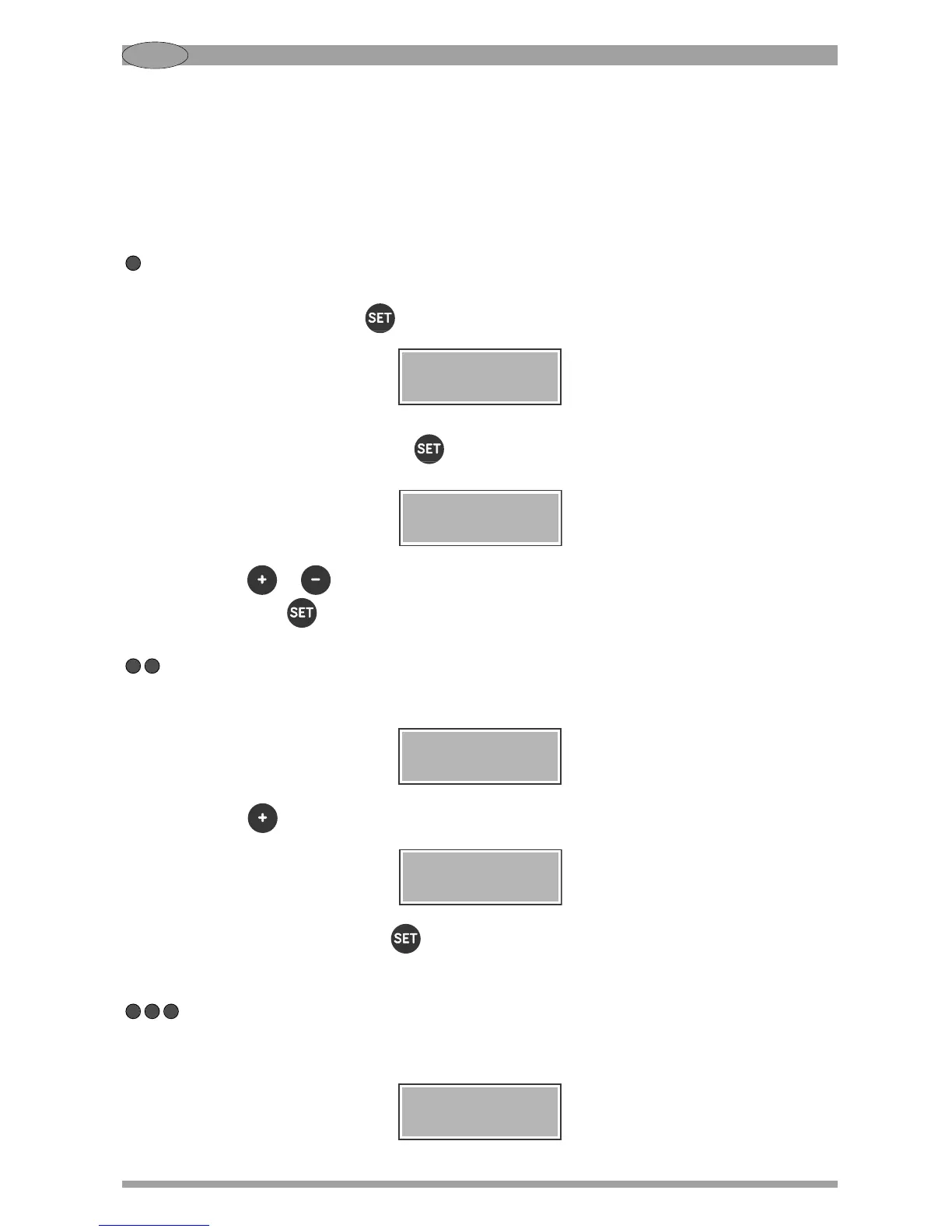
SETTING THE GRINDING TIMES
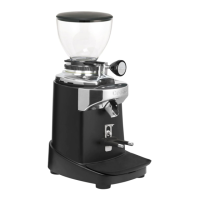
Note: Due to the shape and design of the burrs particularly in model E37K, for the first use only, a
short run-in period of grinding coffee beans is necessary to obtain a consistent weight of the
dose.
Note: The minimum settable time is 0.1 second and the maximum time is 99.9 seconds for all shots.
Single shot
To change the grinding time for both the single and the double shot, you have to enter the settings
menu by holding down the button for 3 seconds until you hear a beep and the display will show:
To set the time for the single shot press . The display will show the currently set time:
Press the button or to change this time with a precision of 0.1 seconds, then confirm your
choice with the button . If no button is pressed for 10 seconds, no change will be made.
Double shot
To change the grinding time for the double shot, you have to enter the settings menu and, when the
display shows:
Press the button once. The display will show:
At this point, by pressing the button you can set the grinding time for the double shot, in the
same way as explained above for the single shot.
Extra shot (if enabled)
In addition to the single and double shot, a third shot (extra shot) can be set. Enter the settings menu
and, when the display shows:


 To Next Page