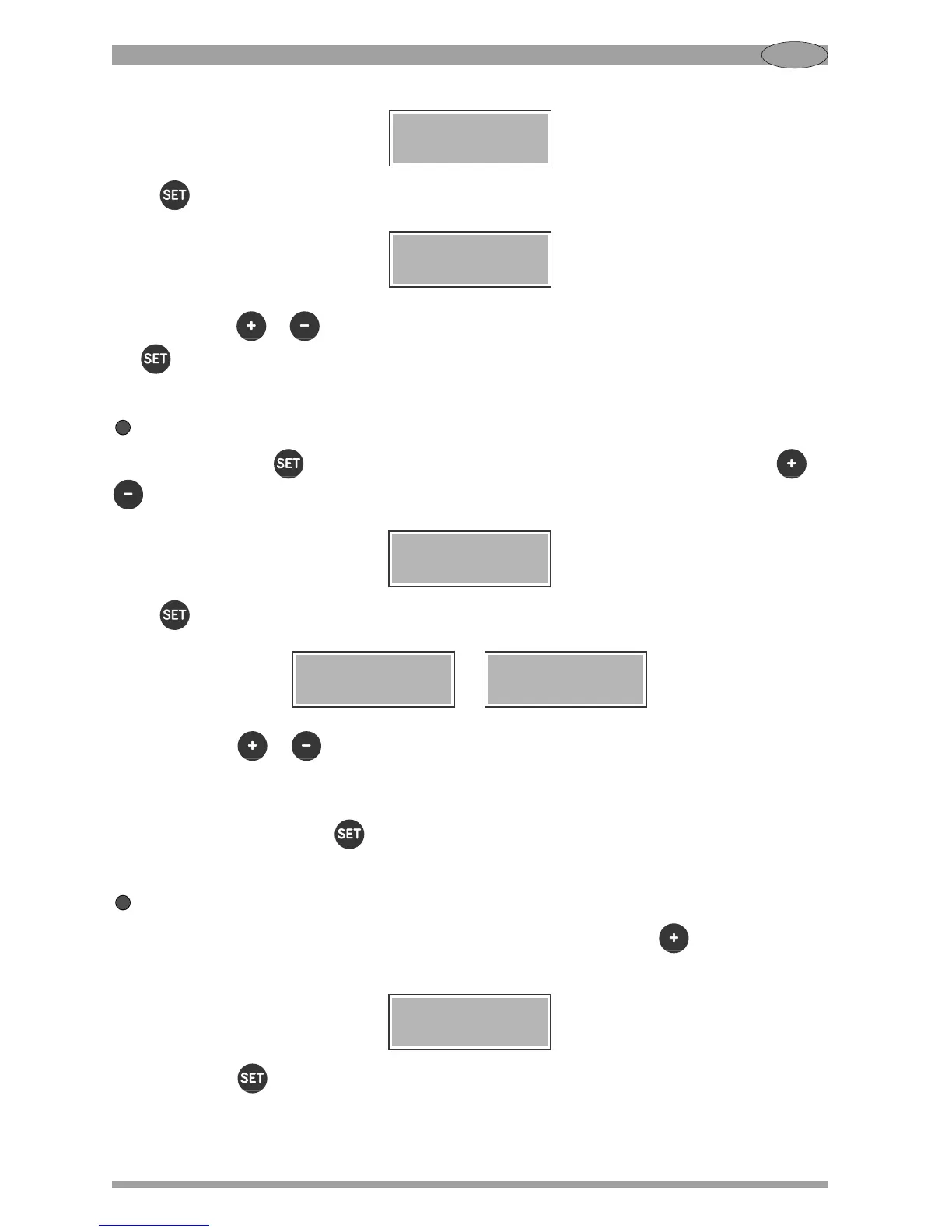
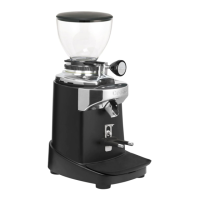
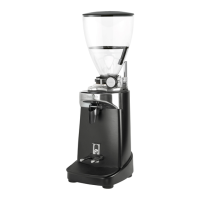
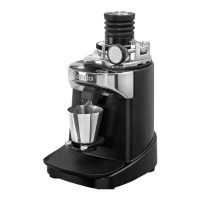
34
GB
Press to confirm. The display will show:
Press the button or to set the function “Thermal control” or “Continuous ventilation”. Press
the to confirm. Exit the settings menu.
Extra shot setting
Hold down the button for 3 seconds to enter the settings menu. Then press the button or
until this screen is displayed:
Press to confirm. The display will show:
or
Press the button or to enable/disable the "extra shot" feature.
When the extra shot is enabled, the corresponding LED (see Fig. 3) remains on.
Confermare premendo il tasto . Uscire dal menu impostazioni.
Leaving the settings menu
To leave the settings menu and return to READY status, press the button six times until this
screen is displayed:
Press the button to confirm.


 To Next Page