32
GB
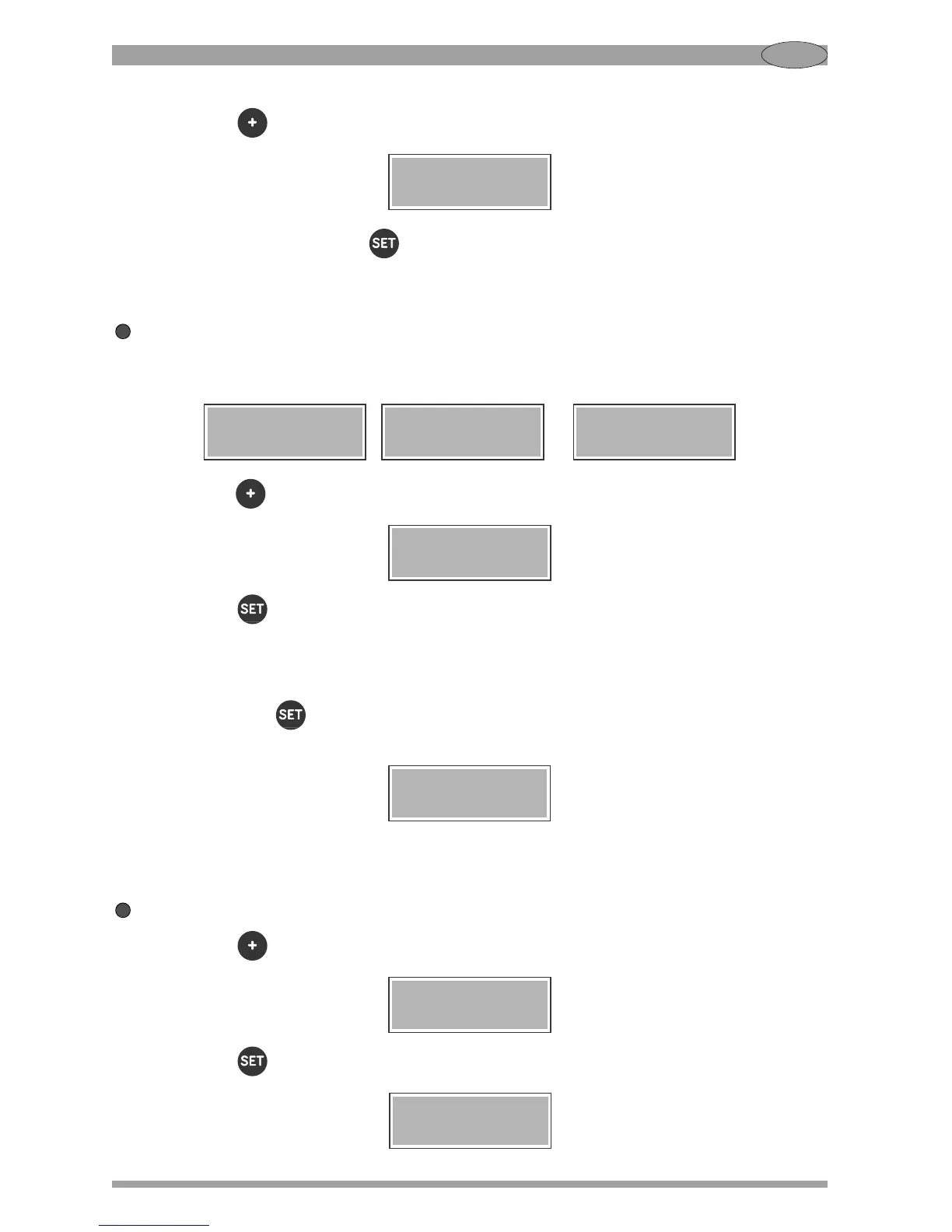
Press the button twice. The display will show:
At this point, by pressing the button you can set the grinding time for the extra shot, in the same
way as explained above for the other shots.
Leaving the settings menu
To leave the settings menu and return to READY status, when you are on one of the three screens
for setting the shot time:
, or
press the button until you see:
Press the button to confirm.
OTHER SETTINGS
Hold down the button for 3 seconds to enter the settings menu, as described in the previous
paragraph. The display will show the first screen:
Starting from this screen, you can perform the following operations:
Selecting the menu language
Press the button until this screen is displayed:
Press the button to confirm. The display will show the screen:


 To Next Page