EasyManua.ls Logo

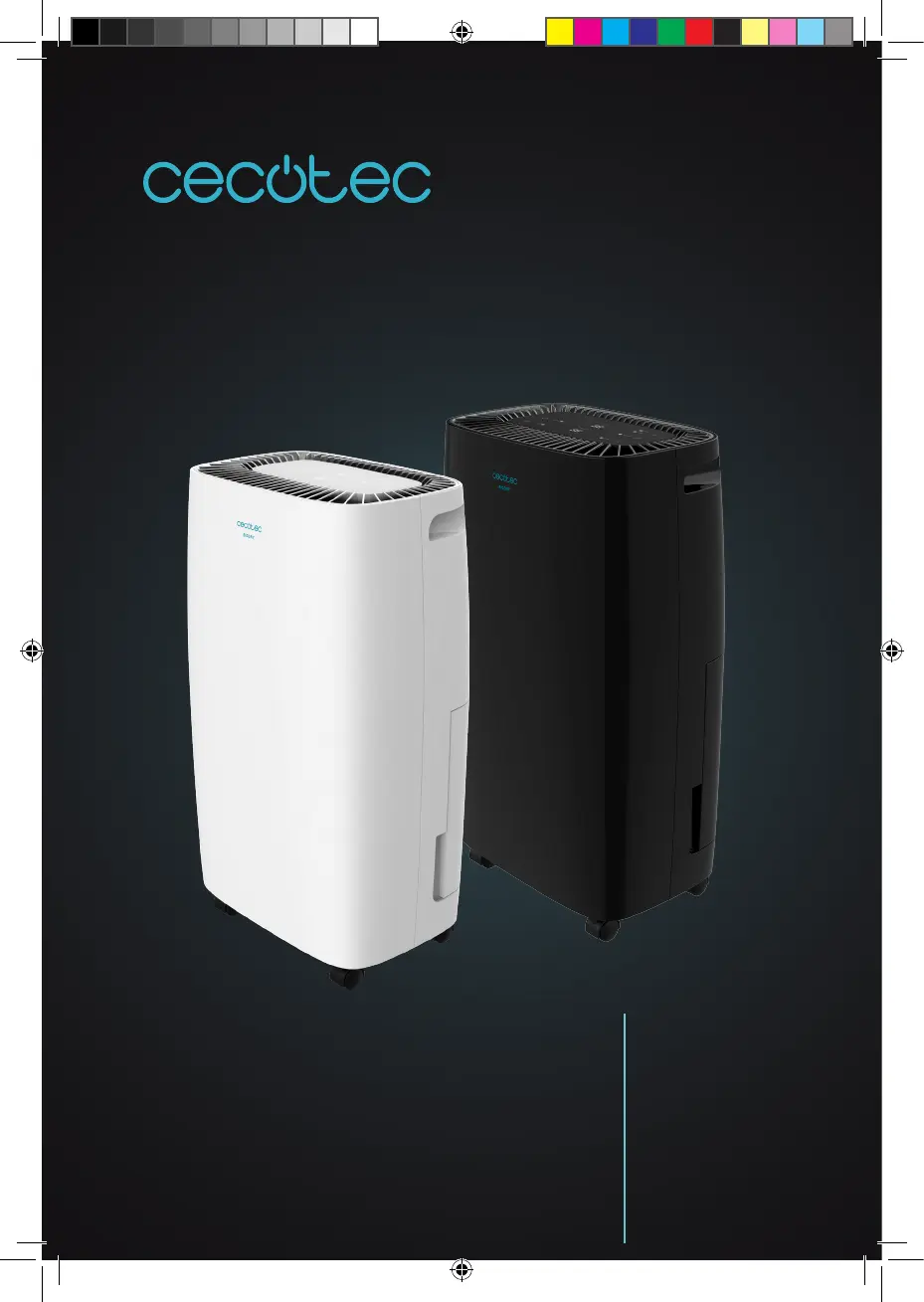
cecotec BIGDRY 4000 EXPERT - User Manual

cecotec BIGDRY 4000 EXPERT
76 pages
Go to English
Print Icon
To Next Page IconTo Next Page
Loading...
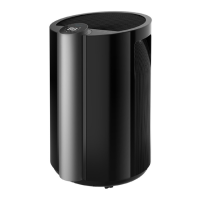
BIGDRY 4000 EXPERT/BLACK
Deshumidicador/Dehumidier
Manual de instrucciones
Instruction manual
Manuel d’instructions
Bedienungsanleitung
Manuale di istruzioni
Manual de instruções
Handleiding
Instrukcja obsługi
Návod k použití

Table of Contents

Questions and Answers

  • S
    sotograntAug 6, 2025
    What to do if my cecotec BIGDRY 4000 EXPERT does not work?
    • T
      Tyler MorganAug 6, 2025
      If your Cecotec Dehumidifier isn't working, first, make sure the power cord is securely plugged into the outlet. Also, check if the tank full indicator is on, which means the tank is either full or not correctly installed. Empty the water and reinstall the tank properly. Lastly, the unit may not operate if the room temperature is above 35°C or below 5°C, as the protection device will activate.
  • J
    Jonathan DavidsonAug 14, 2025
    Why does my Cecotec Dehumidifier produce strange noises when operating?
    • J
      John ComptonAug 14, 2025
      If your Cecotec Dehumidifier is making strange noises, it might be because the unit is on an unstable surface. Try moving it to a stable, sturdy location. Also, a clogged filter can cause strange noises; clean the filter as described in the manual.
  • B
    Becky GonzalezAug 22, 2025
    Why the dehumidifying function does not work on my cecotec BIGDRY 4000 EXPERT?
    • M
      Mark WalkerAug 22, 2025
      If the dehumidifying function on your Cecotec Dehumidifier isn't working, the filter might be clogged. Clean the filter as described in the manual. Another possible cause is an obstruction in the intake or discharge duct. Remove any obstructions from these ducts.
  • J
    Jeffery FosterAug 29, 2025
    What to do if no air is discharged from my Cecotec Dehumidifier?
    • J
      Joshua ButlerAug 30, 2025
      If no air is being discharged from your Cecotec Dehumidifier, the filter may be clogged. Clean the filter as described in the manual.

Summary

Safety Instructions

General Safety Precautions

Read instructions thoroughly, ensure correct voltage, check power cord, avoid liquids/flammable substances, and handle plug with dry hands.

Operational Safety Guidelines

Ensure adequate ventilation, maintain 20cm clearance, operate between 7-35°C, keep filter installed, and avoid using near heat sources.

User Restrictions and Warnings

Appliance not for use by children or persons with reduced capabilities; keep away from flammable materials.

Parts and Components

Component Identification

Lists and identifies the physical parts of the dehumidifier unit, including panels, tank, and vents.

LED Indicator Functions

Explains the purpose and meaning of each LED indicator on the control panel for power, settings, speed, timer, and tank status.

Display Functions

Describes the information conveyed by the unit's display screen, showing humidity and temperature settings.

Operation

Basic Operation Controls

Instructions for turning the unit on/off, adjusting fan speed, and setting the desired humidity level.

Draining Collected Water

Steps for emptying the water tank, handling the float sensor, and correctly reinserting the tank.

Continuous Water Drainage

Details on utilizing the continuous drainage port with a plastic pipe for automatic water removal.

Cleaning and Maintenance

Cleaning the Filter

Instructions on how to remove, clean, and reattach the air filter for optimal performance.

Storage Instructions

Guidance on preparing and storing the device for long periods of inactivity to ensure its longevity.

Troubleshooting

Unit Does Not Work

Addresses issues where the unit fails to operate, checking power cord, tank status, and room temperature.

Dehumidifying Function Issues

Solutions for when the dehumidifying function is not working or no air is discharged, often due to filter or duct obstruction.

Noises and Stability

Troubleshooting steps for unusual noises during operation and ensuring the unit is on a stable surface.

Technical Specifications

Model and Product Details

Provides model name, product reference, power consumption, voltage, frequency, and manufacturing origin.

Disposal of Old Electrical Appliances

WEEE Directive Compliance

Information on the correct disposal of the appliance according to European WEEE directive for environmental protection.

Technical Support and Warranty

Warranty Coverage and Conditions

Details the 2-year warranty period, conditions for validity, and exclusions like misuse or unauthorized repairs.

Contacting Support

Provides the contact number for Cecotec Technical Support Service for any product issues or doubts.

cecotec BIGDRY 4000 EXPERT Specifications

General IconGeneral
Brandcecotec
ModelBIGDRY 4000 EXPERT
CategoryDehumidifier
LanguageEnglish

Related product manuals