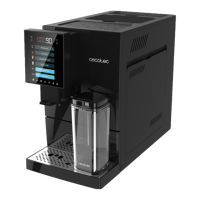
CREMMAET COMPACTCCINO CONNECTED
57
ENGLISH
Num Problem Num Possible cause Solution
1
Empty water tank
warning
1.1
Water tank is out of
water.
Fill the water tank and insert
it into the appliance.
1.2
It is necessary to
calibrate the water
level sensor.
When the appliance is in
standby mode:
1) Remove the water tank.
2) Press and hold the water
tank reset button for 6
seconds.
3) Unplug the appliance.
4) Plug in and switch on
seconds. Insert the tank
2
does not dispense
water.
2.1
The water tank is not
correctly installed.
Install the tank properly
Push the bottom side all the
way in.
2.2
through the pump.
Open the rear panel and
inject water into the water
pump manually.
2.3
The internal piping is
blocked.
Cecotec Technical Support
Service.
3
The machine detects
broken.
3.1
wires are coming
loose.
Cecotec Technical Support
Service.




 To Next Page