EasyManua.ls Logo

cecotec Cumbia CREMMAET MACCHIA BLACK - User Manual

cecotec Cumbia CREMMAET MACCHIA BLACK
64 pages
Go to English
Print Icon
To Next Page IconTo Next Page
Loading...
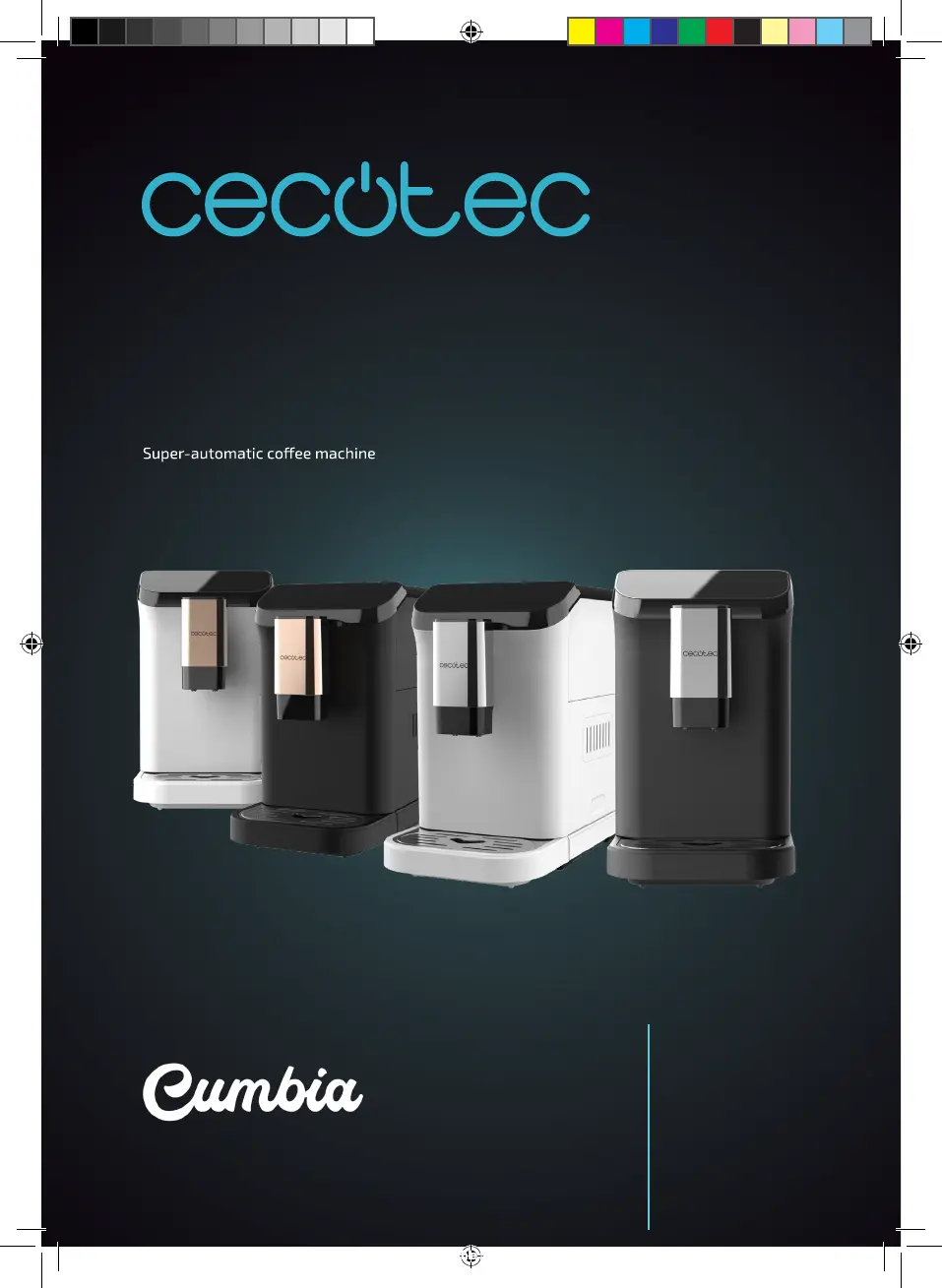
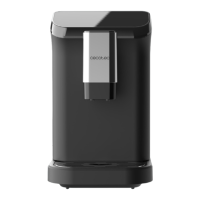
CREMMAET MACCHIA BLACK
CREMMAET MACCHIA BLACK ROSE
CREMMAET MACCHIA WHITE
CREMMAET MACCHIA WHITE ROSE
Компактна автоматична кавомашина / Компактная автоматическая кофемашина
01599_01716_01717_01718_Cafetera superautomatica Cremmaet Macchia Black _ Black Rose _ White _ White Rose_RP_01230726.indd 127/7/23 14:11

Other manuals for cecotec Cumbia CREMMAET MACCHIA BLACK

Questions and Answers

  • J
    Joseph GeorgeSep 18, 2025
    What to do if the brewing unit cannot be removed from cecotec Cumbia CREMMAET MACCHIA BLACK Coffee Maker?
    • N
      Nicholas PowersSep 18, 2025
      If the brewing unit cannot be removed from your Cecotec Coffee Maker: * The coffee machine has not been switched off correctly: Turn the machine off and then on again to restart the machine. * The brewing unit is blocked.
  • M
    Mercedes GarciaAug 25, 2025
    Why is the warning indicator light flashing on my Cecotec Coffee Maker?
    • S
      Samantha SanchezAug 25, 2025
      If the warning indicator light is flashing on your Cecotec Coffee Maker, check that the grind setting knob, panel, and inner drip tray are correctly installed. Make sure each component is properly in place.
  • S
    stevenbellAug 25, 2025
    How to fix the warning light for full waste tank that remains lit on Cecotec Coffee Maker?
    • F
      Francisco CastroAug 26, 2025
      If the full waste tank indicator light stays on, it means you need to empty the waste tank of your Cecotec Coffee Maker. Remove the waste tank and the inner drip tray and clean them.
  • D
    danielschmidtAug 26, 2025
    What does it mean when the manual cleaning and the warning indicator lights flash together on cecotec Cumbia CREMMAET MACCHIA BLACK?
    • W
      Walter PerezAug 27, 2025
      If both the manual cleaning and the warning lights are flashing together on your Cecotec Coffee Maker, it indicates that the flow meter has no signal, and the water supply is abnormal. Try filling up the water tank.
  • L
    Laura OwenSep 22, 2025
    Why does the cecotec Cumbia CREMMAET MACCHIA BLACK prompt to empty the waste tank or clean the brewing unit when it is not full?
    • S
      sguzmanSep 22, 2025
      If your Cecotec Coffee Maker prompts you to empty the waste tank or clean the brewing unit even when they are not full, the counter might not be resetting. After emptying the waste tank, always wait about 3 seconds for the counter to reset. Always empty the waste tank and clean the coffee machine when it is switched off. The counter will not be reset if the waste tank is emptied, or the brewing unit is cleaned when the machine is switched off.
  • G
    Glenn JonesSep 23, 2025
    What to do if the warning for grinder cleaning indicator light remains lit on cecotec Cumbia CREMMAET MACCHIA BLACK?
    • E
      eileenwaltersSep 23, 2025
      If the warning light for grinder cleaning remains lit on your Cecotec Coffee Maker, it means the brewing unit must be cleaned. Remove the brewing unit to clean it. After 2 seconds, the brewing unit cleaning indicator light will turn off.
  • J
    Joshua FigueroaSep 9, 2025
    What to do if the warning indicator light flashes on Cecotec Coffee Maker?
    • M
      Michelle McconnellSep 10, 2025
      If the warning indicator light is flashing on your Cecotec Coffee Maker, it means that the grind setting knob, panel and inner drip tray are not correctly installed. Install the grind setting knob, panel, and drip tray correctly.
  • E
    ellisonjenniferSep 12, 2025
    What to do if my cecotec Cumbia CREMMAET MACCHIA BLACK can grind coffee beans, but no coffee comes out?
    • K
      Kathleen ChenSep 12, 2025
      If your Cecotec Coffee Maker can grind coffee beans but no coffee comes out, check if heavily roasted coffee beans have oil on the surface. The coffee powder dispensing channel will be blocked if the coffee beans are wet or there is too much oil on the surface. To resolve this: 1. Press and hold down the icons coffee bean emptying and single espresso for 2 seconds; their corresponding indicator lights will flash, and the panel will be open. 2. Open the panel and loosen the ground coffee in the powder-dispensing channel with a toothpick, then close the panel when you have dispensed the ground coffee. 3. Press and hold down the icons coffee bean emptying and single espresso for 3 seconds; their corresponding indicator lights will turn off, and the panel will close.
  • A
    Angela WhitakerSep 3, 2025
    What to do if the crema is not rich in Cecotec Coffee Maker?
    • V
      vsandovalSep 3, 2025
      If the crema isn't rich enough in your Cecotec Coffee Maker, there could be two reasons: * The ground coffee is too coarse: Turn the grind setting knob clockwise to select the right adjustment. * The type of coffee beans used is not correct: Use the right coffee beans to prepare espresso coffee. Consider the quality of the grain as well as its roasting.
  • E
    Elizabeth ReynoldsSep 1, 2025
    Why the brewing unit cannot be removed on my cecotec Cumbia CREMMAET MACCHIA BLACK?
    • M
      Michelle JonesSep 1, 2025
      If the brewing unit of your Cecotec Coffee Maker cannot be removed, it indicates that the brewing unit is blocked.

Summary

Safety Instructions

Parts and Components

Before Use

Operation

Preparing the Machine

Initial setup steps including water tank, grind setting, and coffee spout adjustment.

Coffee Preparation Modes

Instructions for preparing single espresso, double espresso, and Americano.

Maintenance and Special Functions

Procedures for manual cleaning, bean emptying, and energy saving mode.

Adjusting Settings and Modes

How to adjust coffee volume and reset machine settings to factory defaults.

Cleaning and Maintenance

Component Cleaning Guide

Guide for cleaning removable parts like the waste tank, brewing unit, and grinder.

Internal Part Maintenance

Maintenance procedures for internal components such as the powder-dispensing channel and brewing base.

Descaling Procedure

Step-by-step instructions for descaling the coffee machine.

Troubleshooting

Indicator Light Issues

Troubleshooting common indicator light warnings and errors.

Operational & Dispensing Problems

Resolving operational issues like dispensing problems, noise, and no-coffee output.

Component & System Errors

Addressing errors related to the brewing unit, waste tank, and grinder.

Technical Specifications

Disposal of Old Electrical and Electronic Appliances

Technical Support and Warranty

Copyright

cecotec Cumbia CREMMAET MACCHIA BLACK Specifications

General IconGeneral
Brandcecotec
ModelCumbia CREMMAET MACCHIA BLACK
CategoryCoffee Maker
LanguageEnglish

Related product manuals