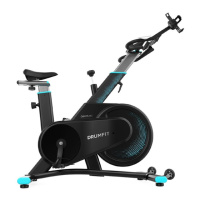
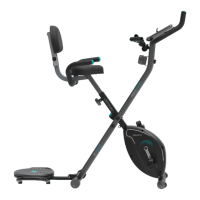
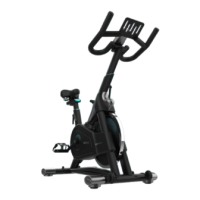
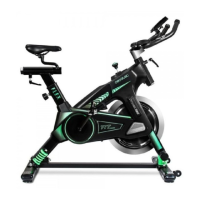
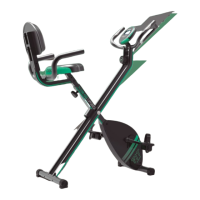
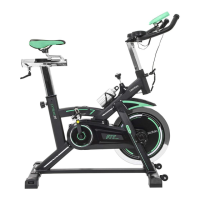
DRUMFIT STATIC 6000 SEAT
5554
ENGLISH ENGLISH
- ODO (odometer): it shows the total distance travelled since the rst use of the bicycle.
Range: 0-999.9 km/h.
- SCAN (scan): when the SCAN icon ashes, functions will be shown one by one.
Button functions
- Press the button to switch on the console.
- When the SCAN icon ashes, functions will be shown one by one. Press the button again,
the SCAN icon will disappear. The function being displayed will remain xed, i.e. the other
functions will no longer be displayed one by one. By pressing the button again you can
choose the function you wish to display at any given moment.
- Pressing and holding the button for 2 seconds will reset the values to zero (except for
the ODO function). The values of the ODO function will only be reset when you change the
battery.
- Issues requiring attention:
- If the bicycle has not been used or no operation has been performed on the console for 4
minutes, then the console will automatically switch o.
- If the bicycle is used again or if you press the button, the console will automatically switch
on again.
5. INFORMATION ON EXERCISING
A proper workout should consist of the following three phases:
- Warm-up: consists of a session of stretching and low-intensity exercise lasting 5 to 10
minutes. A proper warm-up increases your body temperature, heart rate, and circulation
in preparation for exercise. Fig. 14
- Training: consists of 20 to 30 minutes of exercise.
(Note: during the rst few weeks of exercise do not keep your heart rate high for more than 20
minutes). Fig. 15
- Cool-down: consists of 5 to 10 minutes of stretching exercises. This will increase the
exibility of your muscles and will help prevent injuries. Fig. 14
6. CLEANING AND MAINTENANCE
- Lubricate the moving parts periodically to prevent premature wear.
- Inspect and tighten all parts before using the machine. Replace any defective parts
immediately, and do not use the equipment again until it is in perfect working condition.
- The machine can be cleaned using a slightly damp cloth and mild non-abrasive detergent.
Do not use solvents.
- Avoid exposing the machine to direct sunlight, especially the console.
- Do not try to repair the machine by yourself. Should you have any diculty with the
assembly or operation of the exercise bike, or if you think that any part is missing, contact
the ocial Cecotec Technical Support Service.
- To move the machine, either pull down on the handlebars until the rear of the bike is in the
air or lift the bike by grasping the rear stabiliser. This allows you to move the bike to the
desired position in complete safety.
Note:
The cleaning and maintenance frequency depends on the use frequency and intensity.
7. TROUBLESHOOTING
Problem Possible causes Solution
The machine wobbles
during use
Feet are not level.
Rotate the feet until the bike is
level.
The console does not work
properly
1. The battery is dead.
2. Cables are connected
incorrectly.
1. Change the battery.
2. Connect them properly.
The handlebar is not stable The bolts are loose. Tighten the bolts.
Loud noise from moving
parts
The parts are not tightened
properly.
Tighten them.
8. TECHNICAL SPECIFICATIONS
Product reference: 07222
Product: Drumt Static 6000 Seat
Maximum user weight: 120 kg.
HC Class
Dimensions: 140x64x103 cm
Weight: 23 kg
Technical specications may change without prior notication to improve product quality.
Made in China | Designed in Spain


 To Next Page