11SURFACE PRECISION 9100/9200/9300 HEALTHY
ENGLISH
going to be used in a long time.
• Batteries must not be recharged or reactivated, dismantled, thrown into re, immersed
in uids or short-circuited.
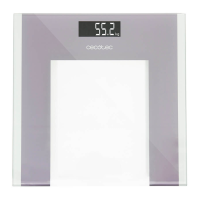
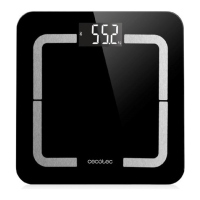
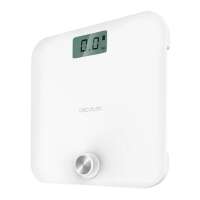
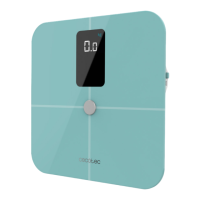
• Models Surface Precision 9100 and 9200 Healthy require 2 x 1.5 V batteries type AAA
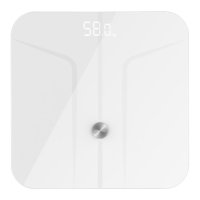
(included) and model Surface Precision 9300 Healthy requires 1 x 3 V battery, type CR2032
(included).
WARNING: If “Lo” appears on the display, batteries need to be replaced.
How to replace batteries:
1. Open battery compartment by sliding the cover towards the arrow direction. The battery
compartment is on the bottom part of the scale.
2. Insert batteries, pay attention to polarity.
3. Close battery compartment by pushing the cover backwards again. Make sure it ts
properly.
3. DEVICE FEATURES
• Auto on/Auto off.
• Weight units: kilograms (kg) and pounds (lb).
• Low battery/overload indicator.
4. BEFORE USE
1. Take the device out of its package. Check carefully if there is any damage, and if there is,
immediately notify the Technical Support Service of Cecotec.
2. Select the weight measuring unit by pressing the unit conversion switch (kg or lb).
5. OPERATION
1. Place the device on a solid, dry and at surface (avoid carpets). Uneven oors will result
in inaccurate measurement results.
2. Gently step on the scale. The display will automatically turn on and show the weight.
Once it has nished calculating, the display will lock and ash indicating the nal weight.
3. The scale will turn of automatically after 8 seconds of no operation.
POSSIBLE ERROR INDICATIONS
“Lo”: Batteries in the scale are too low. Please insert new batteries.
“Err”: Scale is overloaded. Please step off to avoid product damage.
“C”: An error has occurred during weighing process. Please step off and weigh again.



 To Next Page