CLEANING THE MAIN UNIT
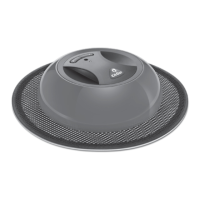
The main unit can be cleaned or wiped with a damp cloth. Ensure the main unit and the soft base
are fully dry before using it again.
WARNING: Do not use water, solvents, or polishes to clean the outside of the unit.
WARNING: Never immerse the unit in water and do not clean in a dishwasher or washing machine
For further help, technical advice, or to order spare or replacement parts please contact O-Cedar
®
Consumer Affairs at 1-800-543-8105.
LIGHT INDICATOR
CLEANING THE MAIN UNIT AND LIGHT INDICATOR
13
SOLID GREEN: Product is running.
SOLID RED: Battery is charging.
BLINKING GREEN: Short cleaning program finished.
Light will turn off after 8 hours.
SLOW BLINKING RED Battery level is too low.
Light will turn off after 8 hours.
FAST BLINKING RED: Unit blocked (e.g dust clog).
Light will turn off after 8 hours.


 To Next Page