EasyManua.ls Logo

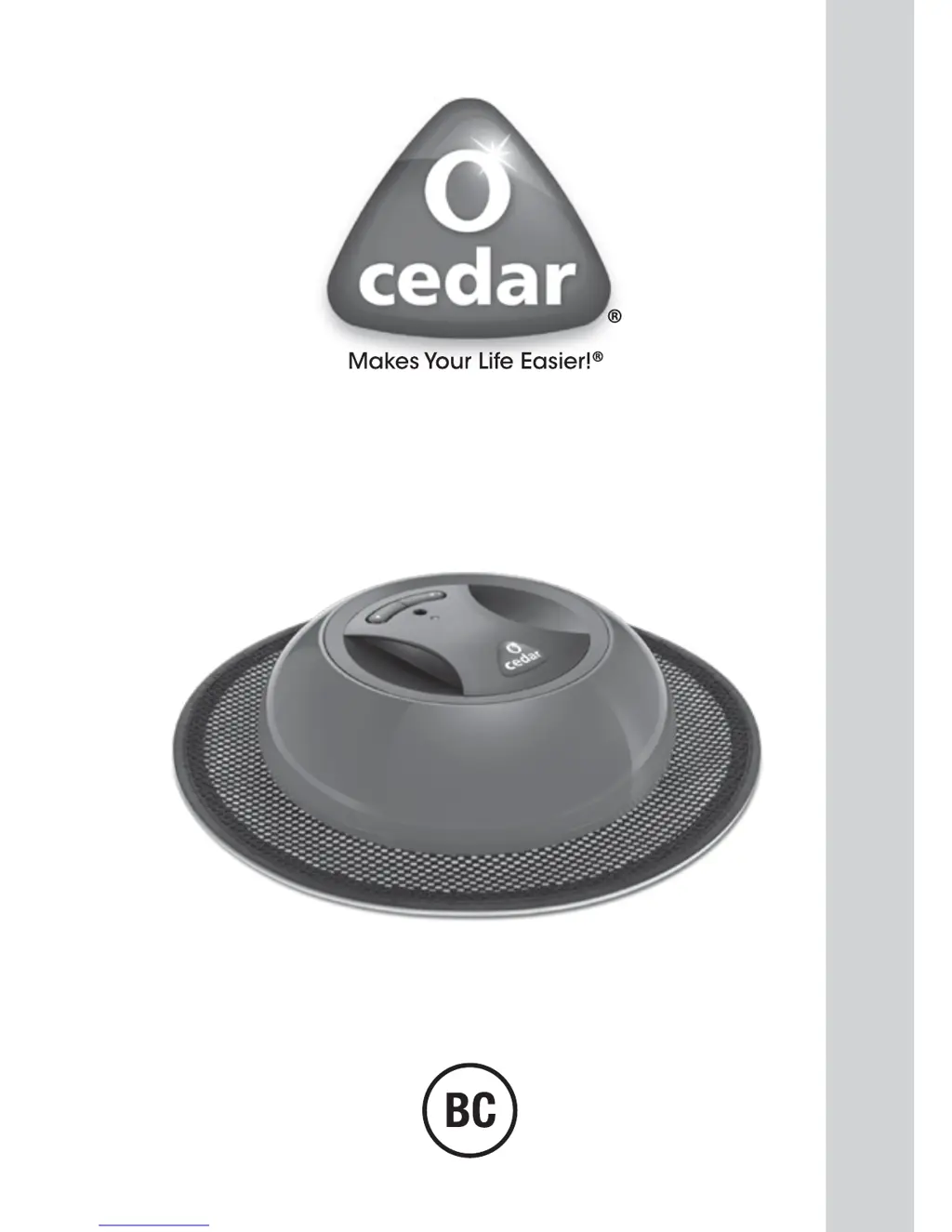
Cedar O-Duster - User Manual

Cedar O-Duster
20 pages
Print Icon
To Next Page IconTo Next Page
Loading...
USE & CARE GUIDE
O-Duster
ROBOTIC FLOOR CLEANER

Questions and Answers

  • V
    vwhitneyJul 26, 2025
    What to do if the light indicator turns red and blinks fast on my Cedar Vacuum Cleaner?
    • J
      james79Jul 27, 2025
      If the light indicator on your Cedar Vacuum Cleaner turns red and blinks fast, it probably means the wheels are blocked. A likely cause is dirt clogging the wheels. You should clean the wheels to resolve this issue.
  • E
    Eric VazquezJul 30, 2025
    Why my Cedar Vacuum Cleaner unit fails to operate?
    • R
      Renee HillJul 30, 2025
      If your Cedar Vacuum Cleaner unit fails to operate, the battery may be flat. To solve this, recharge the battery for 8 hours. If that doesn't work, the battery might be damaged or there could be a mechanical defect.
  • K
    Kenneth DiazAug 4, 2025
    Why does my Cedar O-Duster move slowly or in small circles?
    • C
      Corey ThompsonAug 4, 2025
      If your Cedar Vacuum Cleaner moves slowly or in small circles, it could be due to several reasons: the battery may be low (recharge it for 8 hours), the electrostatic cloth might be too dirty (dispose of it and use a new one), or the floor is wet (make sure you only use it on dry floors). Also, check if the wheels are blocked by hair or dust and clean them if necessary.
  • M
    Mark MaldonadoAug 8, 2025
    How to improve poor cleaning and dust pick up of my Cedar Vacuum Cleaner?
    • K
      Keith GarrisonAug 8, 2025
      If you notice poor cleaning and dust pick up with your Cedar Vacuum Cleaner, it could be due to a few reasons. The electrostatic disposable cloth might be too dirty, in which case you should dispose of it and insert a new one. Also, make sure the electrostatic cloth is correctly attached to the soft base, avoiding any wrinkles.
  • D
    Daniel GrantAug 12, 2025
    Why is there no light when charging my Cedar O-Duster?
    • G
      gallagherwendyAug 13, 2025
      If the light does not turn on when charging your Cedar Vacuum Cleaner, make sure the charger is fully pushed into the main socket and that the charger cord is fully engaged in the socket on the unit.
  • R
    Robert LittleAug 17, 2025
    What does it mean if the light indicator turns red and blinks slowly on my Cedar O-Duster?
    • T
      Tiffany FrazierAug 17, 2025
      If the light indicator on your Cedar Vacuum Cleaner turns red and blinks slowly, the battery is likely flat. Recharge the battery for 8 hours to resolve this.
  • C
    Cole RobinsonAug 21, 2025
    Why is the cleaning time too short for my Cedar O-Duster?
    • R
      Randy LeeAug 22, 2025
      If the cleaning time of your Cedar Vacuum Cleaner is too short, it is likely that the battery is flat. To solve this, recharge the battery for 8 hours.

Summary

General Warnings

Safety Instructions

Provides essential safety instructions for operating the O-Duster™ robotic cleaner.

Important Safety Instructions

General Operating Instructions

Covers general guidelines for safe use, handling, and maintenance of the robotic cleaner.

Electric Shock Precautions

Details critical safety measures to prevent electric shock hazards associated with the appliance.

Additional Safety Precautions

Electrical, Fire, and Personal Safety

Covers electrical safety, fire risks, and general personal safety during operation.

Usage Environment and Supervision

Advises on indoor use, keeping away from children/pets, and avoiding hazardous environments.

Battery, Service, and Usage Warnings

Battery Use and Care

Instructions and warnings regarding the proper use, charging, and disposal of the product's battery.

Service and Repairs

Guidelines for servicing the unit, emphasizing professional repairs and using recommended parts.

Intended Use

Defines the product's purpose for dry cleaning hard surfaces only, excluding carpets and liquids.

Unit Parts Identification

Operating Instructions

Quick Start Guide

Step-by-step instructions for initial setup and operation of the O-Duster™ robotic cleaner.

Cleaning Tips and Best Practices

Battery Charging and Recharging

Maintenance Instructions

Removing and Cleaning Wheels

Instructions on how to detach, clean, and reattach the wheels of the robotic cleaner.

Advanced Wheel Cleaning

In-Depth Cleaning

Detailed steps for disassembling and cleaning the wheel components for thorough maintenance.

Cleaning the Main Unit

Light Indicator Meanings

Troubleshooting Common Issues

Troubleshooting Performance Issues

Environmental and Product Recycling

Battery Removal Procedure

Technical Specifications

Guarantee Information

Cedar O-Duster Specifications

General IconGeneral
BrandCedar
ModelO-Duster
CategoryVacuum Cleaner
LanguageEnglish