1 Introduction to this manual
1.3 Graphic conventions
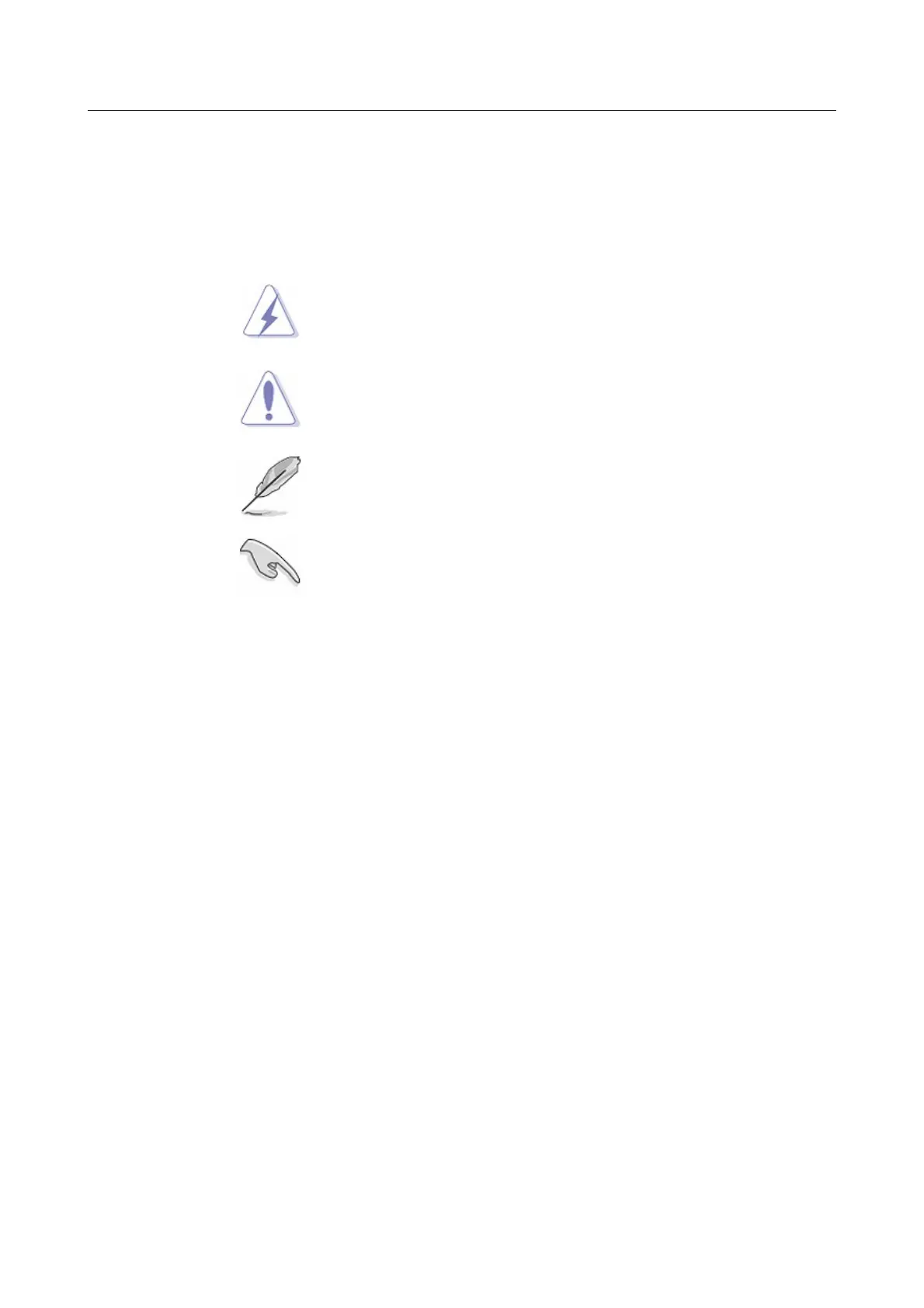
Primary information about safety and possible notes are highlighted by the following symbols:
DANGER:
Alerts for a potential danger which may cause injury or
death of a person.
WARNING:
Signals the presence of a potential danger which may
damage the device.
NOTE:
Provides information not related to the device and/or the
user's and/or the patient's safety.
IMPORTANT:
Instructions that you MUST follow to complete a task.
1.3.1 Text conventions
Bold text Indicates a menu or an item to select
Italics Used to emphasize a word or a phrase
<Key>
<Key1+Key2>
Key enclosed in the less-than and greater-than sign means
that you must press the enclosed key.
If you must press two or more keys simultaneously, the key
names are linked with a plus sign (+)
Example: <Ctrl+Alt+D>
Command
Means that you must type the command exactly as shown.
NewTom 5G – User Manual 1-3



 To Next Page