EasyManua.ls Logo

Celestron 44320 - Digital Camera Setup and Software; Attaching the Digital Camera; VP EYE Software; Digital Camera Magnification Estimates

Celestron 44320
8 pages
Print Icon
To Next Page IconTo Next Page
To Previous Page IconTo Previous Page
Loading...
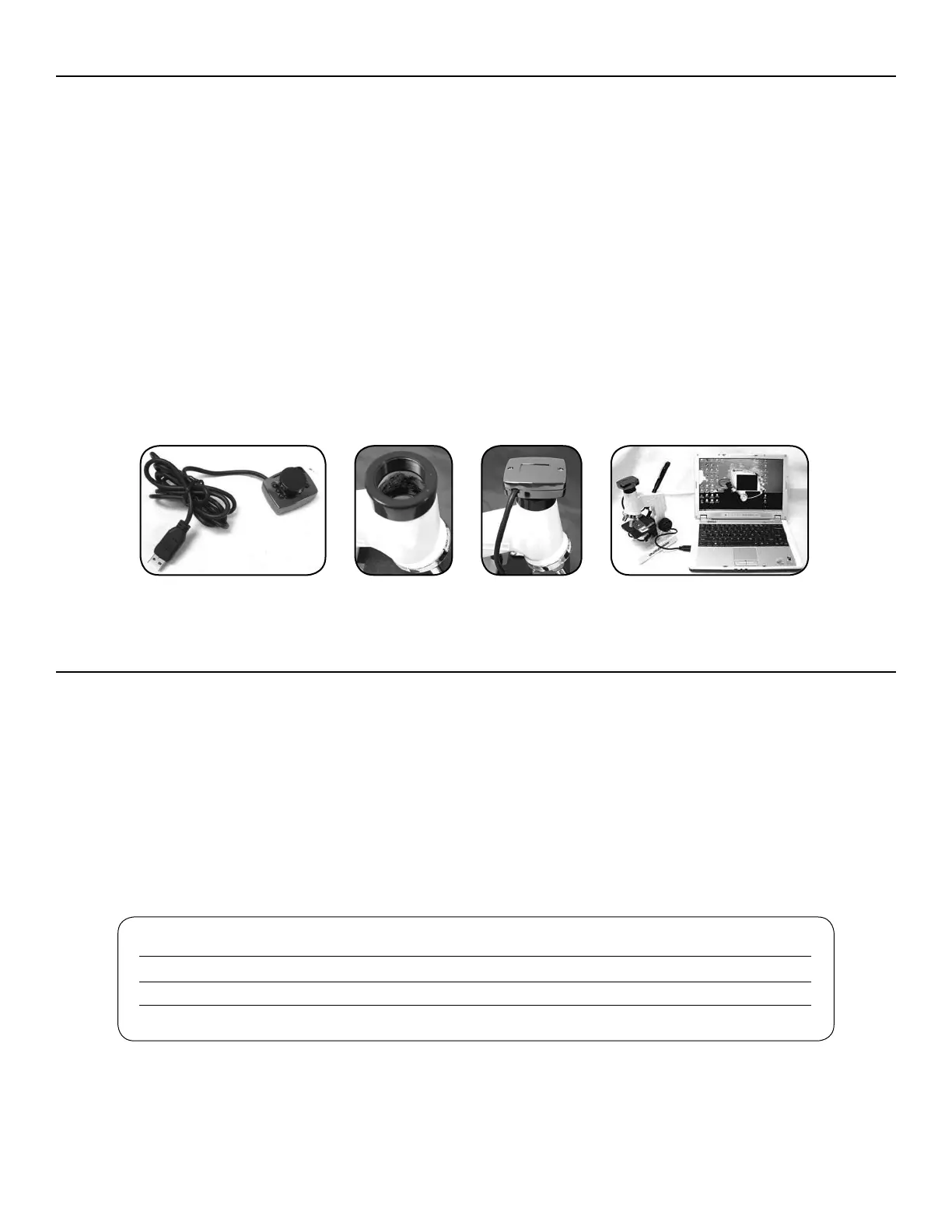
After installing the software confirming the microscope
camera is working with your software, you are ready to
attach the camera to the microscope. This step can be
done before the software install, if you prefer, just make
sure to follow the installation steps with the camera
disconnected.




turning it counterclockwise to unthread it from the
eyepiece tube. Take the protective cap off of the camera.


open USB port on your computer.
When viewing or imaging a specimen slide or object, you
can change the orientation of the image on the computer

generally do this counterclockwise so you don’t tighten the
camera in the eyepiece tube.

7A7B
7C
7D

The software allows you to observe specimen slides or
objects on your computer. When you view with the camera
installed, the magnification depends on the objective lens


computer.




Note: The software package may not have some
of the programs listed due to the version of
this software package. You can print out a short
instruction sheet from the installed software. If you
need additional information about the software, visit
http://www.mmedia.com.tw.
ATTACHING YOUR DIGITAL CAMERA TO YOUR MICROSCOPE
VP EYE SOFTWARE
FIGURE 7A FIGURE 7B FIGURE 7C FIGURE 7D
MAGNIFICATION USING DIGITAL CAMERA — ESTIMATES

  



Related product manuals