Quick set-up guide for:
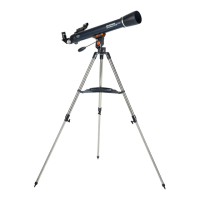
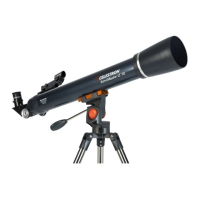
Model #21061 – AstroMaster 70AZ
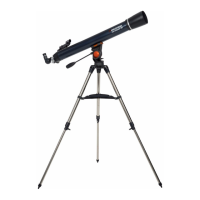
Model #21063 – AstroMaster 90AZ
Model #21073 – AstroMaster 60AZ
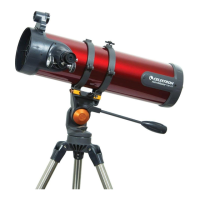
Model #21074 – AstroMaster 70S-AZ
Questions or Problems with Set-up?
CONTACT: Celestron Technical Support:
310.803.5955
www.celestron.com
Quick Set-up Guide
1
2
4
6
8
dovetail
mount
fastening
screws
Your AstroMaster 70AZ/90AZ includes: optical tube
w/ built-on StarPointer finderscope, pre-assembled
tripod with center leg brace and altazimuth mount
attached; two eyepieces; erect image diagonal,
accessory tray, lens cloth,b attery,o wner’s manual,
and The Sky™ CD Software.
All three legs should be the same length to provide
a level platform for the telescope.
Here is how the fully assembled tripod and mount
should appear.
To set up the tripod, spread the legs outward until
they are fully extended. Extend each of the three
tripod legs down 6-12”.
To attach the accessory tray, line up notches and
turn clockwise until tray tabs lock into place with
the tripod brackets.
Next slide telescope tube into the mount. Be sure to
back out fastening screws to allow enough
clearance for the dovetail
Use the three tightening screws located at the
bottom of each leg to secure the extended legs
in place.
Properly assembled, the accessory tray should
appear as pictured above.
Center dovetail in the mount and tighten fastening
screw. For added security tighten the angled lock
down screw next to the fastening screw.

 Need help?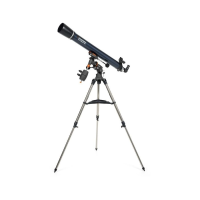





 To Next Page
 General